WordPress 7.0.4 Is a Security Release. Check Imagick.
An authenticated Author+ RCE via file upload on sites using Imagick and Ghostscript. Three checkable preconditions, the WP-CLI to answer each across a fleet, and what the CVE record does not yet say.

WordPress 7.0.4 shipped on 12 August. It is a security release, and the release post does not hedge: because this is a security release, it is recommended that you update your sites immediately.
The interesting part for anyone running more than one site is the description of what was fixed:
Authenticated Author+ remote code execution via malicious file upload on sites that use Imagick and Ghostscript.
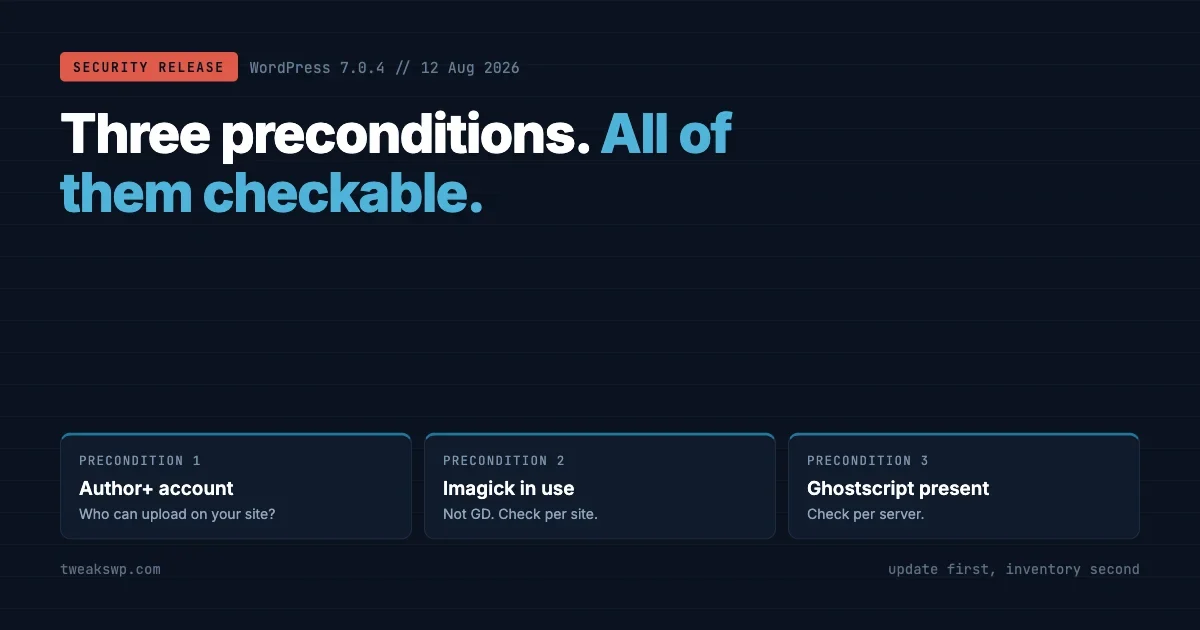
That sentence contains three preconditions, and all three are checkable. Which means this is not a release where the only sensible response is blanket panic. It is one where twenty minutes of inventory tells you which of your sites were ever exposed, which is a much better position to brief a client from.
What follows is the update itself, then the commands to answer each precondition across a fleet, then what to do about the sites you cannot update today, and the honest limits on what any of it proves. If you only have five minutes, run the update and come back for the rest.
One framing note before the detail. Narrow preconditions are good news and they are not permission to defer. A vulnerability that needs an authenticated account is still a vulnerability on any site where accounts are handed out, and “our contributors are trustworthy” is a statement about intent rather than about credential hygiene.
What is confirmed, and what is not
Taking the accuracy question first, because it changes what you can responsibly tell people.
Confirmed, from the WordPress release post itself: 7.0.4 is a security release, the vulnerability is described exactly as quoted above, it was responsibly reported by the team at pwn.ai, and fixes are being backported through to the 4.7 branch as well as into the 7.1 release candidate. The release was led by John Blackbourn with input from Dennis Snell and Jeremy Felt.
The release post also references CVE-2026-65640 and GHSA-8vr3-7mxf-gx8w.
Not confirmed, as of writing on 15 August: that CVE record is not yet publicly available. Querying MITRE returns CVE_RECORD_DNE, NVD returns zero results for it, and the GitHub advisory API returns nothing for the GHSA identifier.
That is entirely normal. Identifiers get reserved before the public record is populated, and the databases catch up on their own schedule. It matters here only because it means nobody has a published CVSS score to quote. If you see a severity rating for this attached to a number rather than to an argument, ask where it came from, because it is not coming from the usual sources yet.
Three preconditions, all checkable. Inventory beats panic.
Reading the three preconditions
Take the description apart.
Authenticated Author or above. This is not an unauthenticated internet-wide problem. Somebody needs an account on your site with at least the Author role, which is the level that can upload media. On a single-author site where the only account is yours, the practical exposure is very different from a membership site with open registration and role promotion, or a multi-author publication with twenty contributors.
Malicious file upload. The vector is the media library. That is the part of WordPress that hands an uploaded file to an image processing library and asks it to do something useful with it.
Sites that use Imagick and Ghostscript. The narrowest condition and the one worth checking first. WordPress can use either GD or Imagick for image processing depending on what the server has available, and Ghostscript is the delegate ImageMagick reaches for when it is asked to handle PostScript-derived formats. If either piece is absent from a given server, that server does not meet the description.
The combination matters more than any single item. A site with untrusted contributors and GD only is in a different position from a site with Imagick and Ghostscript but no accounts other than the owner’s.
Where different site types land
Putting the preconditions against the kinds of site most people actually operate.
Site type | Who holds Author+ | Where it sits |
|---|---|---|
Single-author blog or brochure site | The owner, and possibly you | Patch it, then stop worrying |
Multi-author publication | Every contributor, including former ones | Patch, then audit dormant accounts |
Membership or community site | Whoever the plugin promotes | Check what capabilities paid roles carry |
Course or LMS site | Instructors, sometimes students | Check the instructor role’s capabilities |
Client site you inherited | Unknown until you look | The account list is the first job |
That bottom row is the one that catches people. An inherited site frequently carries accounts created by a previous agency, a departed employee, or a plugin that provisioned something during setup, and none of that is visible until somebody lists the users.
Dormant accounts are worth a mention of their own here. An Author account belonging to a contributor who left in 2022 still satisfies the precondition, and its password has had four years to appear in a breach corpus somewhere. That risk is not created by this release and it is not fixed by this update, but this is a reasonable moment to deal with it.
Update first, then inventory
Order of operations, because the temptation is to investigate before patching and that is backwards.
Updating is cheap, reversible in practice, and closes the question. Investigating first buys you nothing except a delay during which the site is still on the old version. Do the update across the fleet, then work out who was ever exposed.
# What version is each site actually on?
while read -r SITE; do
  V=$(wp --path="$SITE" core version 2>/dev/null) || { echo "ERR   $SITE"; continue; }
  printf "%-10s %s\n" "$V" "$SITE"
done < sites.txt | sort
Anything not on the current release is the list, and sorting by version puts the stragglers at the top where you can see them. Then update, checking rather than assuming:
# Update core, then verify the version actually moved.
while read -r SITE; do
  wp --path="$SITE" core update --quiet
  wp --path="$SITE" core update-db --quiet
  printf "%-10s %s\n" "$(wp --path="$SITE" core version)" "$SITE"
done < sites.txt
The verification line is the point. Core auto-updates are enabled on a great many sites and mostly work, but a site with a filesystem permission problem, a disabled update constant, or a failed cron will sit quietly on an old version while everyone assumes it handled itself.
# Sites where someone has switched core updates off.
while read -r SITE; do
  A=$(wp --path="$SITE" config get WP_AUTO_UPDATE_CORE 2>/dev/null || echo "not set")
  D=$(wp --path="$SITE" config get DISALLOW_FILE_MODS 2>/dev/null || echo "not set")
  printf "%-28s auto:%-10s disallow:%s\n" "$SITE" "$A" "$D"
done < sites.txt
Checking the three preconditions
Which image editor is WordPress actually using
WordPress picks an image editor implementation at runtime. Having the Imagick PHP extension installed is not the same as WordPress using it, and this tells you which one wins on that specific site.
# Which editor class does WordPress choose for a JPEG?
wp eval '
  $editor = _wp_image_editor_choose( array( "mime_type" => "image/jpeg" ) );
  echo $editor ? $editor : "none";
  echo "\n";
'

# Is the extension even present?
php -m | grep -i imagick || echo "imagick extension not loaded"
Across a fleet, the same question in one pass:
while read -r SITE; do
  E=$(wp --path="$SITE" eval '
    $e = _wp_image_editor_choose( array( "mime_type" => "image/jpeg" ) );
    echo $e ? $e : "none";
  ' 2>/dev/null)
  printf "%-28s %s\n" "$SITE" "$E"
done < sites.txt
Sites returning the Imagick editor class meet the first half of the third precondition. Sites on GD do not.
Is Ghostscript there
Ghostscript is a system package rather than a PHP one, so this is a server question rather than a per-site question. If you run many sites per server, answer it once per server.
# Present at all?
which gs && gs --version

# Does ImageMagick know about it as a delegate?
convert -list delegate 2>/dev/null | grep -iE '\b(ps|eps|pdf)\b' | head
If gs is not installed, ImageMagick has nothing to hand PostScript-derived formats to on that machine.
Who can upload
The precondition is Author or above, so count those accounts and, more importantly, work out how somebody gets one.
# Accounts at Author level or higher, per site.
while read -r SITE; do
  N=$(wp --path="$SITE" user list \
        --role__in=author,editor,administrator \
        --format=count 2>/dev/null)
  R=$(wp --path="$SITE" option get users_can_register 2>/dev/null)
  D=$(wp --path="$SITE" option get default_role 2>/dev/null)
  printf "%-28s author+:%-4s open-reg:%-2s default:%s\n" "$SITE" "$N" "$R" "$D"
done < sites.txt
Read those last two columns together. Open registration with a default role of subscriber is a very different risk from open registration where a membership plugin promotes paying members to a role that can upload. The second is common on community sites and is the case worth looking at closely.
Worth remembering that a plugin can grant upload capability to a custom role that does not appear in the standard role list, so a count of author, editor and administrator is a floor rather than a complete answer. If you run membership or LMS plugins, check what capabilities their roles carry.
# Every role that can upload files, including custom ones.
wp eval '
  foreach ( wp_roles()->roles as $slug => $role ) {
    if ( ! empty( $role["capabilities"]["upload_files"] ) ) {
      echo $slug, "\n";
    }
  }
'
That last one is the query that actually answers the precondition, and it is the one most people skip.
Why an image library is running on your uploads at all
Worth a paragraph, because the shape of this class of bug is more useful than the specific instance.
When a file arrives in the media library, WordPress does not simply store it. It reads the file to work out what it is, then generates the intermediate sizes your theme registered, which means handing the uploaded bytes to an image processing library and asking it to parse them. That parsing happens automatically, on upload, with no further action from anyone.
So the attack surface of an upload form is not the web server storing a file. It is every parser that touches the file afterwards, plus every delegate those parsers hand work to. ImageMagick is powerful precisely because it delegates: hand it something PostScript-derived and it reaches for Ghostscript, which is a full interpreter rather than a picture decoder.
That is the recurring pattern behind most upload vulnerabilities across the last decade. Not a failure to check a file extension, but a rich parser being handed a file that is only pretending to be the thing it claims to be, and a chain of delegates behind it that nobody enumerated.
The practical takeaway generalises past this release. On any server that processes user uploads, knowing which parsers and delegates are reachable is part of knowing your exposure, and most people cannot name them.
Did anything already happen
For sites that met all three preconditions and were running an unpatched version for a while, the reasonable follow-up is a look for signs rather than an assumption either way.
Start with core and plugin file integrity, which is cheap and catches the unsubtle cases.
wp core verify-checksums
wp plugin verify-checksums --all
Then look in the place a web-facing exploit wants to leave something: the uploads directory, which should contain no executable PHP at all.
# PHP under uploads is always worth explaining.
find wp-content/uploads -type f \( -name "*.php" -o -name "*.phtml" -o -name "*.php[57]" \) -print

# Anything written recently, in case the extension is disguised.
find wp-content/uploads -type f -newermt "-30 days" -printf "%TY-%Tm-%Td %p\n" 2>/dev/null | sort | tail -40
Then the accounts, since the vulnerability needs one. New Author-or-above accounts you cannot account for, or existing accounts promoted recently, are the thing to look at.
# Recently registered accounts that can upload.
wp user list --role__in=author,editor,administrator \
  --fields=ID,user_login,user_email,user_registered,roles \
  --orderby=registered --order=desc | head -20
Two honest caveats on all of that. A clean result is not proof of anything, because a competent intrusion does not leave PHP in uploads with a recent timestamp. And a dirty result is not proof of this vulnerability specifically, since exposed uploads directories collect junk from many sources. Treat these as triage, and escalate to someone who does incident response properly if anything looks wrong.
Sites you cannot update today
Every fleet has a few. A site pinned to an older branch for a client who will not fund the migration, or one where a plugin breaks on the current version.
The release post is helpful here in a way that is easy to skim past. Fixes are being backported through to the 4.7 branch, so there is a patched release for older branches rather than only a jump to current. The same post repeats the standing position that only the most recent version of WordPress is actively supported, which is the reminder that backports are a courtesy rather than a support commitment.
So for a pinned site, take the backported release for its branch, and treat the pin as a problem with a deadline rather than a permanent arrangement.
Where even that is impossible today, reduce the preconditions instead. Remove upload capability from roles that do not need it, or harden ImageMagick’s policy so that PostScript-derived formats are not passed to a delegate at all. ImageMagick ships a policy file for exactly this kind of restriction, and disabling delegates you do not use is sensible hardening on an image server regardless of any specific advisory.
# Where the policy lives, so you can see what is currently allowed.
find /etc -name policy.xml -path '*ImageMagick*' 2>/dev/null
convert -list policy 2>/dev/null | head -40
Treat that as defence in depth and not as a substitute. The fix is the update. Everything else narrows the window.
Test any policy change before you rely on it, because restricting delegates can break legitimate functionality. A site that accepts PDF uploads and generates thumbnails from them is using exactly the path you would be disabling, and the failure will show up as missing thumbnails rather than as an error anyone notices immediately.
Which is the general trade with hardening of this kind. You are removing capability from a component to reduce what an attacker can reach, and the same capability is sometimes what a feature depends on. Knowing which features on your sites touch PDF or PostScript handling is worth ten minutes before you edit a policy file across a server that hosts forty of them.
What to tell a client
Since a good number of people reading this will have to write that email today, here is the shape of an honest one.
Say what shipped and when. Say that you have updated, and give the version you verified rather than the version you expected. Say whether their site met the preconditions, because “your site does not use the affected image library” is a much better sentence than a generic reassurance, and you now have the command output to support it.
Do not attach a severity score you cannot source. Do not claim the site was never at risk unless you actually checked the three conditions. And if the site did meet them, say so plainly along with the fact that it is patched, because a client who later discovers you softened it will not trust the next email.
The window is the whole game
This is the third time in two weeks this site has ended up at the same conclusion from a different direction, which is usually a sign the conclusion is the real story.
When we looked at AI finding vulnerabilities faster than fixes ship, the point was that discovery has accelerated while distribution of the fix has not. When we looked at scanners impersonating AI crawlers, the point was that automated hunting for exposed paths is cheap and constant.
Both of those converge here. A patched version exists as of 12 August. From that moment, the diff is public and the vulnerable version is identifiable by anyone who bothers to look. The only variable left is how long your sites stay on the old one.
Which is a genuinely encouraging position, if you have the inventory. Everything in this article is answerable with commands you can run in an afternoon, and the answer is either “patched, and here is the evidence” or “patched, and it never met the preconditions anyway”. Both are fine. Not knowing is the only bad outcome.
Today’s checklist
- Update core across the fleet and verify the version moved, rather than trusting auto-updates.
- Find sites where core auto-updates are disabled or file modifications are blocked, and fix the reason.
- Record which sites use the Imagick editor and which servers have Ghostscript installed.
- List every role with upload capability, including custom roles from membership and LMS plugins.
- For pinned sites, take the backported release for their branch and put a date on the pin.
- Write the client note from your actual findings, without borrowing a severity rating that has not been published.
The whole exercise is an afternoon, and most of the output is reusable. A fleet inventory that records core version, image editor, Ghostscript presence and upload-capable roles is exactly the document you will want the next time a release like this lands, and there will be a next time.
If you want one habit out of this rather than one afternoon, make it the inventory dump. A nightly job that records core version, active plugins and versions, the chosen image editor and the roles carrying upload capability, written to a file with a date on it, turns every future advisory from a research project into a grep.
# Nightly, per site, appended to one dated file.
DATE=$(date +%F)
while read -r SITE; do
  V=$(wp --path="$SITE" core version 2>/dev/null)
  E=$(wp --path="$SITE" eval '
    $e = _wp_image_editor_choose( array( "mime_type" => "image/jpeg" ) );
    echo $e ? $e : "none";
  ' 2>/dev/null)
  N=$(wp --path="$SITE" user list --role__in=author,editor,administrator --format=count 2>/dev/null)
  echo "$SITE,$V,$E,$N"
done < sites.txt > "/var/log/wp-fleet-$DATE.csv"
The value is not in any single night’s file. It is that when the next advisory names a component, you already know which sites run it, and you can answer the client before you have finished reading the release post.
Plugins we build and run
We maintain these ourselves, which is why we can support them on your site.
- BuddyNextThe self-hosted community engine for WordPress
- BuddyXFree community theme, Pro when you outgrow it
- ReignPremium community theme. Add pieces, build anything
- JetonomyCommunity forum and Q&A for WordPress
- EventonomyEvents and RSVPs for WordPress communities
- LearnomyCourses and learning communities on WordPress
- ListoraDirectories and listings your members can browse
- SnipShareCode sharing built for developer communities
- WB Ad ManagerAd placements that turn traffic into revenue
- WP Career BoardA job board your community actually uses
- WP Sell ServicesSell services with offers, orders, and payouts
- MediaVersePhotos, video, and media albums for members
- WB GamificationPoints, badges, and rewards that keep members active
- Product RoadmapPublic roadmaps with voting your users trust














Related Posts
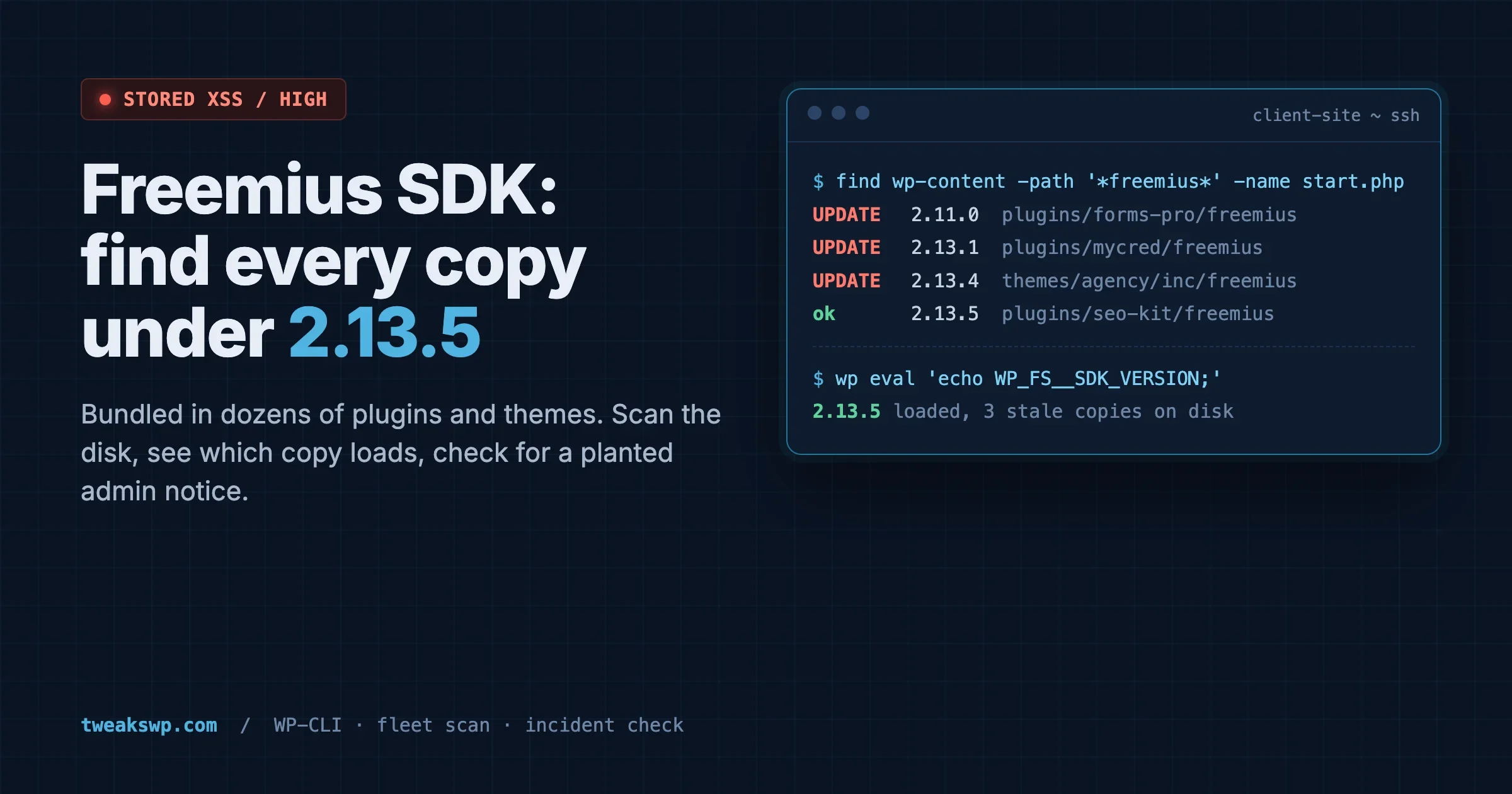
Freemius SDK Stored XSS: How to Find Every Bundled Copy on a Client Site (Anything Under 2.13.5)
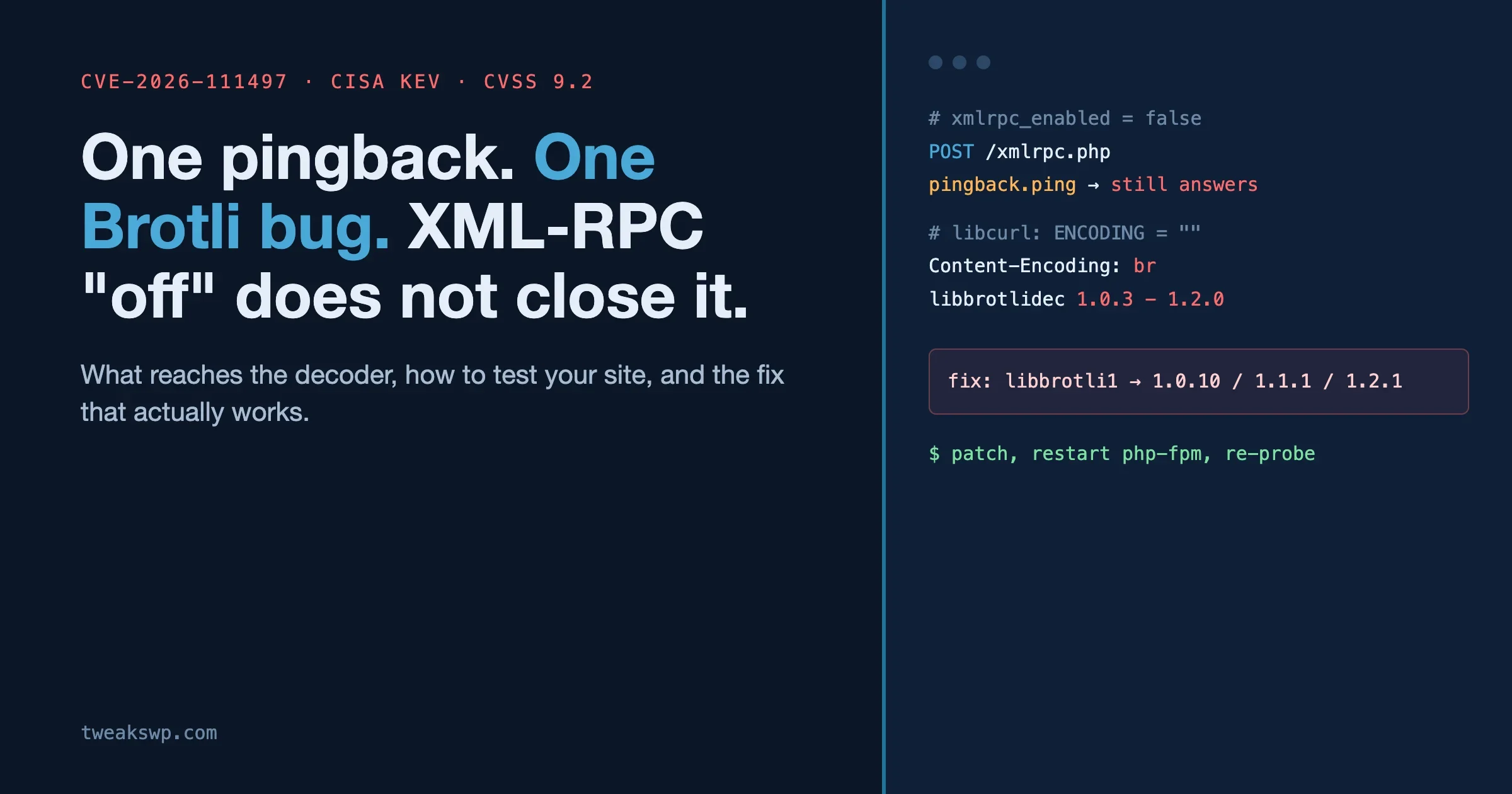
CVE-2026-111497: The Brotli Bug One xmlrpc.php Pingback Can Reach, and Why Turning Off XML-RPC the Usual Way Does Not Close It