Why Your WordPress Site Needs a Business Continuity Plan?
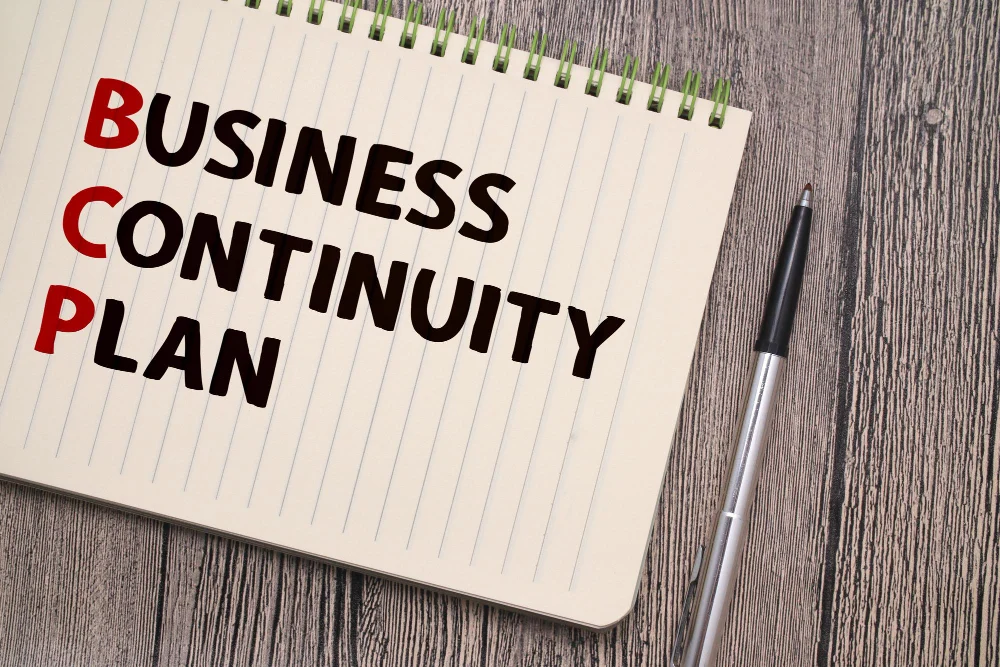
WordPress powers over 40% of all websites, which also means a huge number of businesses are quietly betting their online presence on a single site staying up. Most owners think about backups once, set up a plugin, and move on - but a Business Continuity Plan (BCP) is a different, broader thing. It’s the playbook for what happens when something actually goes wrong: a hack, a server failure, a bad plugin update, a natural disaster taking out your host’s data center.
This post covers what a BCP actually is, why your WordPress site needs one even if you’ve never thought about it before, and how to put one together step by step.

What is a Business Continuity Plan?
A Business Continuity Plan is a strategic framework that outlines how an organization will continue operating during and after a significant disruption. This could include natural disasters, cyberattacks, technical failures, or other unforeseen events. A BCP not only helps businesses recover from disruptions but also minimizes downtime, ensuring that services remain available to customers.
Key Components of a BCP
- Risk Assessment: Identify potential risks that could impact your WordPress site.
- Business Impact Analysis (BIA): Determine how these risks can affect your operations, finances, and reputation.
- Response Strategy: Develop a plan for how to respond to different scenarios, including communication strategies and recovery procedures.
- Plan Testing and Maintenance: Regularly test your plan to ensure its effectiveness and update it as necessary.
Also Read: How Do Hackers Mine WordPress for Admin Email Addresses?
Why Your WordPress Site Needs a Business Continuity Plan
1. Minimize Downtime
Downtime can be detrimental to any online business. According to research, even a few minutes of downtime can result in lost sales and damage to your brand’s reputation. A BCP helps ensure that you can quickly recover your site and minimize the time it’s offline. For WordPress sites, this might include strategies for restoring backups or switching to a backup server in case of a failure.
2. Protect Your Data
Data is one of your most valuable assets. WordPress sites can be targets for cyberattacks, leading to data breaches or loss. A comprehensive BCP includes regular backups of your site and data, which can be crucial for recovery. Implementing measures like off-site backups and cloud storage can enhance your data protection strategy.
3. Ensure Customer Trust
Customers expect reliability from businesses. If your WordPress site goes down unexpectedly, it can erode customer trust. A BCP demonstrates to your clients that you are prepared for unforeseen events and are committed to maintaining service continuity. This assurance can help strengthen your relationship with customers, even during challenging times.
4. Comply with Regulations
Depending on your industry, you may be subject to regulatory requirements regarding data protection and business continuity. For instance, sectors like finance and healthcare have strict regulations to ensure data integrity and availability. A well-defined BCP can help you comply with these regulations, avoiding potential fines and legal issues.
5. Adapt to Changing Threats
Cybersecurity risks keep getting more sophisticated, and the threats your site faced last year aren’t necessarily the ones it’ll face next year. A BCP helps you stay ahead of them by regularly assessing potential vulnerabilities in your WordPress site and updating your strategies accordingly.
How to Create a Business Continuity Plan for Your WordPress Site
Creating a BCP for your WordPress site involves several key steps:
Step 1: Conduct a Risk Assessment
Begin by identifying potential risks that could impact your site. Consider factors such as:
- Natural disasters: Floods, earthquakes, and storms.
- Cybersecurity threats: Malware, phishing attacks, and DDoS attacks.
- Technical issues: Server failures, software bugs, and plugin conflicts.
Step 2: Perform a Business Impact Analysis (BIA)
Evaluate the potential impact of each identified risk. Consider how each scenario could affect your operations, including:
- Financial losses: Calculate potential revenue loss during downtime.
- Operational disruption: Assess how long your site could be offline before customers are significantly impacted.
- Reputational damage: Consider the long-term effects on customer trust and brand image.
Step 3: Develop a Response Strategy
Outline specific actions you will take in response to different scenarios. Your plan might include:
- Backup procedures: Schedule regular backups of your WordPress database and files.
- Communication plans: Identify how you will communicate with customers during an incident.
- Recovery procedures: Develop step-by-step instructions for restoring your site.
Step 4: Test and Maintain Your Plan
Regular testing is crucial to ensure that your BCP is effective. Conduct drills to simulate different scenarios and assess your response. Update your plan based on lessons learned during these tests and any changes to your site or business.
Also Read: How to Access WordPress Admin with a Fatal Error Warning
Frequently Asked Questions (FAQs)
- When should a business implement a BCP?
Implementing a BCP should be a priority from the moment your online presence is established. Early planning helps mitigate risks and ensures a swift response in case of emergencies. - Who should have a BCP?
Any business with an online presence, regardless of size, should have a BCP. This includes e-commerce sites, blogs, and any organization relying on digital platforms for operations. - What are the responsibilities for creating a BCP?
Creating a BCP typically involves collaboration across various departments, with input from IT, operations, and management. Designating a continuity officer can help oversee the process. - How often should a BCP be reviewed?
A BCP should be reviewed regularly,ideally quarterly,and after any significant changes in operations, technology, or personnel to ensure it remains effective. - What are the common pitfalls when developing a BCP?
Common mistakes include failing to involve key stakeholders, neglecting employee training, and not regularly testing the plan. These oversights can lead to ineffective responses during real crises.

Keeping Your Site Running No Matter What
A Business Continuity Plan isn’t just a document to file away - it’s a working part of how you run your WordPress site. Get the risk assessment right, back up properly, and write down who does what when things break, and you’ll recover in hours instead of days when something inevitably does. Start building yours now, before you need it.
Interesting Reads:
Understanding the is_plugin_active WordPress Action
Plugins we build and run
We maintain these ourselves, which is why we can support them on your site.
- BuddyNextThe self-hosted community engine for WordPress
- BuddyXFree community theme, Pro when you outgrow it
- ReignPremium community theme. Add pieces, build anything
- JetonomyCommunity forum and Q&A for WordPress
- EventonomyEvents and RSVPs for WordPress communities
- LearnomyCourses and learning communities on WordPress
- ListoraDirectories and listings your members can browse
- SnipShareCode sharing built for developer communities
- WB Ad ManagerAd placements that turn traffic into revenue
- WP Career BoardA job board your community actually uses
- WP Sell ServicesSell services with offers, orders, and payouts
- MediaVersePhotos, video, and media albums for members
- WB GamificationPoints, badges, and rewards that keep members active
- Product RoadmapPublic roadmaps with voting your users trust