What is WordPress?
WordPress is a versatile, user-friendly content management system that lets individuals and businesses build and manage websites without needing advanced coding knowledge. It powers over 43.5% of the world’s websites, making it the most popular website-building platform globally. Originally launched in 2003 as a blogging tool, WordPress has grown to support everything from small personal blogs to large-scale business sites and eCommerce platforms. Here’s a look at the basics of WordPress, its core features, and why it’s become such a dominant force online.

Basics of WordPress
At its core, WordPress is a CMS that makes publishing and managing content simple. There are two versions of WordPress: WordPress.org and WordPress.com.
- WordPress.org: The self-hosted version, free to download and install on your own web server. It gives you full control - install any theme or plugin, modify the site’s code however you like - but that flexibility comes with more responsibility, since you’re managing your own hosting, domain, security, and backups.
- WordPress.com: A hosted version where WordPress handles hosting, security, and maintenance for you. It’s an easier starting point for beginners who just want a blog or website up quickly, though the free tier limits customization and monetization, making it less suited to anyone who wants full control.
Also Read: Create Your Logo With Tailor Brand
Why is WordPress Popular?
WordPress’s popularity comes down to how easy it is to use, how well it scales, and its community-driven development. A few key reasons:
- User-Friendly Interface: A simple, intuitive dashboard handles everything from creating pages and posts to customizing themes and plugins.
- Flexibility: Blog, portfolio, business site, or online store - WordPress handles all of it. Being open-source means developers are constantly contributing improvements and new functionality.
- Themes and Plugins: Thousands of free and premium themes let you change how your site looks. Plugins act like mini-applications that extend what your site can do, from SEO to social media buttons to full eCommerce systems like WooCommerce.
- SEO Friendly: WordPress generates clean code that search engines can crawl easily, and it ships with built-in tools for optimizing your content.
- Scalability: WordPress handles everything from small low-traffic blogs to large eCommerce sites with thousands of products and users.
- Community Support: A huge community of users and developers means most problems you run into have already been solved by someone else - forums, tutorials, and documentation are everywhere.
Key Features of WordPress
1. Themes
Themes are pre-designed templates that let you change your site’s appearance easily. Thousands of free and premium options live in the WordPress repository - whether you need a sleek business layout, a minimalist blog design, or an eCommerce storefront, there’s a theme close to what you’re picturing. Themes are customizable too, so you can tweak colors, fonts, and layouts without touching code.
2. Plugins
Plugins are add-ons that extend WordPress’s functionality. Need a contact form? Install a plugin. Want better search visibility? There’s a plugin for that too. From security to social media integration to analytics, plugins cover nearly everything. Some of the most popular include Yoast SEO for search optimization, WooCommerce for eCommerce, and Jetpack for security and performance.
3. Gutenberg Block Editor
Introduced in 2018, the Gutenberg editor changed how content gets built in WordPress. It replaced the classic editor with a block-based system, where every element - text, images, videos, buttons - is its own customizable block. That makes designing posts and pages a lot easier, even for non-technical users, and mostly eliminates the need for shortcodes or raw HTML.
4. Media Management
WordPress ships with a solid media library for uploading, managing, and embedding images, videos, audio, and other files. You can organize media into folders, edit images, and add captions or alt text to help with SEO and accessibility.
5. Built-in Blogging
WordPress has grown well past just blogging, but blogging remains one of its strongest features. You can organize posts with categories and tags, schedule content ahead of time, and enable comments to get readers talking.
6. Custom Post Types
Beyond standard pages and posts, WordPress supports custom post types - so you can create different kinds of content, like portfolios, testimonials, or products, depending on what your site needs.
7. eCommerce Integration
With plugins like WooCommerce, WordPress turns into a full online store. WooCommerce handles products, inventory, shipping, and payments, making it one of the most widely used eCommerce platforms out there.
8. Security Features
WordPress takes security seriously and regularly updates its software to patch vulnerabilities. Security plugins like Wordfence and iThemes Security add another layer of protection against hackers, malware, and other threats.
WordPress and SEO
SEO matters for any website trying to rank well, and WordPress makes it fairly straightforward. Here’s how it helps:
- SEO-Friendly URLs: Clean, readable permalinks that search engines can easily understand.
- Metadata: Custom titles, descriptions, and keywords for every page and post, which helps with search visibility.
- Mobile-Friendly: Most WordPress themes are responsive, adjusting automatically to different screen sizes - and Google favors mobile-friendly sites in its rankings.
- SEO Plugins: Tools like Yoast SEO and All in One SEO give you actionable suggestions for optimizing your content.
Also Read: Best WordPress SEO Plugins
Getting Started with WordPress
Ready to build a WordPress site? Here’s a quick roadmap:
- Choose Your Version: WordPress.com for a more managed experience, or WordPress.org for full control.
- Pick a Domain and Hosting: WordPress.org users will need a reliable host and a registered domain name.
- Install WordPress: Most hosts offer one-click WordPress installs, making setup simple.
- Select a Theme: Browse the theme directory or buy a premium theme that matches your design preferences.
- Install Plugins: Add whatever functionality you need - SEO tools, social sharing buttons, eCommerce, and so on.
- Start Creating Content: Use the Gutenberg editor to build pages and posts and shape your site’s appearance.

The Bottom Line
WordPress is a powerful, flexible platform that can serve as the foundation for nearly any type of website. Its open-source nature, huge community, and near-endless customization options make it a solid fit for beginners and experienced developers alike. Personal blog, business website, or online store - WordPress has the tools to build it.
Interesting Reads:
How to Set Up Your First WordPress Site in 10 Steps
Plugins we build and run
We maintain these ourselves, which is why we can support them on your site.
- BuddyNextThe self-hosted community engine for WordPress
- BuddyXFree community theme, Pro when you outgrow it
- ReignPremium community theme. Add pieces, build anything
- JetonomyCommunity forum and Q&A for WordPress
- EventonomyEvents and RSVPs for WordPress communities
- LearnomyCourses and learning communities on WordPress
- ListoraDirectories and listings your members can browse
- SnipShareCode sharing built for developer communities
- WB Ad ManagerAd placements that turn traffic into revenue
- WP Career BoardA job board your community actually uses
- WP Sell ServicesSell services with offers, orders, and payouts
- MediaVersePhotos, video, and media albums for members
- WB GamificationPoints, badges, and rewards that keep members active
- Product RoadmapPublic roadmaps with voting your users trust














Related Posts
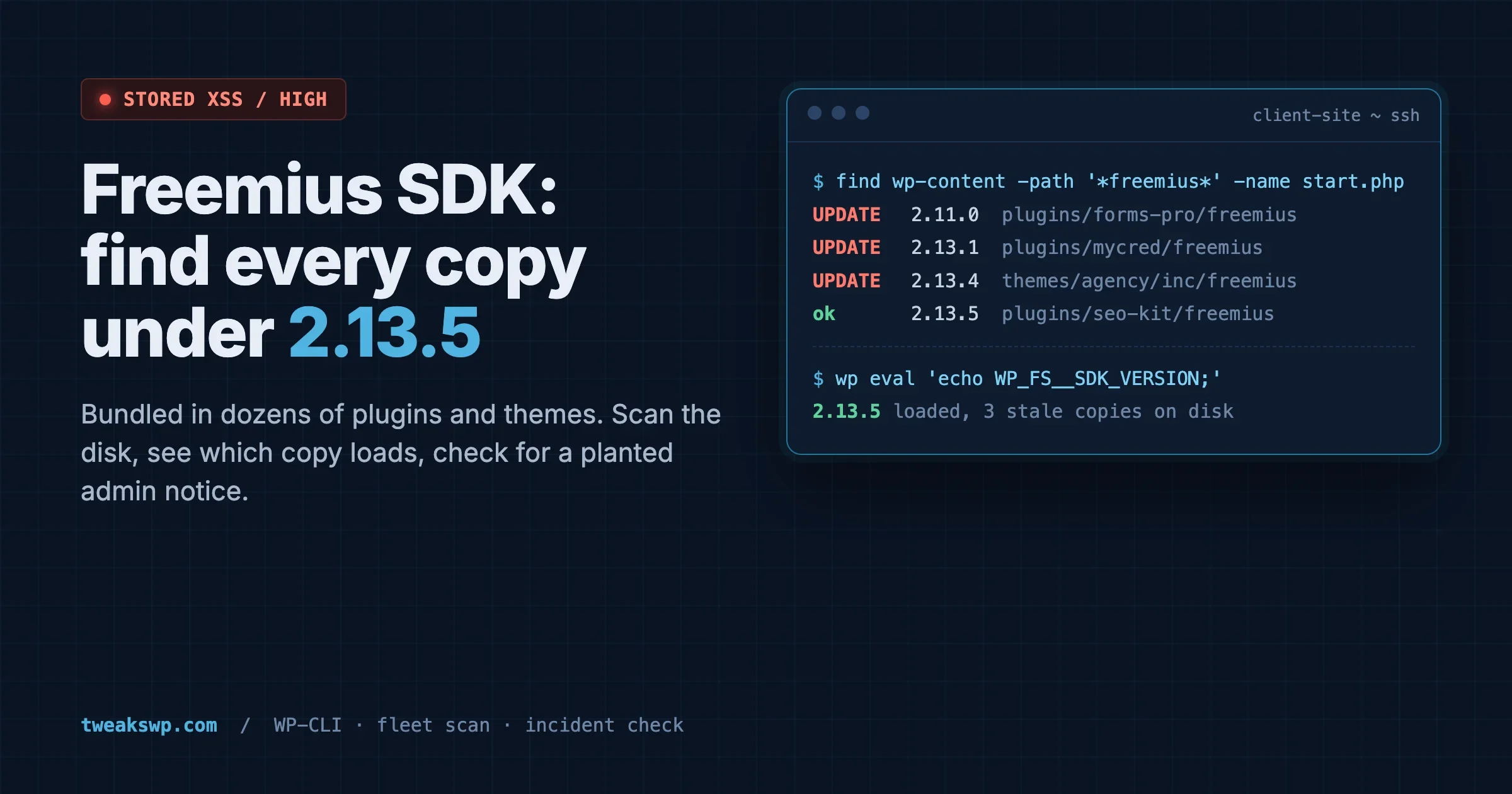
Freemius SDK Stored XSS: How to Find Every Bundled Copy on a Client Site (Anything Under 2.13.5)
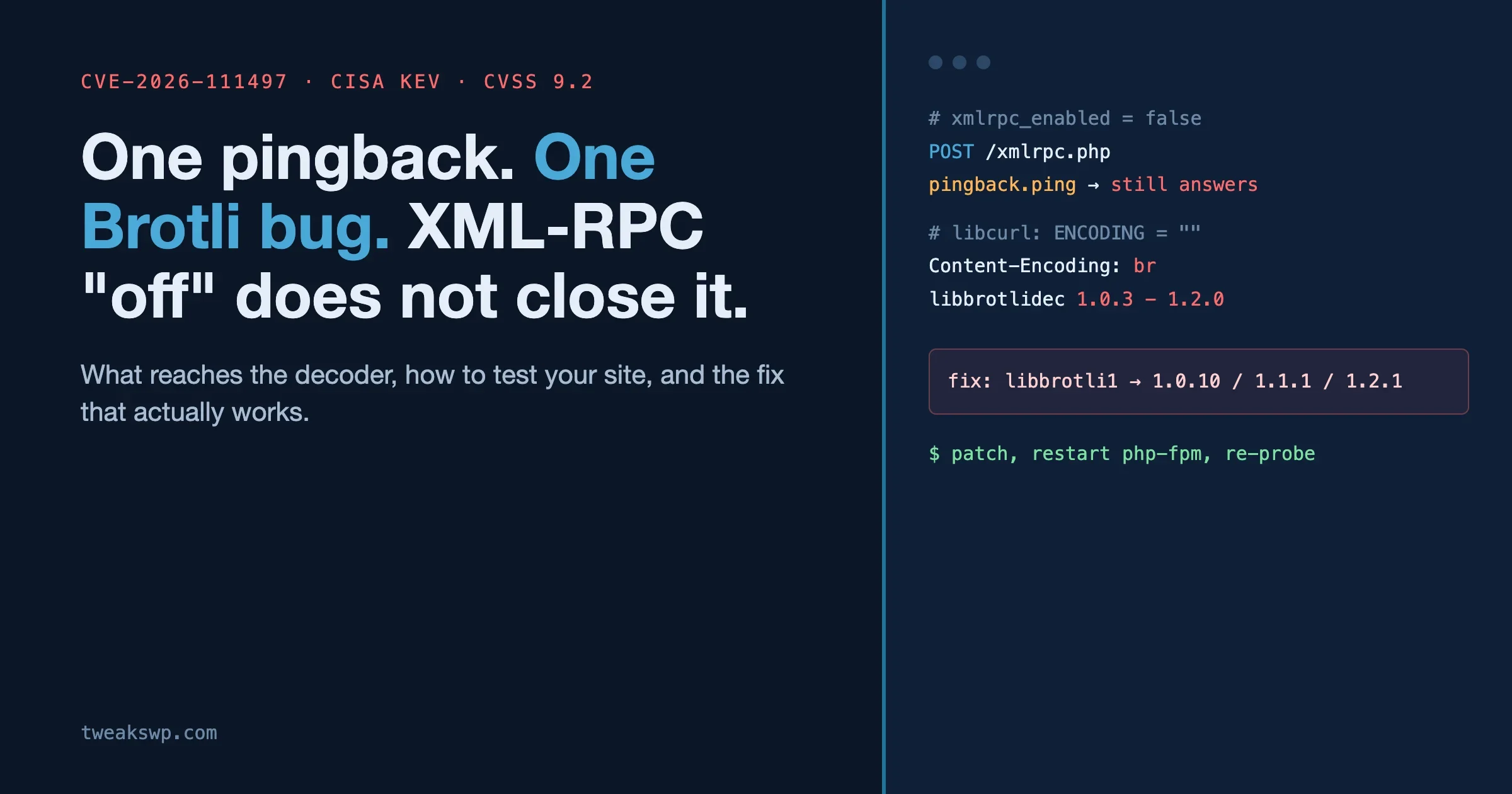
CVE-2026-111497: The Brotli Bug One xmlrpc.php Pingback Can Reach, and Why Turning Off XML-RPC the Usual Way Does Not Close It