WordPress

Debugging & ProfilingSettings & ConfigurationWordPress

Views: 1

WordPress Memory Limit: WP_MEMORY_LIMIT vs PHP memory_limit Explained

WP_MEMORY_LIMIT and PHP memory_limit look similar but operate at different layers. This guide explains how they interact, what WP_MAX_MEMORY_LIMIT does for admin requests, how memory_get_peak_usage() reveals the truth, and the four situations where WordPress silently ignores your settings entirely.

Read More

Debugging & ProfilingSettings & ConfigurationWordPress

Views: 1

30 Essential wp-config.php Constants Every WordPress Developer Should Know

A complete categorized reference to every important wp-config.php constant: debug, memory, performance, security, paths, cron, multisite, and more. With real code examples for development, staging, and production environments.

Read More

How ToPlugins

Views: 4

Best WordPress Plugin for Photographers in 2026: Why WPMediaVerse Stands Out

Looking for the best WordPress plugin for photographers? This guide compares gallery plugins with WPMediaVerse and explains when a media platform is the better choice.

Read More

Debugging & ProfilingFixesHow To

Views: 7

WordPress White Screen of Death: How to Fix It Fast

The WordPress White Screen of Death (WSOD) shows a blank page with no error message. This step-by-step guide covers enabling WP_DEBUG, fixing memory limits, isolating plugin and theme conflicts, using WordPress Recovery Mode, and preventing WSOD from happening again.

Read More

Debugging & ProfilingHow To

Views: 9

How to Debug WordPress AJAX Requests (admin-ajax.php Troubleshooting)

Learn how to debug WordPress AJAX requests step by step. Covers the admin-ajax.php flow, wp_ajax_* hooks, nonce failures, Network tab inspection, wp_send_json_success usage, DOING_AJAX constant, and a complete troubleshooting workflow with PHP and JavaScript code examples.

Read More

Debugging & ProfilingWordPress

Views: 16

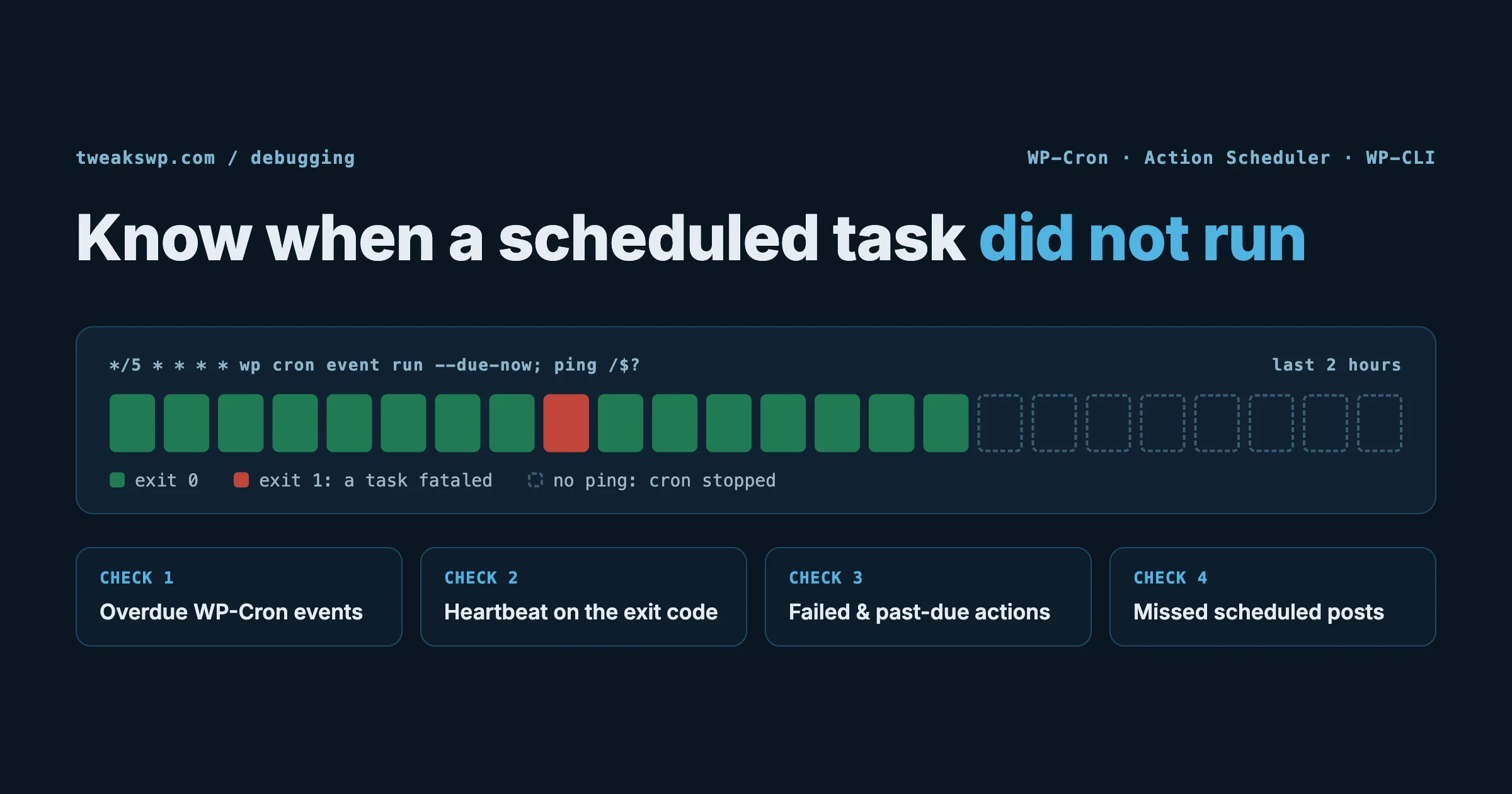
WordPress WP-Cron Not Running? How to Debug Scheduled Tasks

WP-Cron stops running silently and the cause is almost always a stuck lock, a blocked loopback request, or DISABLE_WP_CRON set without a server cron replacement. This guide covers the full diagnostic flow with WP-CLI, _get_cron_array(), WP_CRON_LOCK_TIMEOUT, object cache conflicts, and real cron setup.

Read More

Migration & Backup

Views: 10

Migrating from Adobe Experience Manager to WordPress: The Complete Guide with Plugin Recommendations

Complete guide to migrating from Adobe Experience Manager (AEM) to WordPress. Covers the five-phase migration framework, content export strategies, WordPress plugin recommendations for replacing Adobe Analytics, AEM Forms, DAM, workflows, and SSO integrations.

Read More

Plugins

Views: 7

BuddyPress: The Complete Guide to Building a Social Network on WordPress

Everything you need to know about BuddyPress: core components, the BuddyX theme, essential plugins like bbPress and GamiPress, honest comparisons with BuddyBoss and Mighty Networks, setup best practices, community growth strategies, and monetization models.

Read More

Debugging & ProfilingHow To

Views: 8

How to Read WordPress Error Logs: PHP Fatal, Warning, Notice, Deprecated

WordPress error logs stop being intimidating once you understand their structure. This guide decodes every PHP error severity level (Fatal, Warning, Notice, Deprecated, Parse), shows how to read stack traces, documents the most common WordPress-specific errors with root causes and fixes, explains error_reporting levels, and covers log security and rotation.

Read More

Debugging & ProfilingPlugins

Views: 7

Query Monitor for WordPress: Complete Developer Tutorial (Every Panel Explained)

Query Monitor is not just a queries plugin – it is a complete execution inspector for every WordPress request. This tutorial explains every panel: Queries (duplicates, slow queries, component filter), Hooks, HTTP API, PHP Errors, Scripts and Styles, Languages, Conditionals, Environment, Capabilities, Blocks, Caches, and REST API. Real debugging workflows with each panel.

Read More