March 22, 2026 • Views: 47
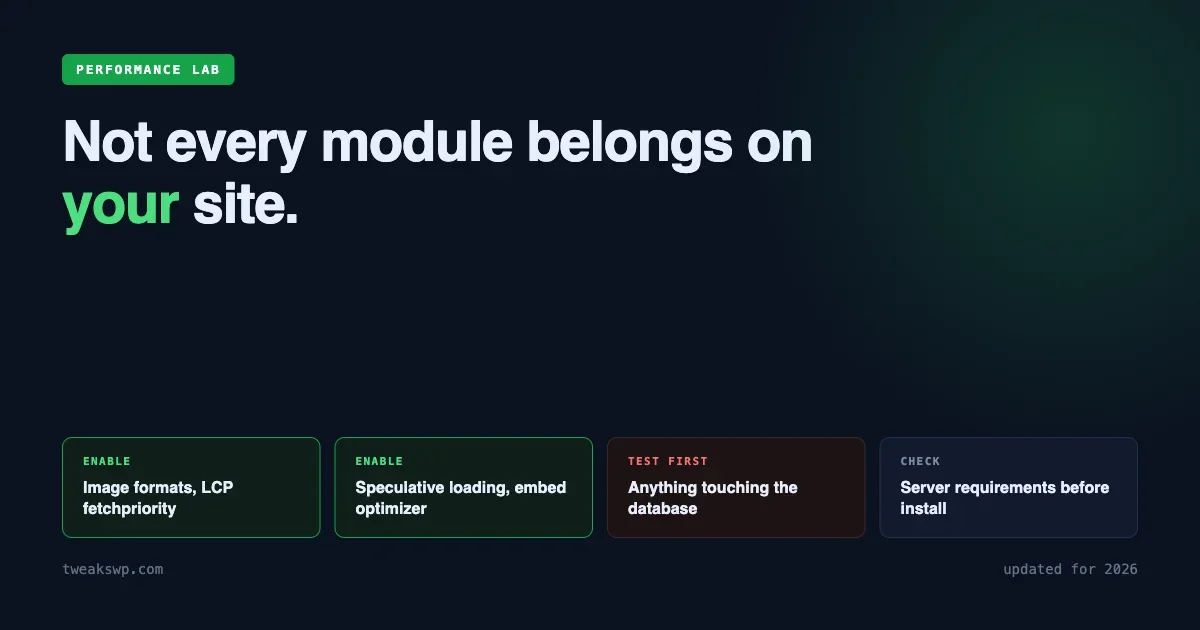
A complete guide to every WordPress Performance Lab plugin module worth enabling in 2026 — image formats, LCP fetchpriority, speculative loading, embed optimizer, and database health checks. Includes a configuration table and what to skip.
March 22, 2026 • Views: 21
A WordPress-specific benchmark comparing Redis 7.2, Valkey 8.0, and DragonflyDB for object caching — with WooCommerce checkout, product archive, and membership workloads. Includes a decision framework for which to choose in 2026.
March 22, 2026 • Views: 15
Learn to cache, block, defer, and tune outgoing WordPress HTTP requests using transients, the pre_http_request filter, timeout configuration, and WP-Cron async patterns.
March 22, 2026 • Views: 12
Fix WordPress Core Web Vitals with developer-level techniques: fetchpriority and preload for LCP, intrinsic sizing and font-display for CLS, main-thread yielding and script deferral for INP.
March 15, 2026 • Views: 13
Reduce WordPress Time to First Byte (TTFB) with 12 proven tweaks: full-page caching, Redis, OPcache, PHP 8.2, MySQL optimization, CDN, plugin audit, and more. Target under 200ms TTFB.
March 11, 2026 • Views: 20
Render-blocking CSS and JavaScript delay your WordPress page from loading. Learn to use async and defer attributes on scripts, inline critical CSS, load full stylesheets asynchronously, and conditionally load assets only on pages that need them – all without any performance plugins.
March 11, 2026 • Views: 23
The WordPress Heartbeat API fires AJAX requests every 15 seconds by default, hammering your server even on pages that don’t need it. Learn to disable it on the frontend, reduce frequency on the editor, and tune autosave intervals using filters and constants – no plugins required.
February 26, 2026 • Views: 8
Optimize WordPress images without plugins using CLI tools like ImageMagick, cwebp, and avifenc. Convert to WebP and AVIF, automate conversions with WordPress hooks, configure server-side content negotiation, and batch process your entire media library with WP-CLI.