How to Protect Your WordPress Site From a DDoS Attack
Distributed Denial of Service (DDoS) attacks can severely damage any website. Here's how a DDoS attack against a WordPress site works, and how to protect yours.

Distributed Denial of Service (DDoS) attacks can severely damage any website, causing downtime, lost traffic, and potentially higher hosting costs. Understanding how a DDoS attack against a WordPress site works is what lets you actually defend against one, rather than just reacting after the fact. This guide covers what a DDoS attack is, how it can affect a WordPress site, and the concrete steps you can take to protect yours.

What is a DDoS Attack?
A Distributed Denial of Service (DDoS) attack is an attempt to disrupt a website’s normal traffic flow by overwhelming the server with an enormous amount of traffic. These attacks typically involve multiple computers, which are often infected with malware, sending large volumes of requests to a website at the same time. By doing so, the server becomes overwhelmed and can no longer handle legitimate traffic, causing the website to slow down or crash.
This is defensive knowledge, not a how-to for launching one: the goal is to understand the methods attackers use so that website owners can identify vulnerabilities and address them before their site becomes a target.
Imagine a restaurant with limited seating capacity. If a mob of people enters all at once, the restaurant becomes overcrowded, and genuine customers can’t get a table. In the same way, a DDoS attack overwhelms a server, making it impossible for legitimate users to access the site.
Types of DDoS Attacks
To recognize the warning signs, it helps to know the different types of DDoS attacks that can target a WordPress site:
1. Volumetric Attacks
This is the most common type of DDoS attack and works by consuming all available bandwidth on a network. Attackers flood the website with vast amounts of data, preventing normal traffic from reaching the site. The goal here is to overwhelm your server’s bandwidth capacity, rendering it unresponsive.
2. Protocol Attacks
These attacks exploit server protocols to overwhelm and exhaust network infrastructure resources. Examples include SYN floods or ping of death, which aim to misuse and exhaust processing power.
3. Application Layer Attacks
This type of attack targets specific applications, such as a WordPress login page, by sending countless requests that overload the site’s application layer. Application-layer attacks are stealthier and harder to detect because they mimic normal user behavior, which makes this category especially worth watching for on login and checkout pages.
Potential Impacts on WordPress Sites
Now that we’ve covered how these attacks work, let’s discuss their potential impact on WordPress websites. The consequences can range from minor inconveniences to severe financial and reputational damage.
1. Website Downtime
The most immediate and noticeable effect of a DDoS attack is website downtime. When your server is overloaded, your site becomes inaccessible to legitimate users. This downtime can result in a significant loss of traffic, and for e-commerce sites, it could lead to lost sales.
2. Increased Costs
Most hosting services charge for bandwidth usage. During a DDoS attack, the influx of traffic can exceed your hosting plan’s bandwidth limit, leading to extra charges. For smaller businesses with limited budgets, these costs can add up quickly.
3. Reputation Damage
If your website is frequently down due to DDoS attacks, your audience may start to lose trust in your brand. For online businesses, maintaining a reliable online presence is crucial, and frequent downtimes can lead customers to believe that your site is insecure or unreliable.
4. SEO and Ranking Impact
Website downtime caused by DDoS attacks can also affect your search engine rankings. Google and other search engines prioritize sites that offer reliable access to users. If your WordPress site frequently goes down, your SEO rankings could suffer, making it harder for users to find you online.
5. Loss of Trust
Frequent DDoS attacks not only affect the technical aspects of your site but can also damage your relationship with users. Visitors who cannot access your site during crucial moments may start looking elsewhere, diminishing customer loyalty.
Knowing the potential damage these attacks can cause is what makes it worth taking preventive steps before your site becomes a target.
Prevention Strategies: Focus on Education and Proactive Measures
There’s no way to make a website 100% immune, but by employing the right strategies, you can significantly reduce the chances of your site falling victim to a DDoS attack.
1. Choose a Reliable Hosting Provider
Opting for a hosting provider with DNS protection is a critical first step. Many managed WordPress hosting services like WP Engine or Kinsta offer built-in DDoS protection, which includes traffic monitoring and proactive measures to mitigate potential attacks.
2. Install WordPress Security Plugins
Security plugins such as Wordfence, Sucuri, or iThemes Security offer additional layers of protection. These plugins monitor for suspicious traffic patterns, block malicious IPs, and alert you to potential vulnerabilities. Being aware of these plugins not only teaches you how to prevent attacks but also equips you with tools to minimize the risk of a DDoS attack against a WordPress site.
3. Use a Content Delivery Network (CDN)
CDNs like Cloudflare or Akamai distribute your website’s content across multiple servers worldwide, which makes it difficult for a DDoS attack to overwhelm your site by spreading traffic across different locations. If one server becomes flooded, others can take over, keeping your site online.
4. Limit Login Attempts
DDoS attacks frequently target the login page of WordPress sites. By limiting the number of failed login attempts, you can significantly reduce the likelihood of a brute force attack. Plugins like Limit Login Attempts Reloaded make it easy to add this feature to your WordPress site.
5. Monitor Your Site’s Traffic
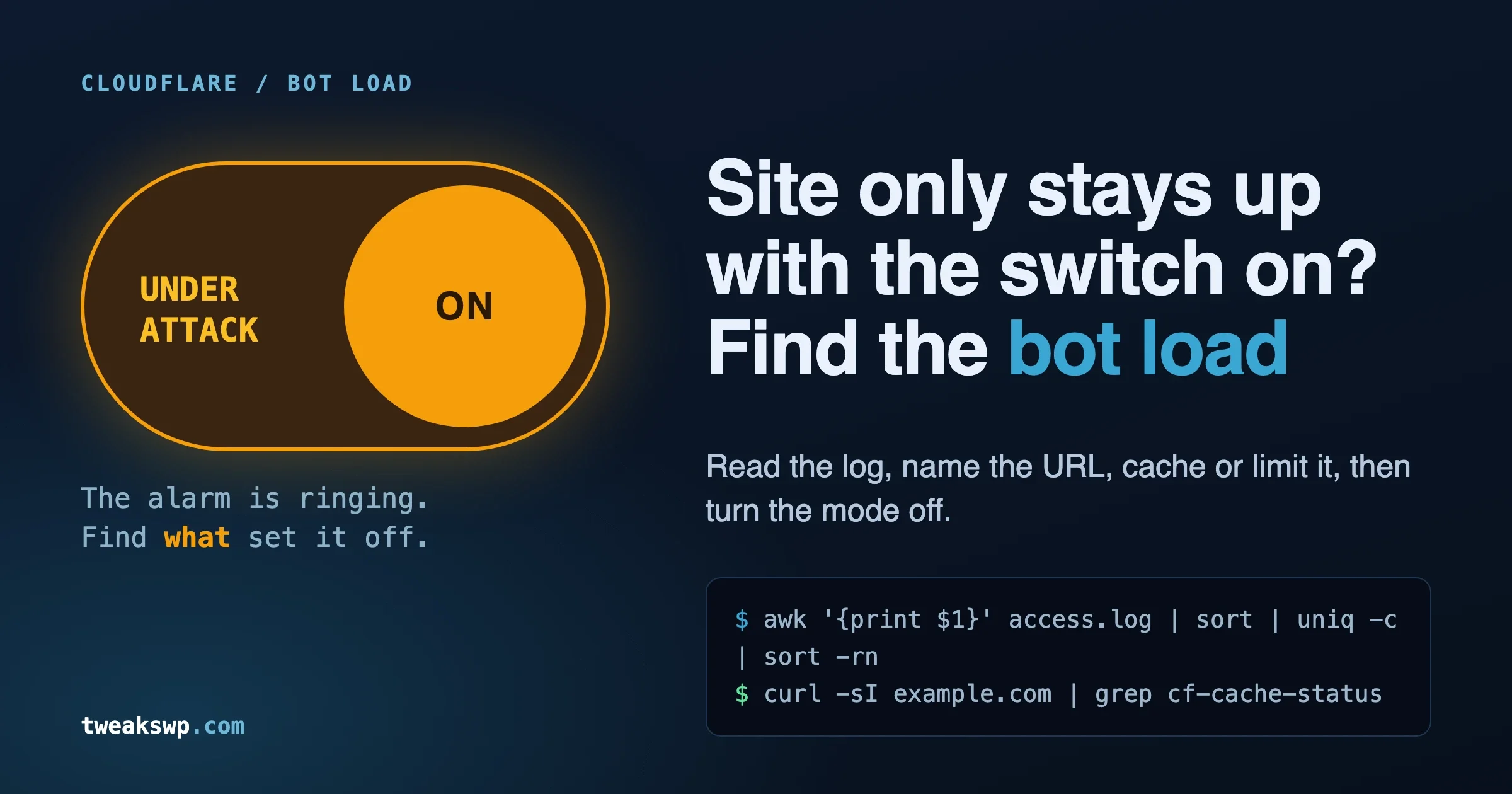
Regular monitoring of your traffic is crucial for detecting early signs of a DDoS attack. If you notice unusual traffic spikes, especially from a single location, you may be able to intervene before the attack escalates. Many hosting providers offer traffic analysis tools, or you can use third-party services to keep an eye on your site’s traffic.
By implementing these strategies, WordPress users can defend against DDoS attacks with real confidence, rather than hoping it never happens to them.
The Importance of Cybersecurity Education
Knowing how these attacks work is just one part of the puzzle. Understanding how to defend against them is equally critical. Cybersecurity is constantly evolving, and attackers are always finding new ways to exploit weaknesses in websites.
To stay ahead of the curve, it’s vital to continuously educate yourself on cybersecurity trends. This could include:
- Reading security blogs and staying up to date on the latest threats.
- Joining cybersecurity communities, where experts share their knowledge and insights.
- Attending online webinars or courses on WordPress security.
By staying informed, you’ll be equipped not just to recognize a DDoS attack in progress, but to implement preventive strategies to avoid falling victim to one.

Wrapping Up
Understanding how DDoS attacks against WordPress sites work gives you the insight you need to defend against this common form of cyberattack. It equips WordPress users with the knowledge to prevent these attacks, protect their sites, and avoid the potentially devastating consequences of prolonged downtime.
While no defense is foolproof, combining reliable hosting, security plugins, CDNs, and proactive traffic monitoring will significantly reduce the risk of falling victim to a DDoS attack. By continuing to educate yourself about cybersecurity, you’ll stay ahead of potential threats and ensure your WordPress site remains secure and accessible.
Interesting Reads:
Your Guide on How to Import a Page Design into WordPress
Plugins we build and run
We maintain these ourselves, which is why we can support them on your site.
- BuddyNextThe self-hosted community engine for WordPress
- BuddyXFree community theme, Pro when you outgrow it
- ReignPremium community theme. Add pieces, build anything
- JetonomyCommunity forum and Q&A for WordPress
- EventonomyEvents and RSVPs for WordPress communities
- LearnomyCourses and learning communities on WordPress
- ListoraDirectories and listings your members can browse
- SnipShareCode sharing built for developer communities
- WB Ad ManagerAd placements that turn traffic into revenue
- WP Career BoardA job board your community actually uses
- WP Sell ServicesSell services with offers, orders, and payouts
- MediaVersePhotos, video, and media albums for members
- WB GamificationPoints, badges, and rewards that keep members active
- Product RoadmapPublic roadmaps with voting your users trust