Is WordPress Free?
WordPress powers over 40% of all websites globally, and a lot of that popularity comes down to how versatile and easy to use it is. But one of the first questions beginners ask is simple: is WordPress actually free? The honest answer is “it depends on which WordPress you mean” - here’s what that actually costs in practice.

What is WordPress?
WordPress is a popular open-source content management system (CMS) used to build and manage websites. It powers over 40% of all websites globally, with a platform that works for both beginners and advanced users. You can build anything from a personal blog to an eCommerce site with it, thanks to its flexible design, customizable themes, and wide range of plugins. It comes in two versions - WordPress.org, where you host your own site, and WordPress.com, a hosted version with more restrictions but a simpler setup. Its popularity mostly comes down to a user-friendly interface, scalability, and a large community.
Also Read: How to Restore WordPress Category
Versions of WordPress
WordPress comes in two versions - WordPress.com and WordPress.org - and understanding the difference between them is the key to answering whether WordPress is free.
- WordPress.com is a hosted platform where your site is managed by the WordPress.com team.
- WordPress.org is an open-source, self-hosted platform, meaning you manage the hosting and maintenance of your site yourself.
Both have free options, but they differ in control, flexibility, and the costs involved.
Is WordPress Free? - WordPress.org vs. WordPress.com
1. WordPress.org
WordPress.org, often called the “real” WordPress, is completely free to download and use. Since it’s open-source, you’re free to modify and customize the code however you like. But while the software itself is free, there are other costs to plan for.
Free Features of WordPress.org
- Free download: You can download the WordPress software from WordPress.org for free and use it to build your website.
- Unlimited customization: You have full control over your website, with no restrictions on modifying themes, plugins, or even core code.
- Open-source community support: The WordPress community is large, offering free support through forums, tutorials, and blogs.
Additional Costs of WordPress.org
While the software is free, a fully functional website means investing in a few essential services:
- Domain name: You need to buy a domain name (e.g. www.yoursite.com), typically $10-$15 per year.
- Web hosting: Hosting keeps your site accessible online, ranging from as low as $3/month for shared hosting to hundreds of dollars a month for managed hosting.
- Themes and plugins: Free options exist, but premium ones often bring more advanced features, better designs, and support. Premium themes typically run $30-$100, and plugins $20-$100 or more depending on functionality.
So while the WordPress.org software itself is free, the associated costs mean running a site is rarely a zero-dollar experience - though you do control how much you spend based on what you actually need.
2. WordPress.com
WordPress.com runs on a freemium model, with both free and paid plans.
Free Features of WordPress.com
- Hosting included: The free plan includes basic hosting, so you don’t need to find or pay for web hosting separately.
- Subdomain: On the free plan, your site gets a WordPress subdomain, like yoursite.wordpress.com - fine for personal blogs or small-scale projects.
- Basic themes: A selection of free themes to design your site.
- Automatic updates: WordPress.com handles updates, backups, and security automatically.
Limitations of the WordPress.com Free Plan
The free plan is functional, but several limitations make it a poor fit for professional or business sites:
- Limited storage: 1 GB of storage, which won’t stretch far if your site carries a lot of images, videos, or downloadable content.
- No custom domain: You can’t use your own domain unless you upgrade to a paid plan.
- Ads: WordPress.com displays ads on your site, and you don’t earn anything from them. Removing them requires an upgrade.
- Limited customization: The free version restricts access to premium themes and plugins.
- No eCommerce: Running an online store requires a paid plan - the free tier doesn’t support eCommerce.
Paid Plans on WordPress.com
For more advanced features, WordPress.com offers several paid plans:
- Personal Plan: From $4/month, removes ads, adds storage, and allows a custom domain.
- Premium Plan: At $8/month, adds more design options, custom CSS, and the ability to monetize your site.
- Business Plan: At $25/month, adds access to third-party plugins and themes, 200 GB of storage, and Google Analytics integration.
- eCommerce Plan: From $45/month, includes everything needed to set up an online store.
Also Read: How to Create Coupons on WordPress Products
When is WordPress Free, and When Do You Pay?
When WordPress is Free
- WordPress.org: The software is free, but you’ll pay for hosting, a domain, and other services to actually run your site.
- WordPress.com: You can build a free website, but you’re limited to a WordPress subdomain, basic themes, and reduced functionality - fine for hobby blogs, portfolios, or small personal sites.
When You Pay for WordPress
- WordPress.org: You’ll pay for hosting, a domain, and premium themes or plugins if you want to expand your site’s features.
- WordPress.com: You’ll pay for a custom domain, additional storage, premium themes and plugins, and removing ads if you upgrade from the free plan.

So, Is It Free?
Yes and no.
- Yes, WordPress.org is free as far as the software goes, but running a professional site brings costs like hosting, domain registration, and premium plugins or themes.
- Yes, WordPress.com has a free plan, but it comes with real limitations, and a paid plan is necessary to unlock the advanced features.
You can use WordPress for free. But if you want a fully functional, customized site with advanced features, budget for the extras. It comes down to what you actually need and how far you want to take your site.
Interesting Reads:
How to Have 2 Lines of Text in WordPress Header
How to Change the Background Color of Your Header in WordPress
Plugins we build and run
We maintain these ourselves, which is why we can support them on your site.
- BuddyNextThe self-hosted community engine for WordPress
- BuddyXFree community theme, Pro when you outgrow it
- ReignPremium community theme. Add pieces, build anything
- JetonomyCommunity forum and Q&A for WordPress
- EventonomyEvents and RSVPs for WordPress communities
- LearnomyCourses and learning communities on WordPress
- ListoraDirectories and listings your members can browse
- SnipShareCode sharing built for developer communities
- WB Ad ManagerAd placements that turn traffic into revenue
- WP Career BoardA job board your community actually uses
- WP Sell ServicesSell services with offers, orders, and payouts
- MediaVersePhotos, video, and media albums for members
- WB GamificationPoints, badges, and rewards that keep members active
- Product RoadmapPublic roadmaps with voting your users trust














Related Posts
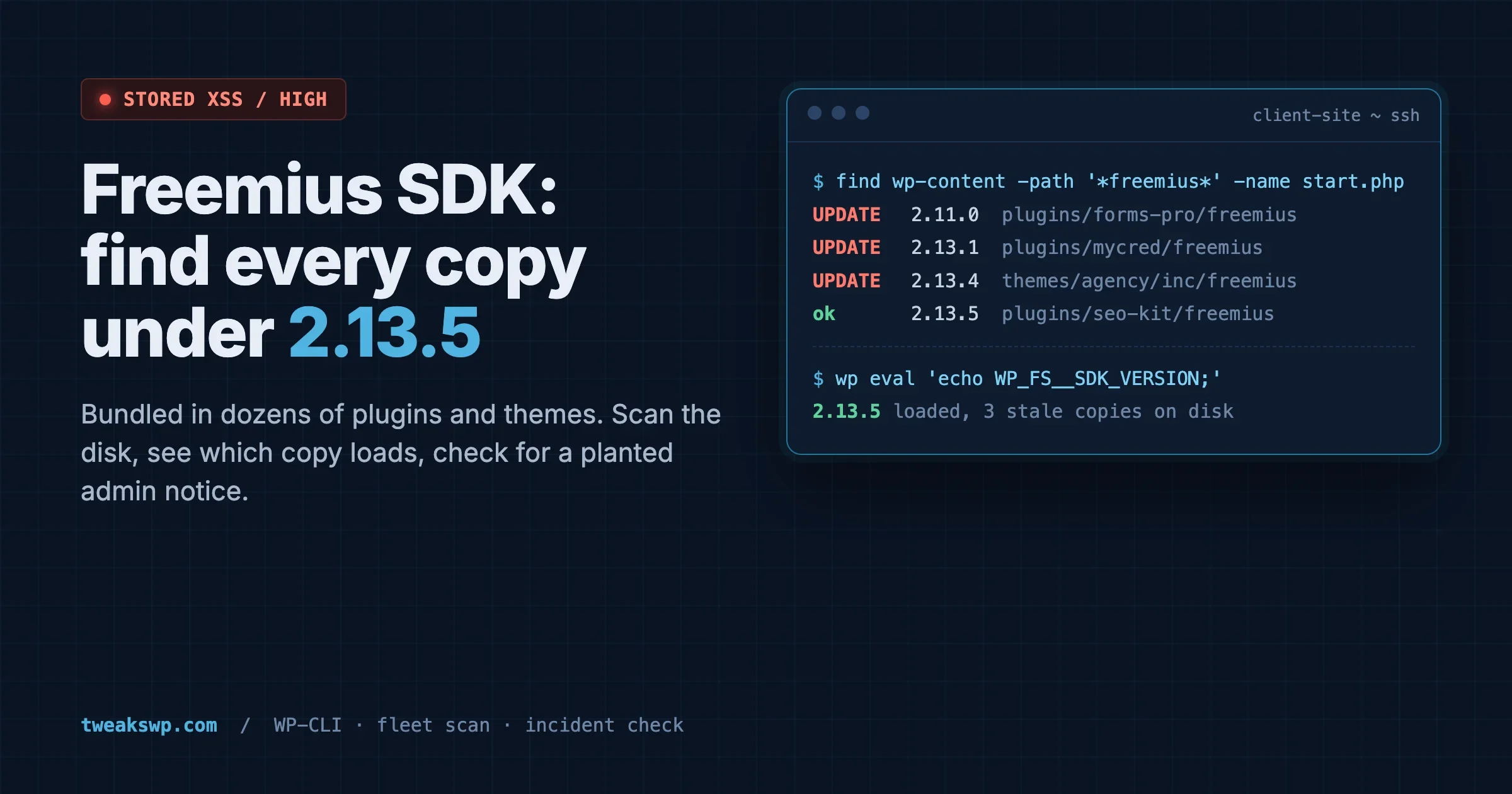
Freemius SDK Stored XSS: How to Find Every Bundled Copy on a Client Site (Anything Under 2.13.5)
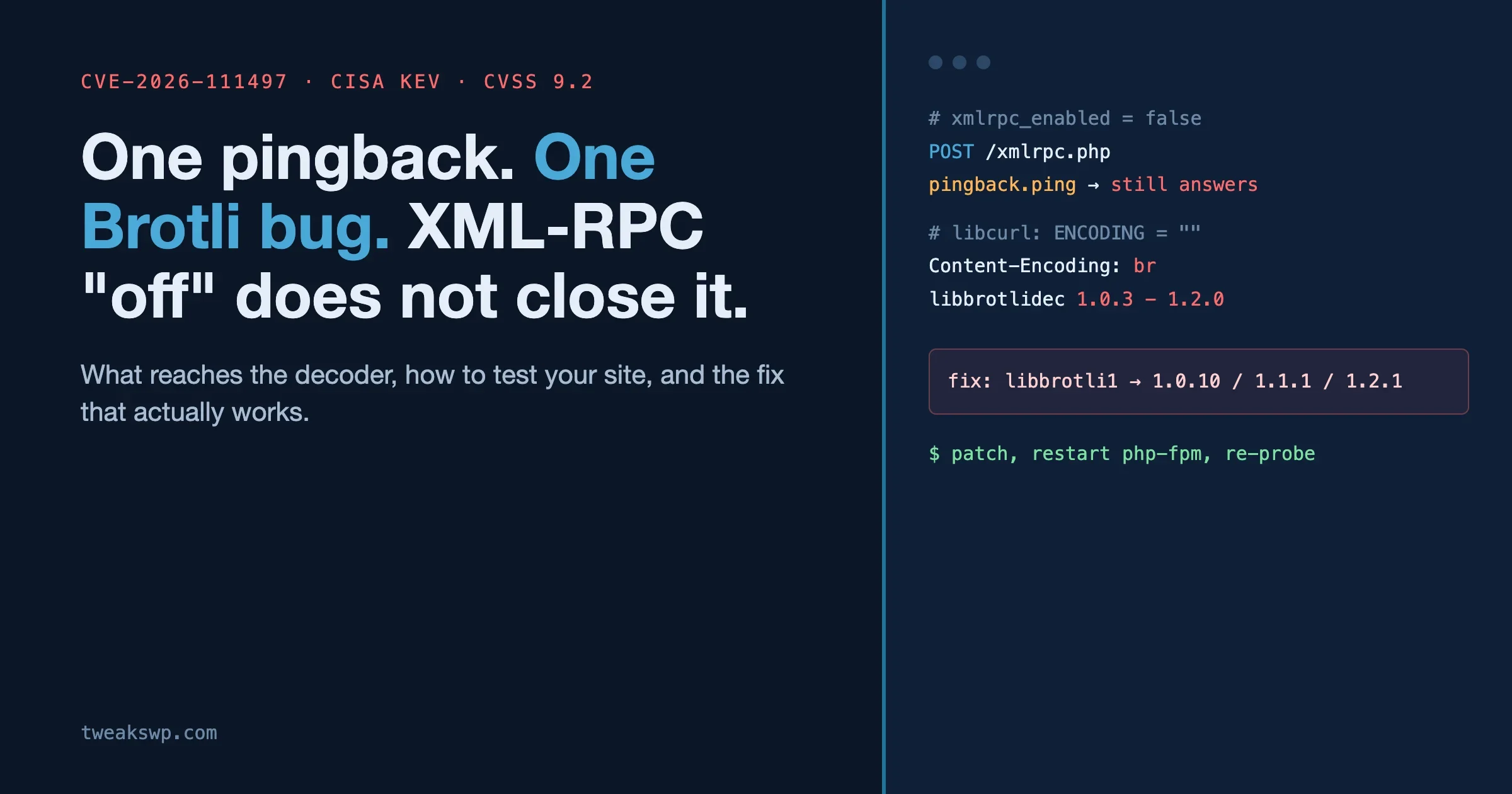
CVE-2026-111497: The Brotli Bug One xmlrpc.php Pingback Can Reach, and Why Turning Off XML-RPC the Usual Way Does Not Close It