Trending WordPress Social Sharing Plugins

Every business is competing for the same limited attention, and most of that attention now lives on social media. The harder question is building a loyal, trustworthy following there, one that actually translates into profitability. If you run a WordPress site, a good social sharing plugin makes it easier to reach a wider audience, build brand equity, and turn casual readers into real connections. Here’s a rundown of the WordPress social sharing plugins worth knowing, to help you pick one that gets your content shared and clicked where it matters.
1) SocialPress-WordPress Social Sharing Plugins
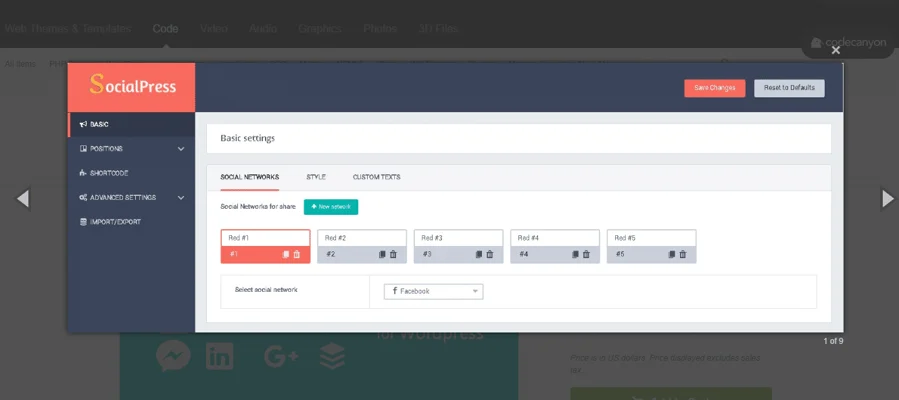
SocialPress adds share buttons for the major social networks to your content, covering StumbleUpon, Myspace, Skype, Twitter, Telegram, WhatsApp, Messenger, Mail, Pinterest, Viber, and more.
1) Drag-and-drop sorting lets you arrange networks and pick styles to match your needs.
2) Since images are the most shared content type on most sites, the plugin is built with that in mind.
3) Display modes control how share buttons appear: image share, bottom of content, selected-text share, best-of-content, top and bottom of content.
4) Shortcodes let you drop share buttons wherever you need them, just copy and paste.
2) Maria-WordPress Social Sharing Plugins
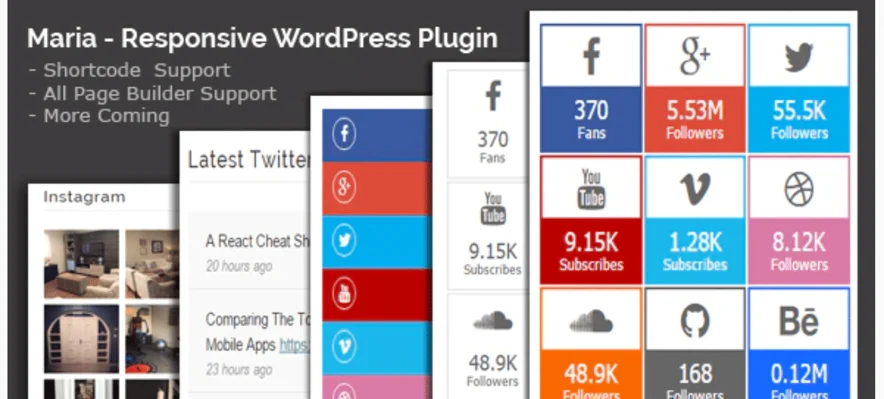
Maria is an all-in-one social share WordPress plugin that pulls in more than 20 share-count styles, plus Twitter Tweet and Instagram photo displays. Instagram feeds, social icons, and tweets can all sit in widget areas or sidebars, and the plugin works across Chrome, Opera, Edge, Firefox, and Safari without requiring any code, shortcodes handle everything. It’s fully responsive and pairs with Visual Composer and other popular page builders. Options range from plain social counts to colorful, multi-column layouts, and it includes PHP, JS, CSS, and HTML files. Supported networks include Twitter, Vimeo, LinkedIn, Email, Facebook, YouTube, Pinterest, and Tumblr.
3) Social Share & Locker Pro-WordPress Social Sharing Plugins
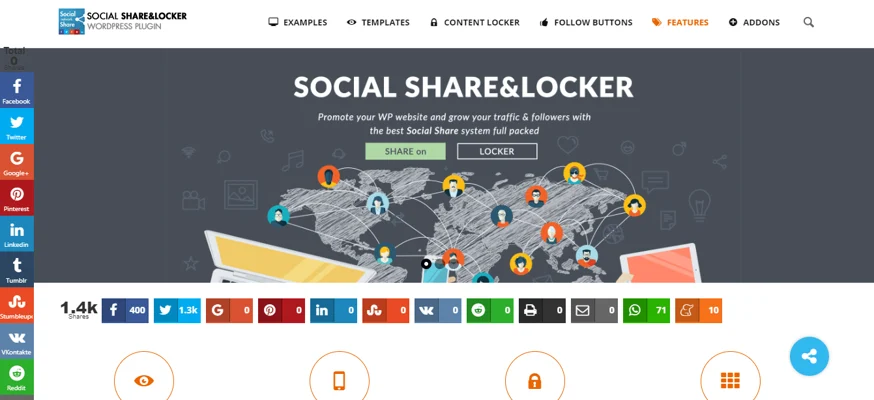
Social Share & Locker Pro combines share buttons, display options, a social content locker, and follower counts in one plugin, with more than 40 share options covering Tumblr, LinkedIn, Facebook, Instagram, Email, Messenger, Yahoo Mail, Blogger, Amazon, and more. A few display options worth knowing:

1) Share counter options:- Toggle the share counter on or off, with fast AJAX updates.
2) Social full name options:- Show the full network name alongside the icon, or just the icon alone.
3) Animation options:- The share box can appear using any of 33 animated effects.
4) Responsive columns:- Icons split into fixed columns for a clean display across screen sizes.
5) Total share count:- Displayed on each social box in several positions, with or without labels.
Try Social Share & Locker Pro Now
4) Social Buzz-WordPress Social Sharing Plugins
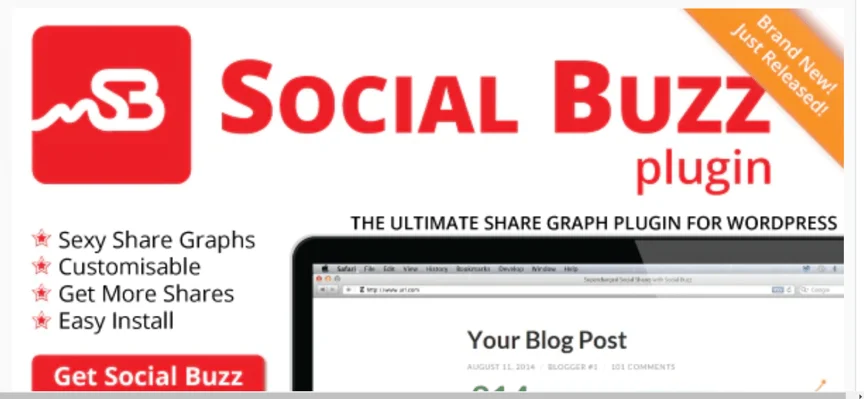
Social Buzz adds a share graph to each page and post alongside good-looking share buttons, giving visitors visible feedback on how well a piece of content is doing. It installs in a few minutes and starts tracking share counts within hours, and works across Chrome, Firefox, Safari, and Edge. Easy to use highlights:
1) Installs in about five minutes.
2) No coding knowledge required.
3) Choose from three built-in styles.
4) Works out of the box.
5) Fully customizable.
6) Easy CSS tweaks, with more graph styles planned.
7) Four styles included by default.
8) A Sass stylesheet is available for designers who want more control.
5) ARSocial-WordPress Social Sharing Plugins
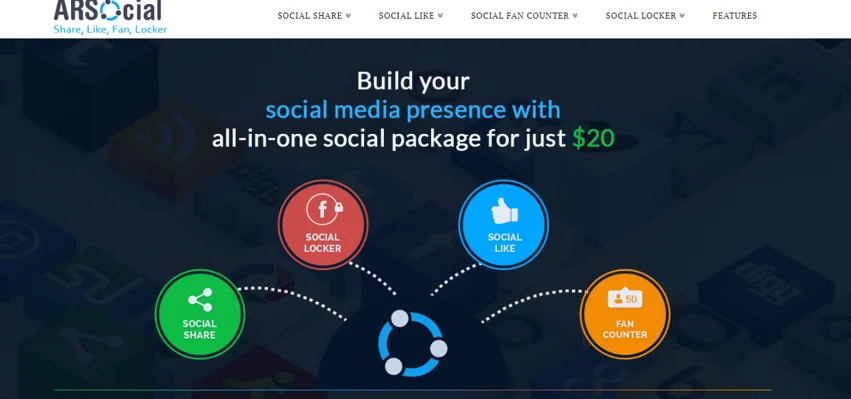
ARSocial combines subscribe/like/follow buttons, a fan counter, sharing, and a content locker in one plugin, placeable site-wide, section-wise, or via shortcode on individual posts and pages. Main features:
1) Social share button:- Automatic share button display in multiple locations, more than 34 networks to choose from, with mobile-specific positioning and share counters.
2) Social like button:- Section-wise or sitewide like buttons, mobile-specific positioning, support for 11 networks, and native subscribe/like/follow buttons.
3) Multiple CSS-based templates and icon sets are available.
4) Built-in URL shortening before sharing, using Google’s or WordPress’s default shortener.
5) Several placement options: flying, sidebar, header, and footer icons.
6) Clear documentation is available for support.
6) Socializr Social Share Toolbar-WordPress Social Sharing Plugins
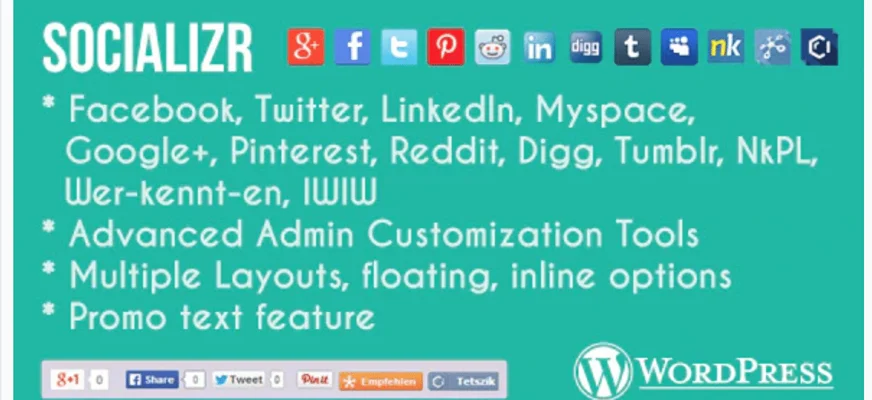
Socializr is a fully customizable, mobile-aware share toolbar covering more than 16 networks including LinkedIn, Twitter, Facebook, and Pinterest, with control over background, layout, icons, and promotional text. Features:
1) Unlimited options for building your own icon set.
2) Privacy-conscious: external sites don’t access user browser data.
3) Works across Chrome, Firefox, Opera, Safari, and Edge.
4) Uses local JS files that load fast, no slow external file dependencies.
5) Inline and floating layout options with promotional text.
6) Customizable hashtags, email templates, and share text.
Try Socializr social share Now
7) Epic Social Share Plugin-WordPress Social Sharing Plugins
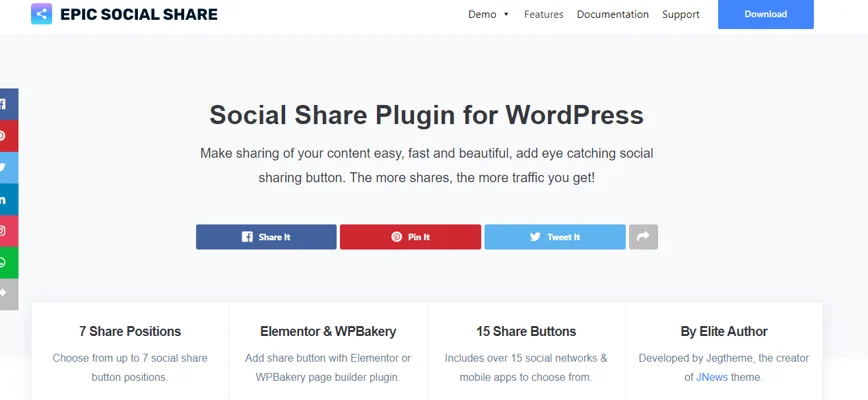
Epic Social Share Plugin works as an addon for WPBakery and Elementor as well as standalone WordPress, turning your visitors’ social activity into free advertising. A live preview in the customizer lets you adjust settings and see changes instantly. Notable features:
1) Seven share button positions to choose from.
2) Works with your page builder of choice.
3) Covers 14 mobile apps and social networks.
4) Fully responsive across phones, desktop, and tablets.
5) Two color schemes, monochrome and full color.
6) Drag-and-drop reordering for share buttons.
Try Epic Social Share Plugin Now
8) Ultimate Social-WordPress Social Sharing Plugins
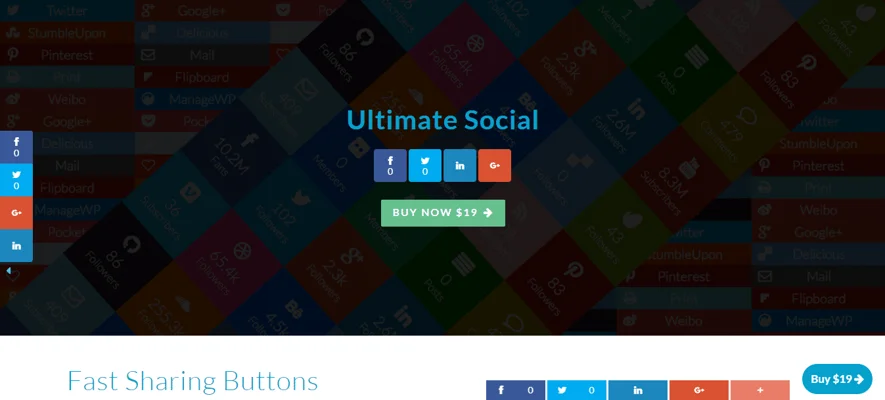
Ultimate Social automatically enriches your site’s metadata with Twitter Card, Google+, Snippets, and Facebook Open Graph data. Getting this metadata right pays off well beyond SEO, helping with brand engagement and social visibility too, and as more bloggers and brands catch on, adoption keeps growing. By adding structure to a site’s data, metadata helps people find what they’re looking for and gives content an edge in both search and social sharing. A few things to know:
1) Handles the social metadata hierarchy automatically.
2) Includes a WordPress image resizer.
3) Can auto-adjust images as needed.
4) Fetches the right data automatically and intelligently.
5) Quick and easy to install.
9) WordPress Article Social Share-WordPress Social Sharing Plugins
WordPress Article Social Share brings a clean CSS3 design to sharing articles, with fully responsive, cross-browser share bars and built-in stats showing which articles get shared most. More than 14 share buttons are available. Main features:
1) Displays share icons on index pages, including the homepage.
2) Can be disabled on specific pages or posts.
3) Supports LinkedIn, Facebook, Twitter, Pinterest, Google+, Delicious, Buffer, Comments, StumbleUpon, Tumblr, VKontakte, Digg, Print, and Reddit.
4) Comes with predefined dark and light styles.
5) Icon order is adjustable. 6) Fast-loading share buttons, supported across custom post types.
Try WordPress Article Social Share Now
10) Social Share Buttons for WordPress-WordPress Social Sharing Plugins
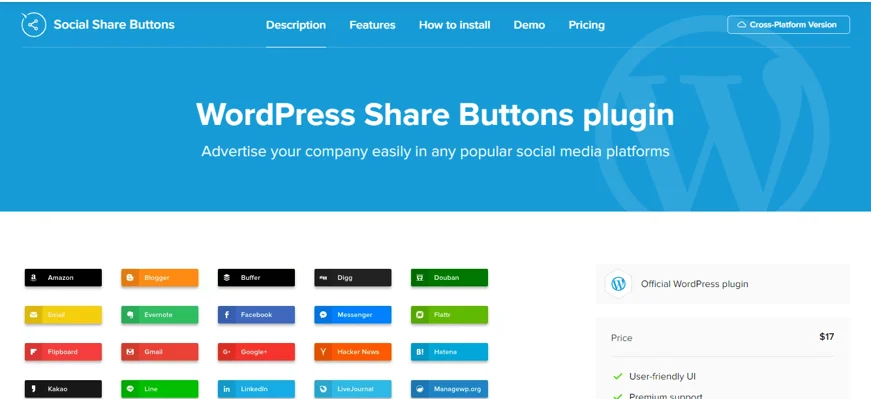
Social Share Buttons for WordPress embeds share buttons across your site, letting visitors share content to whichever network they prefer. Key features:
1) Includes more than 40 predefined networks in a simple, functional plugin.
2) Floating and inline layout options, inline buttons sit exactly where you place them, ideal right before or after content.
3) Floating buttons scroll along with the page, making sharing possible from anywhere on the content.
4) Predefined black-and-white color options, or match your own theme, with background and hover effects for a polished look.
5) Fully mobile-optimized, share buttons work as well on phones as on desktop, with the option to hide icons on mobile entirely for full control over behavior.
11) ShareBang-WordPress Social Sharing Plugins

ShareBang is a social media WordPress plugin built to grow traffic and sales through sharing. It covers more than 40 major networks, including popular messaging apps like Viber, Facebook Messenger, Skype, WhatsApp, Telegram, and Line. A few essential features:
1) Control when share buttons appear based on scroll depth down the page.
2) Time-delay settings let buttons appear after a set delay, useful for keeping them from distracting readers immediately.
3) Global settings apply across all positions, with the option to override per position for flexibility.
4) Sort share buttons by priority to balance which networks get emphasized.
5) A view counter tracks product, page, and post views, useful for showing visitors that a page is trending.
12) SharePlus (+)-WordPress Social Sharing Plugins
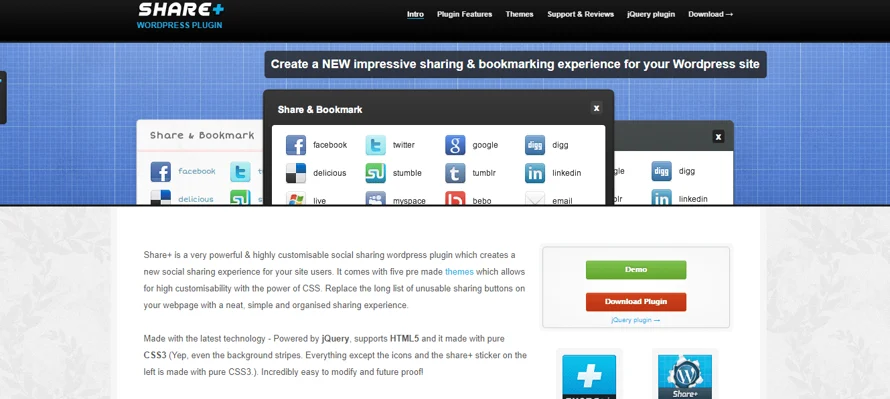
SharePlus (+) ships with four premade themes built on solid CSS, replacing a cluttered list of share buttons with a neat, organized sharing experience. It’s designed for the easiest possible setup without sacrificing customization. Main features:
1) A custom admin panel controls every share option.
2) Built on CSS3, jQuery, and HTML5, keeping it future-proof.
3) One-click setup, quick to install and easy to use.
4) Can auto-open once a reader finishes a page, after a defined delay.
5) Track social shares directly through Google Analytics.
13) AccessPress Social Pro-WordPress Social Sharing Plugins
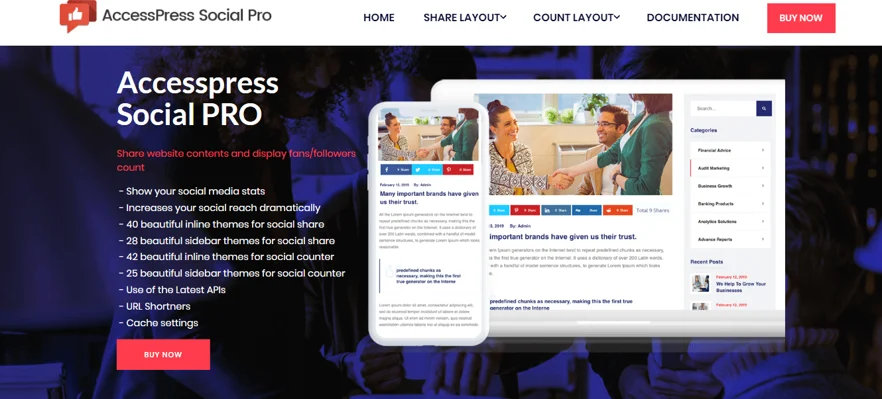
AccessPress Social Pro is a paid plugin that lets visitors share content easily while showing off your social follower and subscriber counts. It adds eight less-common networks, Pocket, Kakao, Blogger, Odnoklassniki, Yammer, Flipboard, and Mix, and shortens share links using one of four compatible URL shorteners.
1) Displays your social stats to encourage more people to join your networks.
2) Makes any content on the site social-share-friendly, boosting reach.
3) Add new social profiles like RSS and LinkedIn to the counters.
4) Show/hide controls for floating sidebar counters and share icons.
5) Enable or disable the popup on a per-page or per-post basis.
Try AccessPress Social Pro Now
14) Social Share Point AddOn-WordPress Social Sharing Plugins
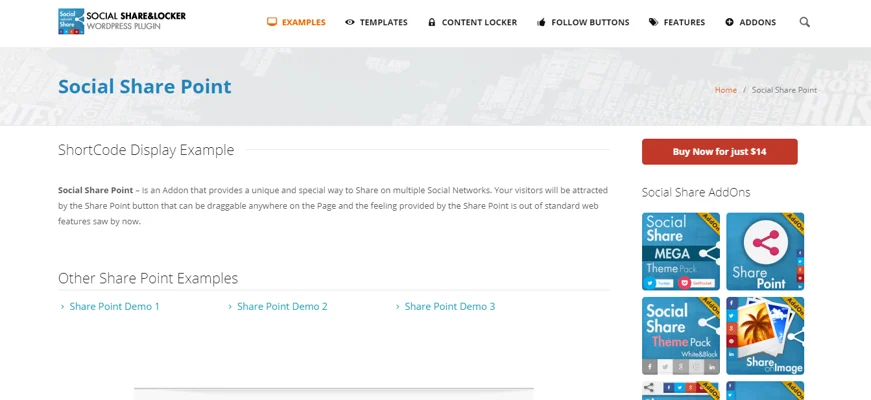
Social Share Point AddOn goes beyond a simple share plugin, letting you place icons precisely and even gate content behind a required share. A few examples of what it offers:
1) Background options:- The share point box supports custom background colors or images.
2) Icon options:- More than 500 icons available, with dark and light presets.
3) Position options:- Placement can be set by percentage or pixel value.
4) Draggable options:- Visitors can move the share point around the screen.
5) Visitors can dismiss the share point, and it will reappear according to your settings.
Try Social Share Point AddOn Now
15) Share This Image-WordPress Social Sharing Plugins
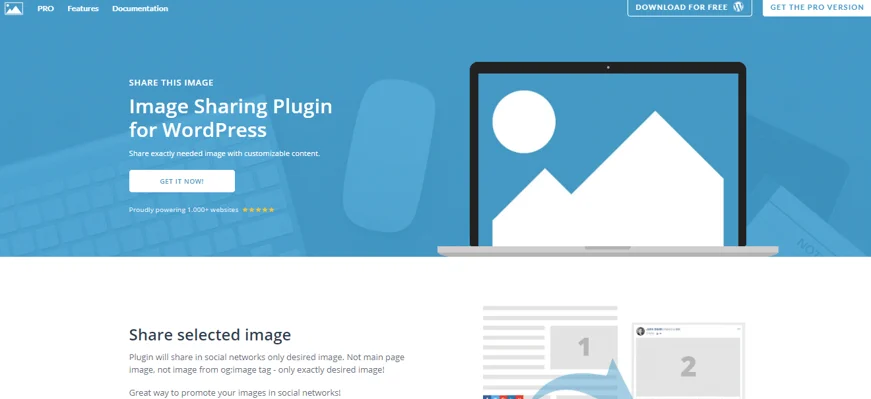
Share This Image is a flexible plugin focused on sharing images specifically across 10 major networks. Features:
1) Share exactly the image you want, nothing more, sharing becomes genuinely simple.
2) Custom titles and descriptions per image give more flexibility in how content is promoted.
3) Share to Google, Pinterest, LinkedIn, Facebook, Tumblr, Twitter, Digg, and Reddit.
4) A single admin panel controls every setting, no coding required.
5) Choose from three predefined styles or bring your own design.
6) Automatically scrolls visitors to the exact image they clicked through to see.
7) Works fine with dynamic content, popups, carousels, and sliders that load images dynamically are all handled correctly.
8) Not limited to standard image blocks, it can be applied to any element with the right data-media attributes, leaving plenty of room for creative use.
16) WP Ultimate Social-WordPress Social Sharing Plugins
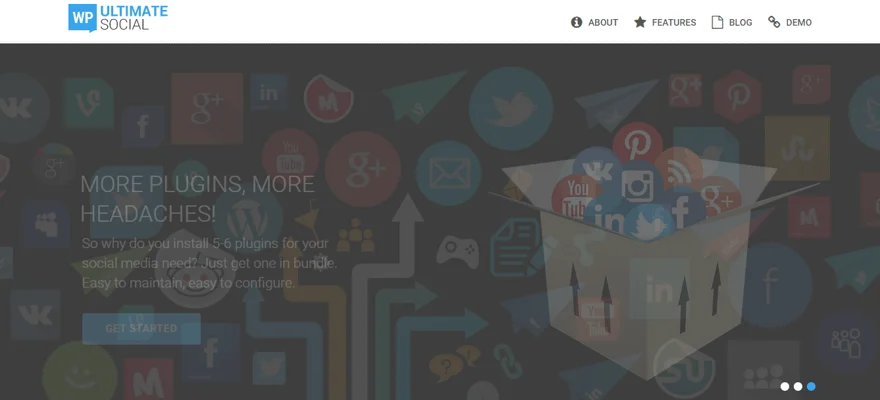
WP Ultimate Social bundles nearly every social feature a site might need: Twitter feed, sharing, icons, counters, and social login, all in one plugin. Features:
1) Strong customization: set icon width, size, height, spacing between icons, link targets, tooltips, display type, and number of rows/columns.
2) Fully responsive, with drag-and-drop icon reordering.
3) The same drag-and-drop reordering applies consistently across the plugin.
4) Ten well-designed, retina-ready themes to choose from for share icons.
5) Five smooth hover animations for icons.
6) Pull in the latest tweets from any account to display alongside the share icons.
Picking a Plugin
Which plugin you pick matters less than how well the buttons are placed and how the networks are arranged, that’s what actually drives shares. A solid social strategy takes more than dropping in a plugin, but a well-configured one removes friction between a reader liking your content and actually sharing it. Most of these plugins offer direct support if something isn’t working the way you need, so check the list and pick whichever fits your site’s setup best.
Plugins we build and run
We maintain these ourselves, which is why we can support them on your site.
- BuddyNextThe self-hosted community engine for WordPress
- BuddyXFree community theme, Pro when you outgrow it
- ReignPremium community theme. Add pieces, build anything
- JetonomyCommunity forum and Q&A for WordPress
- EventonomyEvents and RSVPs for WordPress communities
- LearnomyCourses and learning communities on WordPress
- ListoraDirectories and listings your members can browse
- SnipShareCode sharing built for developer communities
- WB Ad ManagerAd placements that turn traffic into revenue
- WP Career BoardA job board your community actually uses
- WP Sell ServicesSell services with offers, orders, and payouts
- MediaVersePhotos, video, and media albums for members
- WB GamificationPoints, badges, and rewards that keep members active
- Product RoadmapPublic roadmaps with voting your users trust