Is a Permalink in WordPress a Key to Better SEO?
Permalinks are core WordPress functionality, but how you structure them has a real, measurable effect on search visibility and user experience. Here's what to know.
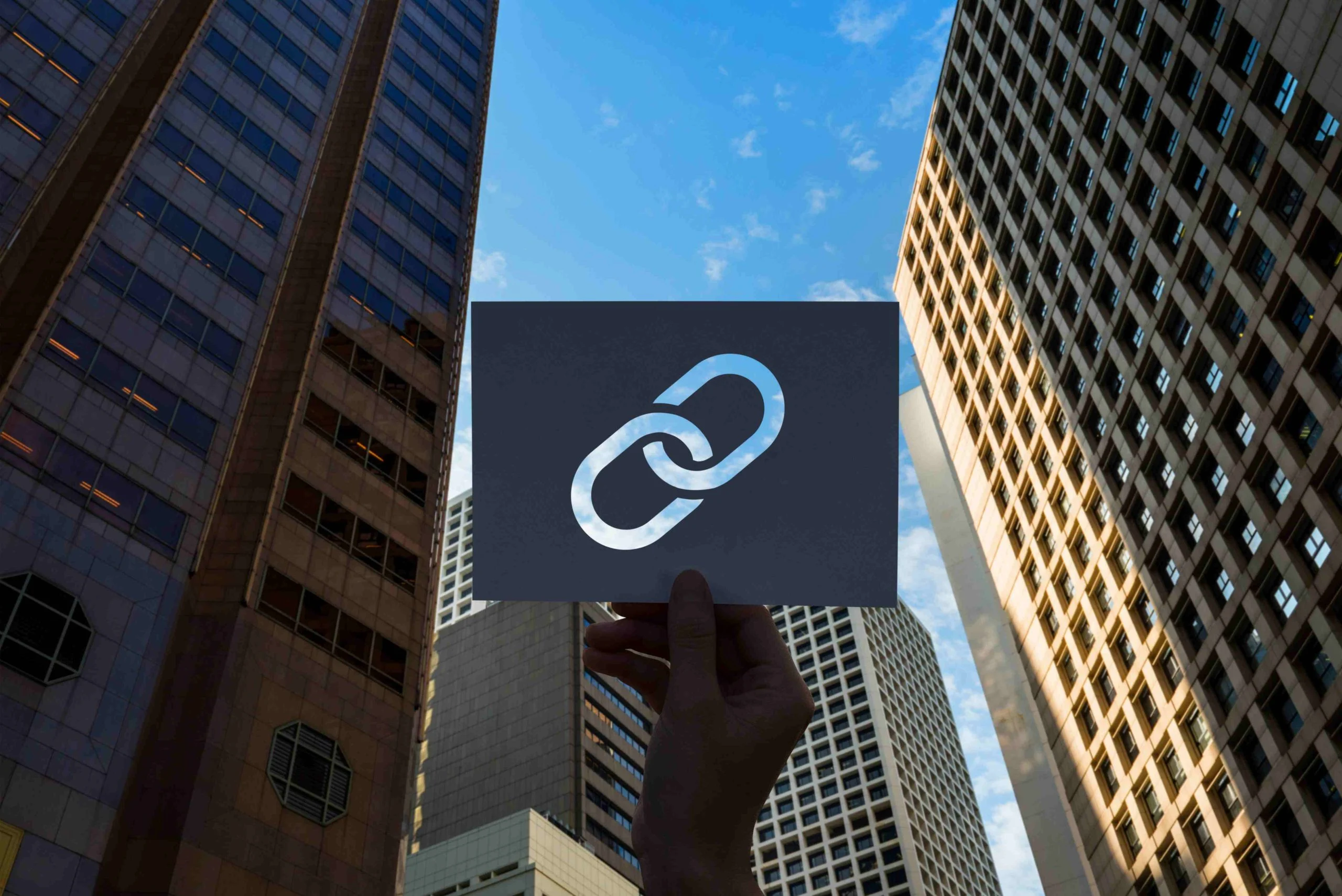
If you’re navigating the world of WordPress, you’ve probably come across the term “permalinks” and wondered whether it’s just a technical WordPress feature or something that actually matters for SEO. The honest answer is both: permalinks are core WordPress functionality, but how you structure them has a real, measurable effect on search visibility and user experience.
Permalinks are essentially the URLs that lead to your specific posts and pages. While they may seem like a simple feature, they play a vital role in how your content is perceived by both users and search engines. A well-structured permalink can enhance your site’s visibility in search results, while a poorly constructed one can hinder your SEO efforts.
In this post, we’ll cover what permalinks are, why they matter for SEO, and how to optimize them for your WordPress site.

What Is a Permalink?
To grasp the significance of permalinks, let’s break it down. A permalink is the permanent web address that points to a specific page or post on your WordPress site. When you create content, WordPress automatically generates a URL for it. However, these URLs often contain a string of numbers or random characters, which are not user-friendly or informative.
For instance, instead of having a URL like www.yoursite.com/?p=123, a more optimized permalink might look like www.yoursite.com/best-seo-tips. This change not only makes the URL more readable but also more meaningful for both users and search engines.
Why Do Permalinks Matter for SEO?
Having established what a permalink is, let’s get into why permalink structure genuinely matters for SEO. Here are a few reasons why:
1. User Experience
A well-structured permalink enhances user experience by providing visitors with a clear understanding of what they can expect from the page. Users are more likely to click on a link that is descriptive and relevant rather than one that is a jumble of characters.
When users encounter clean and descriptive URLs, they feel more confident clicking on them. A friendly permalink structure leads to lower bounce rates, which positively impacts your SEO.
2. Search Engine Optimization
Permalinks also play a crucial role in SEO. Search engines, such as Google, utilize URLs as one of many factors to determine the relevance of a page. Including relevant keywords in your permalinks helps search engines understand the content, making it easier for them to index your pages.
For instance, if your page is about SEO tips, having a URL like www.yoursite.com/seo-tips will give search engines a clearer idea of the page’s content than a generic URL. Permalinks are genuinely useful real estate for keyword relevance.
3. Shareability
Short and meaningful URLs are easier to share on social media and other platforms. When users share your content, they prefer URLs that are straightforward and provide context. A clean permalink encourages more social shares, which can contribute to higher traffic and better SEO.
Clean URLs also make your content easier to share, they attract users and make it simple for them to promote your content.
How to Optimize Permalinks for Better SEO
Now that we’ve established the importance of permalinks, let’s explore how to optimize them effectively. Following best practices will help ensure that your URLs contribute positively to your site’s SEO.
1. Choose an SEO-Friendly Permalink Structure
WordPress provides several permalink structures, but the default settings often aren’t the best for SEO. The “Post name” structure is the most recommended option for SEO. This structure generates URLs based on the title of your post, making them concise and relevant.
To change your permalink structure, navigate to the WordPress dashboard, click on “Settings,” and then select “Permalinks.” Choose the “Post name” option. For example, instead of “www.yoursite.com/?p=123,” your URL will look like www.yoursite.com/seo-tips. WordPress gives you full control here, so you can tailor your permalink structure to match SEO best practices.
2. Include Keywords
When creating permalinks, it’s essential to include relevant keywords that reflect the content of your page. However, it’s crucial to integrate them naturally. Avoid stuffing your URLs with keywords, as it can appear spammy and reduce your credibility.
For example, instead of having a URL like www.yoursite.com/best-seo-tips-for-2024, simplify it to www.yoursite.com/seo-tips. This structure keeps your URL clean and to the point while still including relevant keywords.
3. Keep It Short and Sweet
When optimizing your permalinks, aim for brevity. Shorter URLs are generally easier to read and remember. While including keywords is important, ensure you do so without making the URL excessively long.
A URL like www.yoursite.com/the-best-tips-for-seo-success can be simplified to “www.yoursite.com/seo-tips.” Keeping it concise helps improve readability, making it more appealing to both users and search engines.
4. Avoid Special Characters
Avoid using special characters, numbers, or unnecessary words in your permalinks. URLs filled with symbols can be confusing and detract from the overall user experience. Instead, opt for simple and clear language.
For instance, rather than having www.yoursite.com/seo-tips-2024, aim for a URL like www.yoursite.com/seo-tips. Simple URLs without special characters are the way to go.
5. Use Hyphens, Not Underscores
When creating your permalinks, always use hyphens to separate words. Search engines interpret hyphens as spaces, making your URLs more readable. Conversely, underscores can be problematic, as search engines may not recognize them as separators.
For example, prefer www.yoursite.com/seo-tips over www.yoursite.com/seo_tips. Using hyphens instead of underscores is a small change that genuinely helps your URLs perform better.
Common Mistakes to Avoid with WordPress Permalinks
While optimizing your permalinks, be aware of common pitfalls that could hinder your efforts:
1. Changing Permalinks After Publishing
One significant mistake is changing a permalink after a post has been published. This can lead to broken links, resulting in lost traffic and a poor user experience. If you must change a permalink, ensure you set up a 301 redirect to preserve traffic to the new URL.
2. Including Dates in URLs
Including dates in your permalinks can make your content appear outdated. Instead of using a structure like www.yoursite.com/2024/seo-tips, opt for something timeless like www.yoursite.com/seo-tips. This approach keeps your content relevant over time.
3. Neglecting to Use a Redirect
If you change your permalink structure or delete a post, failing to set up a redirect can hurt your SEO. Users may encounter 404 errors when trying to access content that no longer exists, which can harm your website’s reputation. Always set up 301 redirects to guide users to the new location.

Wrapping Up
Permalinks might seem like a small detail, but they’re a genuine, low-effort lever for better SEO. Optimizing your permalinks is an effective way to improve your website’s SEO, enhance user experience, and increase shareability. By following the best practices outlined in this guide, your WordPress permalinks will contribute to your site’s success in search rankings and user engagement.
Interesting Reads:
How to Use WordPress: A Beginner’s Complete Guide
Plugins we build and run
We maintain these ourselves, which is why we can support them on your site.
- BuddyNextThe self-hosted community engine for WordPress
- BuddyXFree community theme, Pro when you outgrow it
- ReignPremium community theme. Add pieces, build anything
- JetonomyCommunity forum and Q&A for WordPress
- EventonomyEvents and RSVPs for WordPress communities
- LearnomyCourses and learning communities on WordPress
- ListoraDirectories and listings your members can browse
- SnipShareCode sharing built for developer communities
- WB Ad ManagerAd placements that turn traffic into revenue
- WP Career BoardA job board your community actually uses
- WP Sell ServicesSell services with offers, orders, and payouts
- MediaVersePhotos, video, and media albums for members
- WB GamificationPoints, badges, and rewards that keep members active
- Product RoadmapPublic roadmaps with voting your users trust