Are 50 Plugins Too Much for a WordPress eShop?
Fifty plugins on one WordPress eShop sounds excessive on paper, but the real question isn’t the number - it’s what those plugins are doing and how well they’re maintained. A handful of poorly-coded plugins can do more damage than fifty well-built ones running clean. Here’s what actually affects performance, security, and day-to-day management when your plugin count climbs that high.

What are Plugins?
Plugins are software components that enhance and extend the functionality of larger applications, such as WordPress. In the context of WordPress, plugins allow users to customize their websites by adding specific features without needing to write code. They can introduce functionalities like contact forms, eCommerce capabilities, SEO tools, and social media integrations, improving user experience and site performance. Additionally, plugins facilitate customization by enabling users to modify design elements and layouts easily. They also integrate third-party services, connecting the site to external platforms for payments, marketing, or analytics. With a vast repository of plugins available, WordPress users can find tailored solutions to meet their specific needs and enhance their website’s capabilities.
Also Read: How to Restore WordPress Category
Performance Implications
One of the primary concerns when it comes to using a large number of plugins is performance. Each plugin adds additional code that your server needs to process, which can slow down your website. Here are some key points to consider:
- Load Time: Websites with many plugins can experience longer load times. This can negatively impact user experience and lead to higher bounce rates. Studies show that even a one-second delay can decrease conversions significantly.
- Server Resources: Each plugin consumes server resources. If your hosting environment is not robust enough, the accumulation of multiple plugins can lead to resource exhaustion, resulting in slow performance or even downtime.
- Database Bloat: Many plugins store data in your WordPress database. Over time, this can lead to database bloat, making it harder for your site to retrieve and store information efficiently.
Security Concerns
Security is another crucial aspect to consider when evaluating the number of plugins. More plugins can increase your site’s vulnerability:
- Outdated Plugins: Plugins that are not regularly updated can become security risks. If you have 50 plugins, you need to monitor and update each one regularly, which can be a daunting task.
- Conflicts and Vulnerabilities: Some plugins may conflict with others, causing errors or vulnerabilities. Having a large number of plugins increases the likelihood of such issues, potentially compromising your site’s security.
- Trustworthy Sources: Not all plugins are created equal. Installing plugins from untrustworthy sources can expose your site to malicious attacks. It’s essential to research and choose plugins from reputable developers.
Management and Maintenance
Managing a WordPress eShop with 50 plugins can be time-consuming and challenging:
- Updates: Each plugin requires updates to maintain compatibility with WordPress and other plugins. If you have many plugins, you may spend a significant amount of time managing updates.
- Compatibility Issues: When WordPress or another plugin is updated, it can cause compatibility issues with existing plugins. The more plugins you have, the higher the risk of encountering such problems.
- Site Testing: Regular testing is necessary to ensure that all plugins function properly after updates. This adds another layer of complexity to your site management.
Also Read: What’s a Bold New Font Style Used in WordPress?
Best Practices for Plugin Management
If you find yourself contemplating the use of 50 plugins for your WordPress eShop, consider the following best practices to optimize performance and maintain security:
- Evaluate Necessity: Before installing a new plugin, ask yourself if it’s essential for your eShop’s functionality. Can you achieve the same result with fewer plugins?
- Prioritize Quality Over Quantity: Opt for well-reviewed and actively maintained plugins. A few high-quality plugins can often provide better functionality than numerous lesser-quality ones.
- Regular Maintenance: Schedule regular maintenance sessions to update and review your plugins. Remove any plugins that are not in use or that duplicate functionality.
- Consider All-in-One Solutions: Some plugins offer multiple functionalities. For instance, an all-in-one eCommerce solution might include payment processing, inventory management, and analytics, reducing the need for additional plugins.
- Optimize Performance: Utilize caching plugins, image optimization tools, and a content delivery network (CDN) to improve your site’s performance, regardless of the number of plugins installed.
- Monitor Performance: Use tools like Google PageSpeed Insights or GTmetrix to monitor your site’s performance and identify any areas impacted by plugin usage.

So, Is It Too Many?
It’s technically possible to run a WordPress eShop on 50 plugins without issue - the number itself isn’t what breaks a site. What matters is quality, maintenance, and whether each one is actually earning its place. Audit what you have, cut what’s redundant, and keep the rest updated, and you can run a fast, secure store regardless of the plugin count on paper.
Interesting Reads:
Where Are Image Tables Stored in WordPress Database?
Plugins we build and run
We maintain these ourselves, which is why we can support them on your site.
- BuddyNextThe self-hosted community engine for WordPress
- BuddyXFree community theme, Pro when you outgrow it
- ReignPremium community theme. Add pieces, build anything
- JetonomyCommunity forum and Q&A for WordPress
- EventonomyEvents and RSVPs for WordPress communities
- LearnomyCourses and learning communities on WordPress
- ListoraDirectories and listings your members can browse
- SnipShareCode sharing built for developer communities
- WB Ad ManagerAd placements that turn traffic into revenue
- WP Career BoardA job board your community actually uses
- WP Sell ServicesSell services with offers, orders, and payouts
- MediaVersePhotos, video, and media albums for members
- WB GamificationPoints, badges, and rewards that keep members active
- Product RoadmapPublic roadmaps with voting your users trust














Related Posts
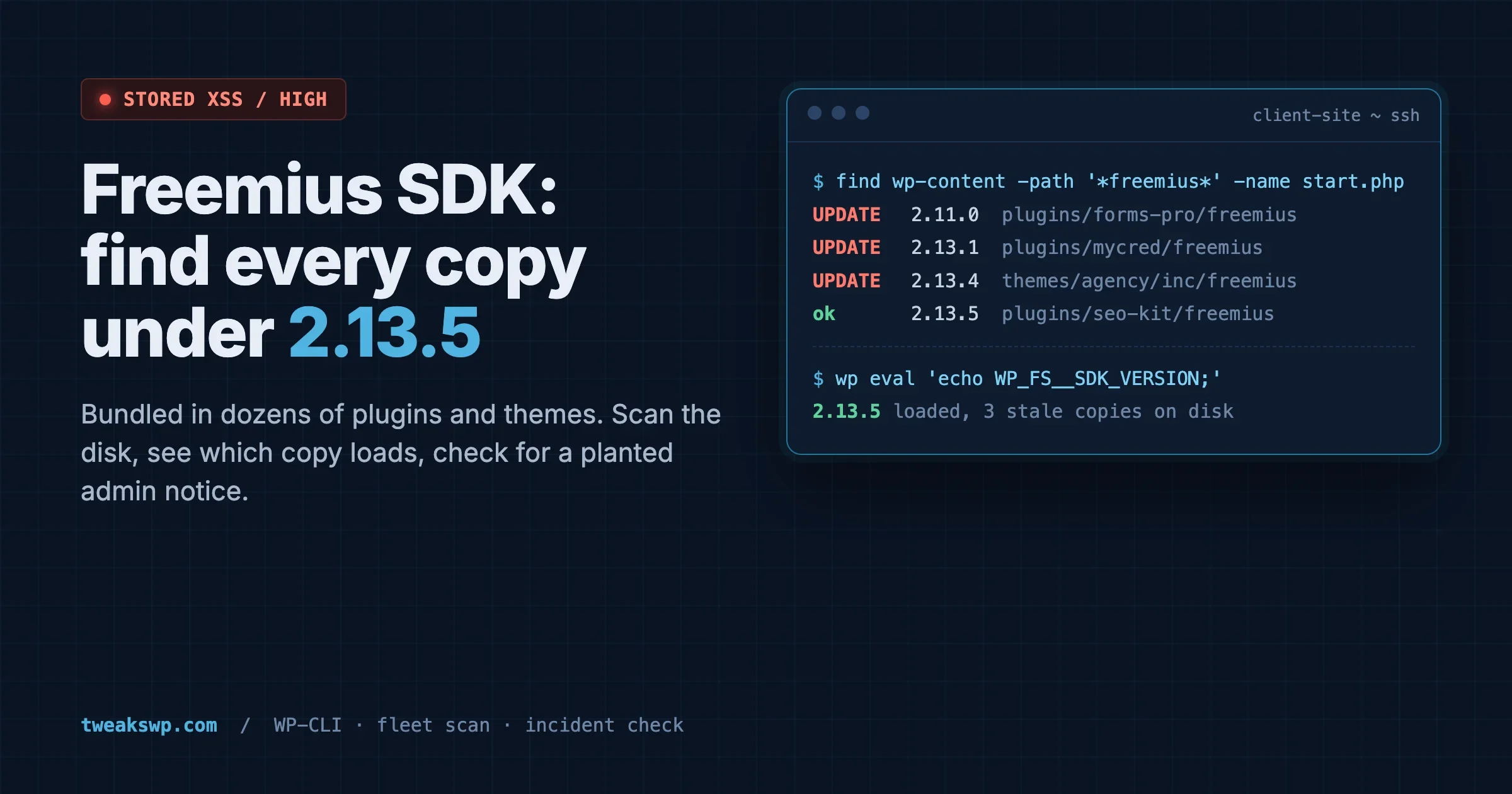
Freemius SDK Stored XSS: How to Find Every Bundled Copy on a Client Site (Anything Under 2.13.5)
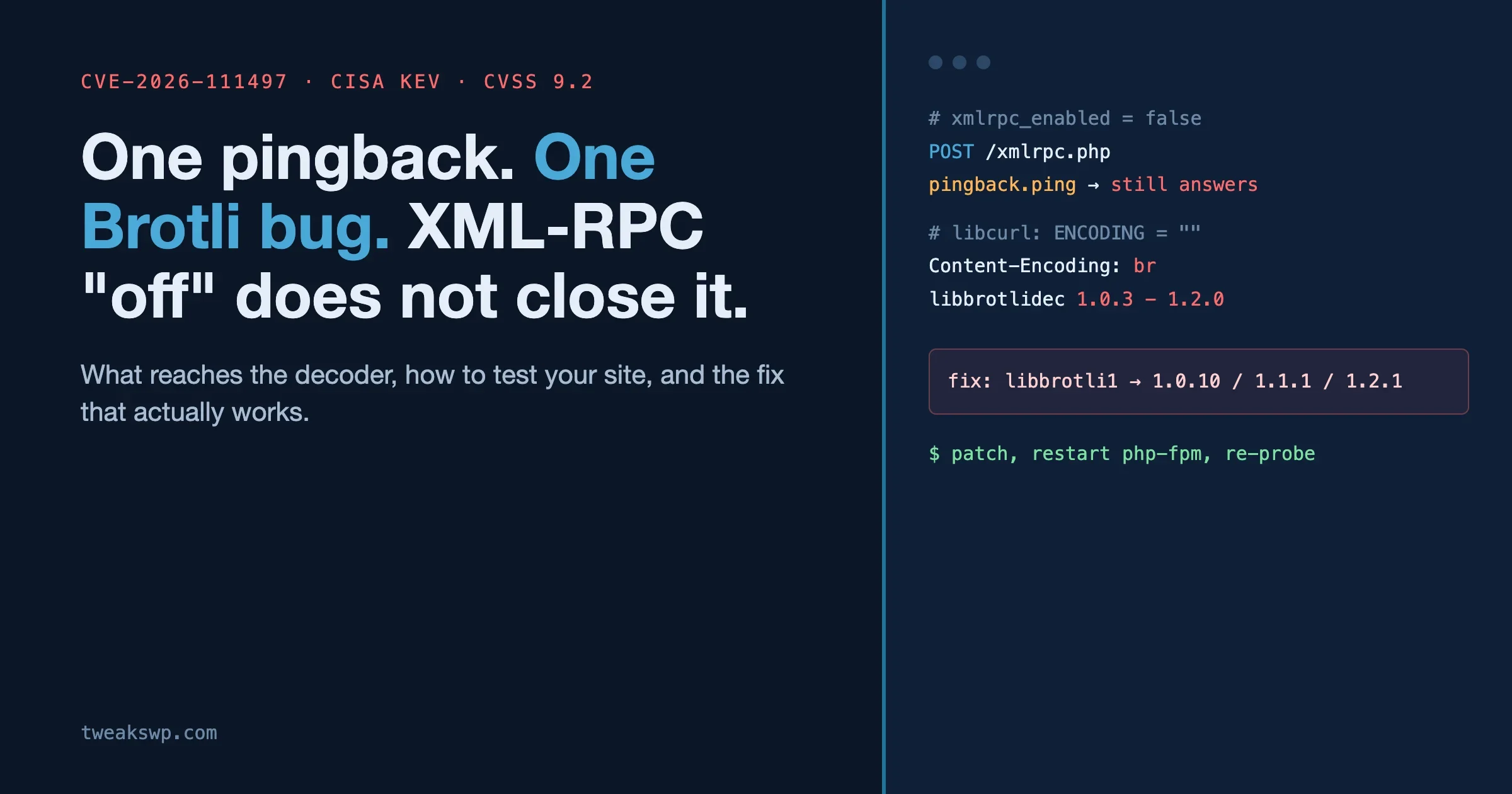
CVE-2026-111497: The Brotli Bug One xmlrpc.php Pingback Can Reach, and Why Turning Off XML-RPC the Usual Way Does Not Close It