Learn how to properly configure WordPress settings, plugins, and core features to ensure optimal performance, security, and usability.
Database Optimization • Settings & Configuration • WordPress
April 18, 2026 • Views: 2
Master the wp-config.php database block: DB_CHARSET, DB_COLLATE, WP_ALLOW_REPAIR, MYSQL_CLIENT_FLAGS, a custom db.php drop-in for TLS pinning, and WP-CLI checks to verify encoding and SSL on every connection.
Migration & Backup • Settings & Configuration
April 14, 2026 • Views: 2
Step-by-step guide to relocating WordPress wp-content, uploads, and plugin directories using WP_CONTENT_DIR, UPLOADS, and WP_PLUGIN_DIR constants, plus the gotchas that break themes and plugins after the move.
Debugging & Profiling • Settings & Configuration • WordPress
April 10, 2026 • Views: 9
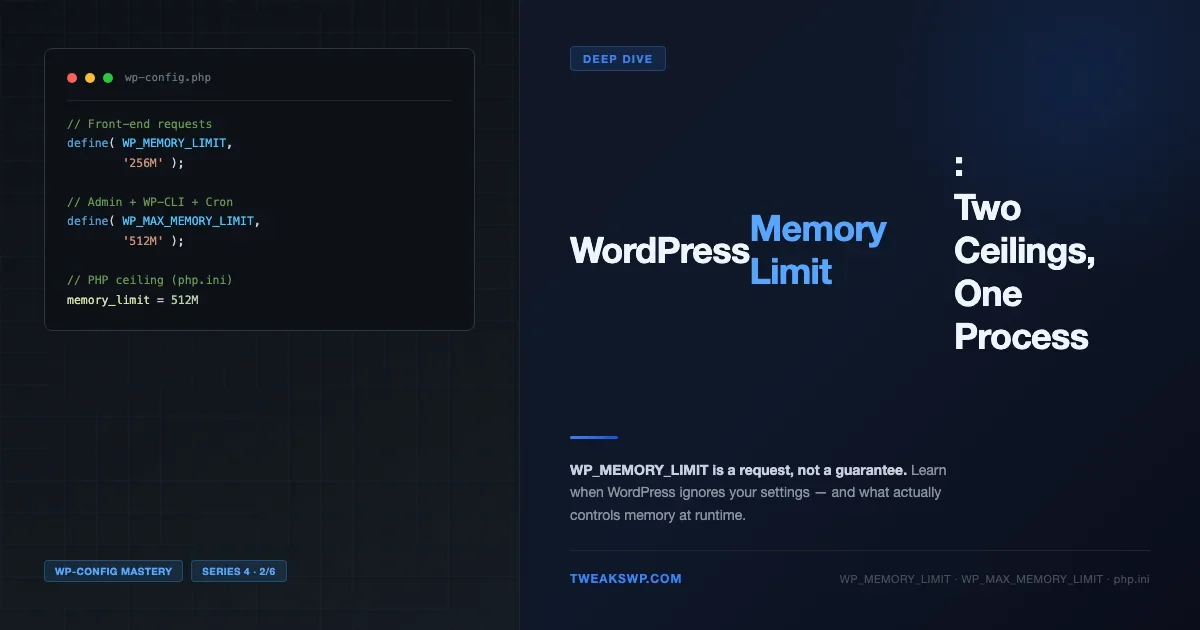
WP_MEMORY_LIMIT and PHP memory_limit look similar but operate at different layers. This guide explains how they interact, what WP_MAX_MEMORY_LIMIT does for admin requests, how memory_get_peak_usage() reveals the truth, and the four situations where WordPress silently ignores your settings entirely.
Debugging & Profiling • Settings & Configuration • WordPress
April 9, 2026 • Views: 8
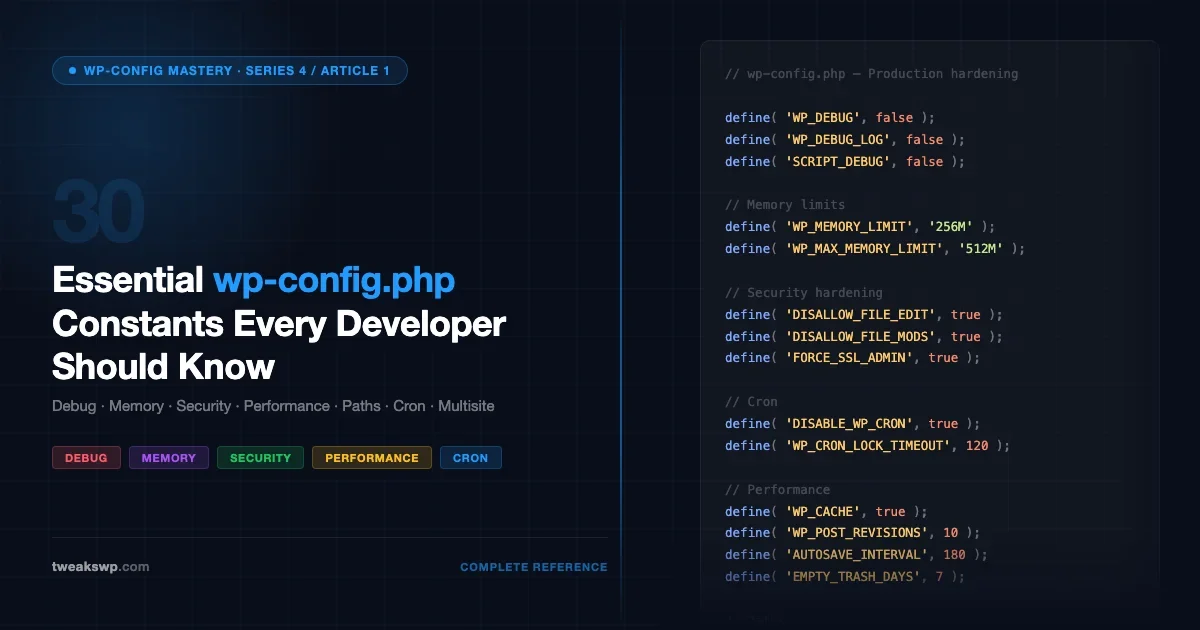
A complete categorized reference to every important wp-config.php constant: debug, memory, performance, security, paths, cron, multisite, and more. With real code examples for development, staging, and production environments.
Debugging & Profiling • Settings & Configuration
March 30, 2026 • Views: 11
Most developers set WP_DEBUG and stop there. This guide documents every WordPress debug constant in wp-config.php: WP_DEBUG, WP_DEBUG_LOG, WP_DEBUG_DISPLAY, SCRIPT_DEBUG, SAVEQUERIES, WP_CACHE, CONCATENATE_SCRIPTS, and more. Includes correct configurations for local development, staging, and production, plus how to use ini_set for custom error log paths.