Best Flarum Alternatives in 2026 (For Teams Already Running WordPress)
Flarum is free, lean, and genuinely well built, but it's a second system next to WordPress with an extension stack you maintain yourself. What actually breaks, and the WordPress-native alternative that keeps the same job on one install.
Flarum is the modern forum software we see recommended most often to people who found Discourse too heavy and WordPress forum plugins too dated. It’s genuinely lightweight, genuinely free (MIT licensed, no catch), and PHP-based, which at least means it shares a language with most WordPress hosting. The friction isn’t the software itself. It’s the same structural issue as every standalone forum platform in this series: it’s a second application, with its own login and its own database, sitting next to the WordPress site most of our clients already run everything else on.
This article covers what Flarum actually does well, where running it alongside WordPress causes real friction, and the realistic alternatives, including a WordPress-native one that gives you the same lightweight, modern discussion experience without the second system.
What Flarum actually is
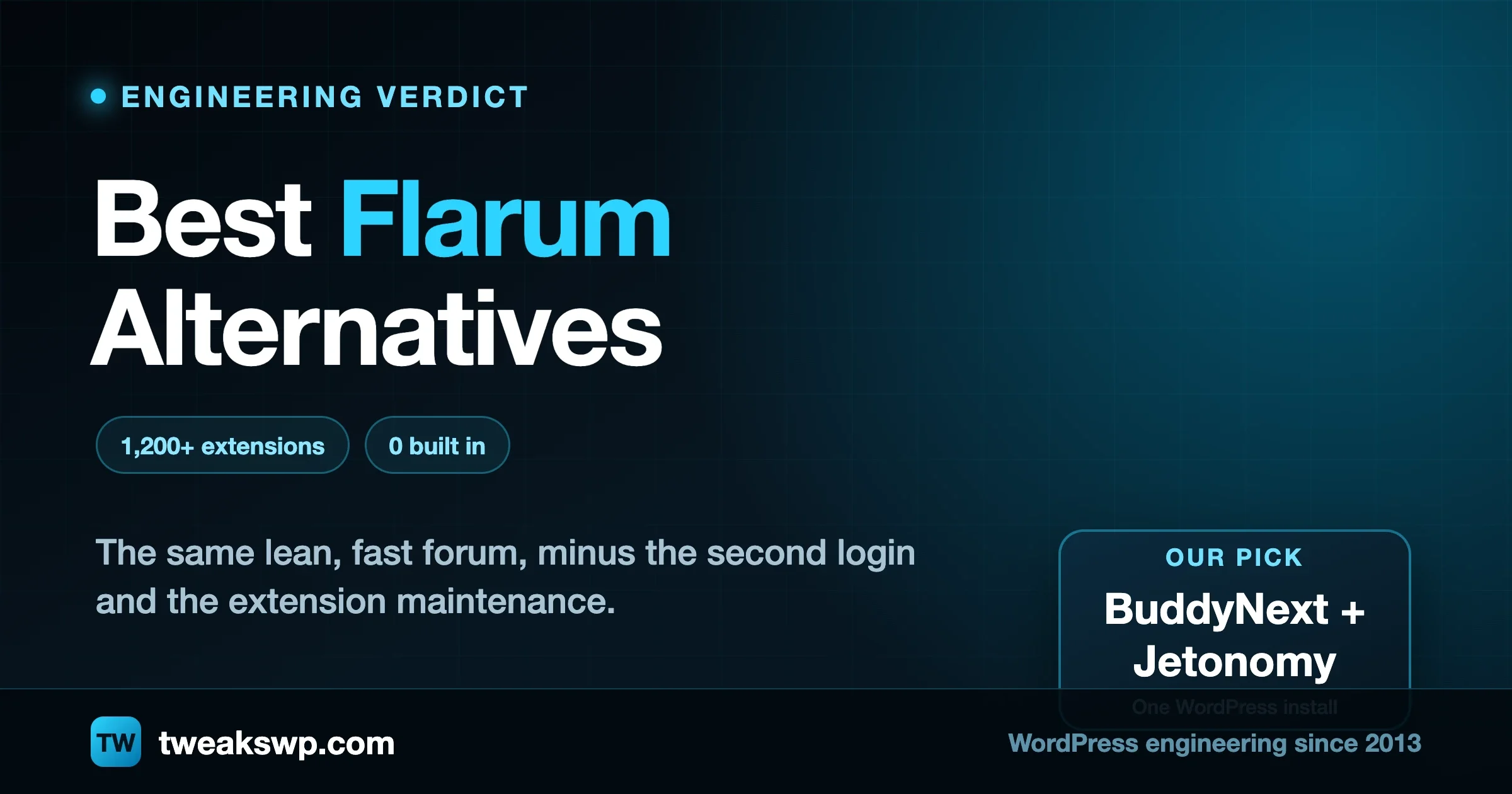
Flarum is open-source forum software built to be minimal by default and extensible on top. The out-of-box install is deliberately lean: a fast, modern discussion interface without the feature bloat older forum software accumulated over twenty years. Everything beyond the core gets added through its extension ecosystem, which has grown past 1,200 extensions, including a well-maintained “Friends of Flarum” collection covering social login, file uploads, and dozens of other common needs.
Flarum 2.0 brought audit logging and GDPR tooling into the core product rather than leaving them as third-party add-ons, added a new MariaDB driver, and moved two previously premium extensions to free, open-source, first-party status. It’s actively maintained software with a real roadmap, not an abandoned project coasting on reputation. For a team that specifically wants a clean, fast, no-bloat forum and is genuinely comfortable curating their own extension stack over time, Flarum does that job well.
It’s worth naming who Flarum genuinely suits best: developers and technically comfortable teams who have a strong opinion about exactly which features they want and actively prefer picking extensions individually over accepting someone else’s bundled defaults. The “Friends of Flarum” collection in particular has earned real trust in that community for being well-maintained rather than abandoned the way a lot of open-source plugin ecosystems eventually go. If that description fits your team and a standalone forum is genuinely the right shape for what you’re building, Flarum is a strong, honest choice. The rest of this article is written for the more common case we see: a business that already runs WordPress for everything else and is deciding whether a second, separate forum system is worth the overhead it adds.
Where the friction actually is
Minimal by default means you do the assembly work
Flarum’s lean-core philosophy is a genuine strength for teams that know exactly what they want and nothing more, but it means a lot of what other platforms ship built in, you’re responsible for finding, vetting, and maintaining as third-party extensions. Social login, advanced moderation rules, SEO tooling, private messaging, tagging systems beyond the default, each is a separate extension with its own update cycle and its own compatibility risk when Flarum itself updates. A forum that looks simple on day one can accumulate a dozen extensions within a year, each one a small ongoing maintenance obligation.
Still a separate system from your WordPress site
The same structural issue runs through every standalone forum platform in this series. A Flarum install lives on its own subdomain or path, with its own account system, its own design language even with custom styling applied, and its own database that doesn’t share member data with WordPress without a bridging integration you build and maintain yourself. Members end up with two accounts, or you take on an SSO project to merge them, and either way the forum reads as a separate destination rather than a natural part of your site.
PHP shared language, not shared infrastructure
Flarum being PHP-based is a real point in its favor compared to the Node.js or Ruby-based alternatives in this category, it’s at least the same programming language your WordPress hosting already runs. But sharing a language isn’t the same as sharing an application. Flarum still needs its own database, its own PHP process configuration separate from WordPress’s, and its own deployment and backup routine. The hosting convenience is smaller than it first appears once you account for the full operational picture rather than just the shared language.
Extension updates can break each other, not just the core
With 1,200-plus extensions from different maintainers in the ecosystem, the real operational risk isn’t just “does this extension still work after a Flarum core update.” It’s whether two extensions you’re both relying on remain compatible with each other after either one updates independently. A well-maintained Friends of Flarum extension lowers that risk considerably, but a forum running a dozen extensions from a mix of maintainers is running a small dependency graph that someone has to actually watch, the same category of maintenance burden as a Node.js or PHP application with a large third-party package list, just less visible because it’s hidden behind a forum admin panel instead of a package.json file.
The alternatives, in order of what we’d actually recommend
1. BuddyNext: a complete community platform running inside WordPress, forums included
BuddyNext covers the discussion and social layer Flarum provides, open and private Spaces with threaded comments, reactions, and sub-spaces, plus the member profiles, activity feed, and moderation tooling a forum alone doesn’t include, all running on the same WordPress install, login, and theme as the rest of your site. Where Flarum asks you to extend a minimal core yourself, BuddyNext ships the social and community layer complete: a composer with media and polls, five-level threaded comments, hashtags, bookmarks, and native moderation (reports, strikes, suspensions, shadow-bans, banned word and domain lists) that’s typically an enterprise add-on elsewhere.
For the specific forum and Q&A use case Flarum is usually chosen for, the honest companion piece is Jetonomy rather than BuddyNext alone: it replaces bbPress, wpForo, and Asgaros outright, runs classic threaded forums and Q&A with accepted answers on purpose-built database tables, and includes the keyboard-driven power-user navigation (j and k to move, l to upvote, r to reply) that Flarum’s own user base tends to appreciate. Together, BuddyNext for the broader community layer and Jetonomy for the forum and Q&A specifically give you Flarum’s core job plus the profile, feed, and monetization layer it doesn’t attempt, all inside one WordPress install with one member database.
The honest trade-off against Flarum specifically: Flarum’s 1,200-plus extension ecosystem, built over a decade, covers edge cases a younger WordPress-native platform hasn’t all caught up to yet. If your community depends on a specific niche Flarum extension, confirm the equivalent exists before assuming a clean swap. For the core job of running discussions, Q&A, and a connected member base without maintaining a second application, the WordPress-native path removes an entire system from your stack rather than adding one more thing to it.
The content and structure side of the comparison matters too. Jetonomy’s Spaces can nest inside each other, so a Category becomes Spaces becomes sub-Spaces, letting a growing community mirror a real organizational structure (a support Category containing Billing, Technical, and Feature Request sub-Spaces, for instance) the same way a well-organized Flarum tag structure tries to, but with actual hierarchy rather than flat tags standing in for one. Join policies per Space, open, request-to-join with an approval queue, or invite-only with expiring links, cover the access patterns a growing paid or cohort-based community needs without a separate membership extension bolted on.
The editor itself closes a specific gap worth naming directly: drag-and-drop image upload with clipboard paste support, so pasting a screenshot uploads it immediately rather than requiring an upload-then-insert workflow, @mentions with autocomplete, auto-embedding for YouTube and social links, syntax-highlighted code blocks across fifty-plus languages, and quote-to-reply that anchors a response to the exact passage it answers. These are the specific, named failure modes of older forum software (illegible code blocks, clunky image handling) that both Flarum’s modern design and Jetonomy’s editor were built to fix directly, rather than being generic nice-to-haves.
2. Discourse: more mature, more opinionated, heavier
Discourse is the platform Flarum is most often chosen as an alternative to, specifically by teams who found Discourse too resource-heavy or too opinionated about how a forum should work. Discourse ships its trust-level reputation system, its keyboard-driven navigation, and its moderation tooling built in rather than as extensions, which is exactly the trade-off against Flarum’s lean-core philosophy: more capability out of the box, at the cost of a heavier server footprint and a steeper initial configuration. If Flarum’s minimalism ends up meaning you spend more time assembling extensions than you expected, Discourse’s more batteries-included approach is worth reconsidering directly, with the same self-hosted-versus-hosted cost trade-off covered in our separate Discourse alternatives article.
3. NodeBB: real-time by default, different stack
NodeBB’s real-time architecture means posts and replies appear instantly without a refresh, a genuine usability edge Flarum doesn’t match out of the box without an extension for it, and it has built-in single sign-on support for a range of identity providers. The cost is the PHP-adjacency Flarum has going for it: NodeBB means running and maintaining a Node.js service your team may not otherwise have in its stack. If real-time responsiveness is the deciding factor and your team is fine owning that infrastructure, it’s worth a direct trial against Flarum before committing either way.
4. phpBB: the deepest extension library, the most dated default feel
phpBB has been actively maintained since 2000 and has the single largest extension and style library in open-source forum software, two decades of community contributions that Flarum, launched far more recently, hasn’t had time to match in raw volume. If Flarum’s newer, smaller ecosystem is missing something specific you need, phpBB’s head start is worth checking, accepting that its default interface and admin experience read as noticeably more dated than Flarum’s modern design, even with a custom style applied.
5. XenForo: commercial, polished, built for large enthusiast communities
XenForo is paid software rather than free like the rest of this group, licensed either as a one-time purchase or ongoing subscription, and it shows in the admin polish, built-in anti-spam tooling, and overall refinement it ships with compared to the free open-source options. Large, mature standalone communities that specifically don’t want WordPress integration and are willing to pay for that extra polish should evaluate it on its own terms rather than against the free options here, since the comparison isn’t really apples to apples once a license fee enters the picture.
- Flarum: self-hosted, open-source, free. Best fit: a team that wants a lean, modern forum and is comfortable curating its own extension stack. Loses on being a second system separate from WordPress.
- BuddyNext + Jetonomy: WordPress plugins. Best fit: the same discussion and Q&A job as Flarum, plus the social and community layer it doesn’t attempt, on one WordPress install. Loses on a younger extension ecosystem than Flarum’s decade-plus library.
- Discourse: self-hosted free or hosted paid. Best fit: more batteries-included than Flarum, at the cost of being heavier. Loses on the same separate-system problem, worse resource needs.
- NodeBB: self-hosted, open-source, Node.js. Best fit: real-time responsiveness as the top priority. Loses on adding a non-PHP service to a PHP-hosted stack.
- phpBB: self-hosted, open-source, PHP. Best fit: the single deepest extension library in open-source forum software. Loses on a dated default interface.
- XenForo: commercial license. Best fit: large standalone communities wanting the most polished paid option. Loses on cost and zero WordPress integration.
If you decide to move into WordPress, here’s what actually has to happen
Moving a live Flarum community into WordPress is a real project with real steps, not a plugin activation.
First, audit your actual extension stack before you migrate anything. List every Flarum extension you’re running, not just the ones you remember installing deliberately, since Flarum’s extension marketplace makes it easy to add something for a one-time need and forget it’s still active a year later. For each one, confirm whether its capability exists natively in BuddyNext and Jetonomy, is achievable through a different configuration, or is a genuine gap you need to plan around before committing to a date. Second, export and map your discussion content and member accounts, deciding deliberately how reputation and activity history carry over rather than resetting everyone to zero, which your most active members will notice immediately and read as a demotion even if the underlying move genuinely improves their experience. Third, build the redirect map from every old Flarum discussion URL to its new WordPress location, so indexed and bookmarked links keep working instead of turning into dead ends. A forum with years of accumulated, search-indexed threads represents real search equity, and a sloppy redirect pass throws that away for no reason. Fourth, run both systems in parallel for a defined window before the old Flarum instance goes read-only, so a migration issue surfaces with time to fix it rather than after your only copy is gone.
There’s a fifth step specific to Flarum migrations worth calling out: testing every extension-dependent feature your community actually uses day to day before you commit to a cutover date, not just the obvious ones. A file-upload extension, a custom login provider, a specific moderation automation, these are easy to overlook in an inventory and painful to discover missing after members have already moved over. Walk your own community through its actual daily usage patterns, not just your extension list, before deciding the migration plan is complete. Ask your most active members directly what they’d miss; they’ll surface edge cases a technical audit alone won’t catch.
Communication matters as much as the technical steps here too. Tell your members what’s changing and what isn’t before the cutover, not after. Their accounts, their post history, and their standing in the community are coming with them; the login screen and the surrounding site are what’s different. A short, clear heads-up costs little and prevents most of the confusion and frustration a silent switch generates. Give it a few days’ notice rather than announcing it the morning of, so members have time to ask questions before the switch happens rather than after.
That audit, migration, and security hardening work, making sure the new WordPress install is actually production-ready and not just a demo setup, is exactly the kind of engineering work we do for clients considering this move, day in and day out. If you’re seriously evaluating it, that conversation is worth having before you touch your extension list.
FAQ
Does BuddyNext plus Jetonomy actually cover what Flarum’s 1,200 extensions do?
Not extension-for-extension, no single platform could claim that honestly. What it covers is the common core most communities actually use: threaded discussion, Q&A with accepted answers, reactions, moderation, social login, and a profile and activity system, all built in rather than assembled from separate add-ons. For a genuinely niche Flarum extension, check for an equivalent before migrating rather than assuming one exists.
Is Flarum actually free, or is there a hosted paid tier we’re missing?
It’s free and open-source under the MIT license with no hosted-tier catch, the Flarum team doesn’t sell a competing paid hosted plan the way Discourse does. The cost is entirely in self-hosting time: setup, extension maintenance, backups, and updates, the same ongoing operational commitment every self-hosted option in this category carries.
Will our members lose their reputation and post history moving off Flarum?
Only if the migration is done carelessly. A properly planned migration maps existing accounts, post history, and reputation signals into the new platform’s equivalent structures rather than discarding them. It’s extra work during migration, and it’s the difference between members feeling the move as an upgrade versus a downgrade. Treat this mapping work as a first-class part of the project plan, not an afterthought squeezed in once the technical import is already done, and budget real time for it accordingly.
Do we need a developer to maintain BuddyNext and Jetonomy the way we needed one for Flarum’s extensions?
Less ongoing maintenance burden day to day, since the core community and forum functionality ships built in rather than assembled from separately updating extensions. You still need someone accountable for WordPress updates, security, and backups generally, the same baseline any production WordPress site requires, but you’re not tracking a dozen individual extension compatibility matrices every time the core platform updates.
What if we just want a forum, not a full community platform?
Jetonomy alone, without layering in BuddyNext’s broader social feed and profile system, covers the forum and Q&A job specifically, replacing bbPress, wpForo, and Asgaros directly. You don’t have to adopt the full community platform to get a WordPress-native forum; start with the piece that matches your actual need and add the rest only if your community grows into wanting it.
How do we decide between Flarum and a hosted option like Discourse before even considering WordPress?
If you’ve already ruled out a WordPress-native path for a specific reason, perhaps your community genuinely needs to live at its own separate domain with its own identity, the Flarum-versus-Discourse decision usually comes down to how much you value minimalism and control (Flarum) against a more complete, opinionated out-of-box experience and the option to pay for hosting instead of running it yourself (Discourse). Both are legitimate, well-supported choices in that specific scenario. The case this article makes is for the more common situation where a separate system isn’t actually a requirement, just the default most teams reach for without checking whether their existing WordPress site could do the job instead.
Is a WordPress-native forum solution as fast and lightweight as Flarum’s minimal core?
Jetonomy’s forum and Q&A tables are purpose-built rather than piggybacking on WordPress’s own post tables, which is specifically what keeps it fast and responsive as a community grows larger, the same engineering reasoning that makes Flarum’s lean core fast. The comparison isn’t “minimal standalone app versus bloated WordPress plugin.” It’s two different pieces of software built with the same performance priority, one living inside your existing site and one living beside it.
Plugins we build and run
We maintain these ourselves, which is why we can support them on your site.
- BuddyNextThe self-hosted community engine for WordPress
- BuddyXFree community theme, Pro when you outgrow it
- ReignPremium community theme. Add pieces, build anything
- JetonomyCommunity forum and Q&A for WordPress
- EventonomyEvents and RSVPs for WordPress communities
- LearnomyCourses and learning communities on WordPress
- ListoraDirectories and listings your members can browse
- SnipShareCode sharing built for developer communities
- WB Ad ManagerAd placements that turn traffic into revenue
- WP Career BoardA job board your community actually uses
- WP Sell ServicesSell services with offers, orders, and payouts
- MediaVersePhotos, video, and media albums for members
- WB GamificationPoints, badges, and rewards that keep members active
- Product RoadmapPublic roadmaps with voting your users trust