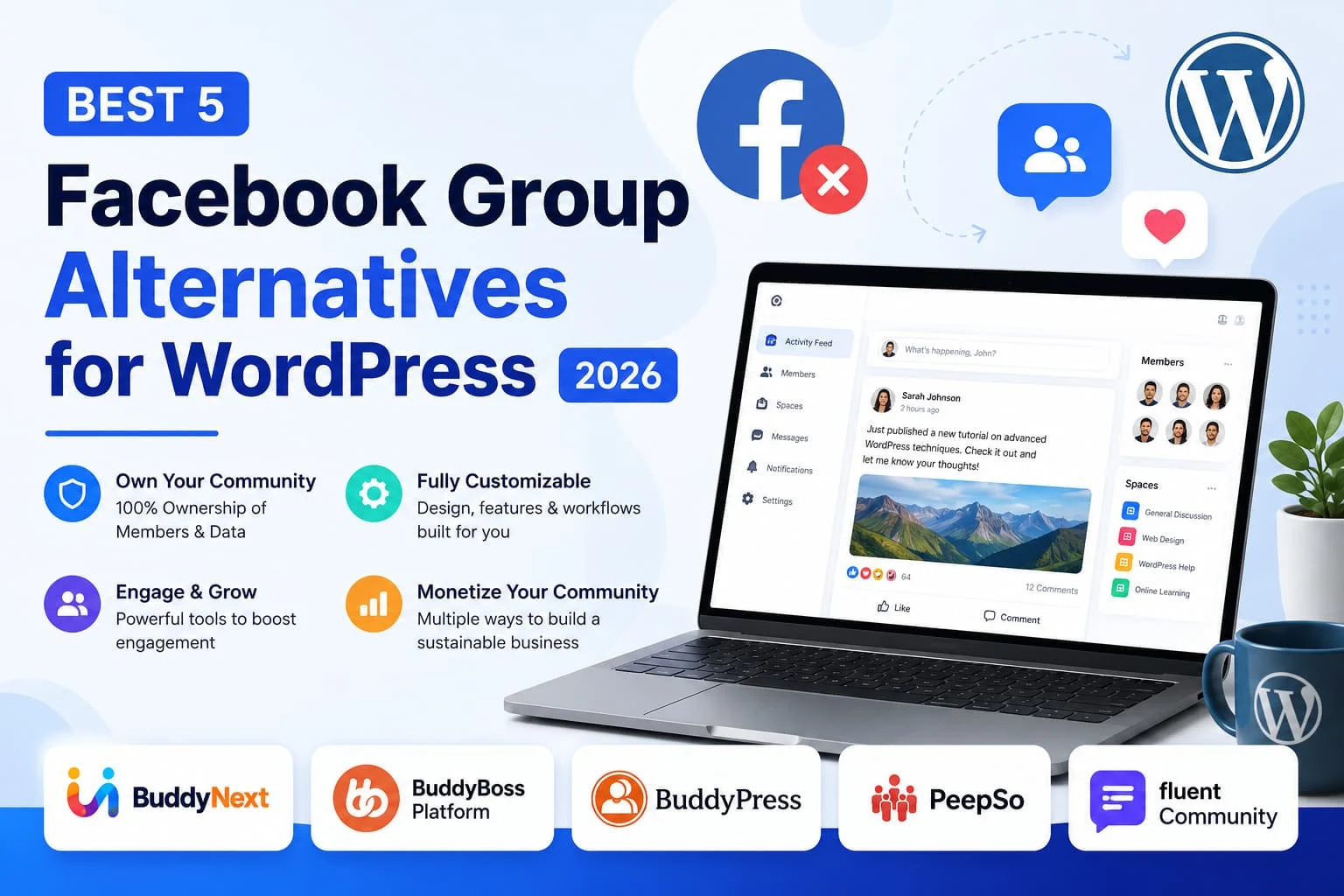
Best 5 Facebook Group Alternatives for WordPress (2026)

Facebook Groups make it easy to start an online community, but they come with limitations. You don’t own your audience, your content is subject to Facebook’s algorithm, and customization options are minimal. As your community grows, these restrictions can make it difficult to create the experience your members expect.
That is why many businesses, creators, educators, and membership site owners are moving to WordPress. A self-hosted community gives you complete ownership of your members, data, branding, and monetization strategy while allowing you to expand your platform as your business grows.
In this guide, we’ll compare the five best Facebook Group alternatives for WordPress in 2026, looking at their features, pricing, strengths, and ideal use cases.
Why Move Beyond Facebook Groups?
While Facebook Groups are free, they are designed to benefit Facebook first, not your business.
Common limitations include:
- Limited control over your community
- Changing algorithms reduce post visibility
- No ownership of member data
- Limited branding and customization
- Few monetization options
- Distractions from ads and unrelated content
A WordPress community solves these problems by giving you complete control over your platform.
How We Chose These Alternatives
We evaluated each platform based on:
- Community features
- Member engagement
- Ease of use
- Customization
- Scalability
- Integrations
- Monetization options
- Performance
- Value for money
Watch the VideoWant a quick overview before reading the full comparison? Watch our video covering the best Facebook Group alternatives for WordPress in 2026.
https://youtu.be/3RLkws-AJEY
1. BuddyNext
Best Overall Facebook Group Alternative
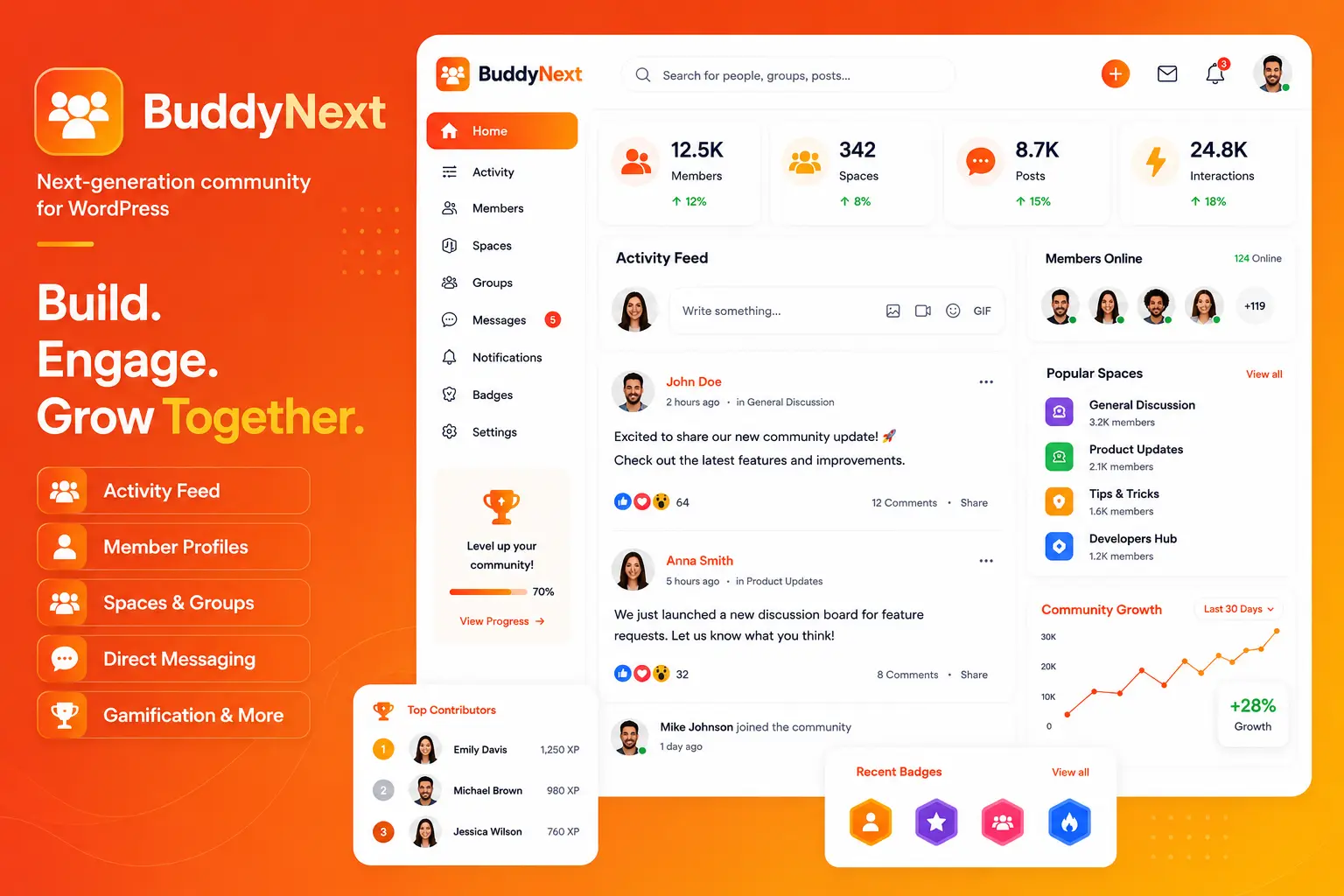
If your goal is to recreate the Facebook experience on your own website while maintaining full ownership, BuddyNext is one of the strongest options available.
BuddyNext provides a modern community platform built specifically for WordPress. Members can create profiles, publish posts, react, comment, follow discussions, send private messages, receive notifications, and participate in community Spaces.
Unlike Facebook Groups, everything happens on your own website under your own brand.
Key Features
- Modern activity feed
- Rich member profiles
- Community Spaces
- Private messaging
- Notifications
- AI powered community features
- Community moderation tools
- Membership support
- WooCommerce integration
- LearnDash integration
- Tutor LMS integration
- Gamification support
- REST API for developers
One of BuddyNext’s biggest strengths is its integration with the Wbcom ecosystem. As your community grows, you can easily add online learning, directories, forums, media sharing, marketplaces, job boards, and additional community features without rebuilding your website.
Pros
- Complete ownership of your community
- Modern user interface
- Excellent performance
- Highly customizable
- Large ecosystem of integrations
- Free version available
Cons
- Requires WordPress hosting
- Advanced AI and membership features require Pro
Best For
- Membership websites
- Businesses
- Online learning
- Creator communities
- Customer communities
- Large growing communities
2. BuddyBoss Platform
Best for Membership Communities
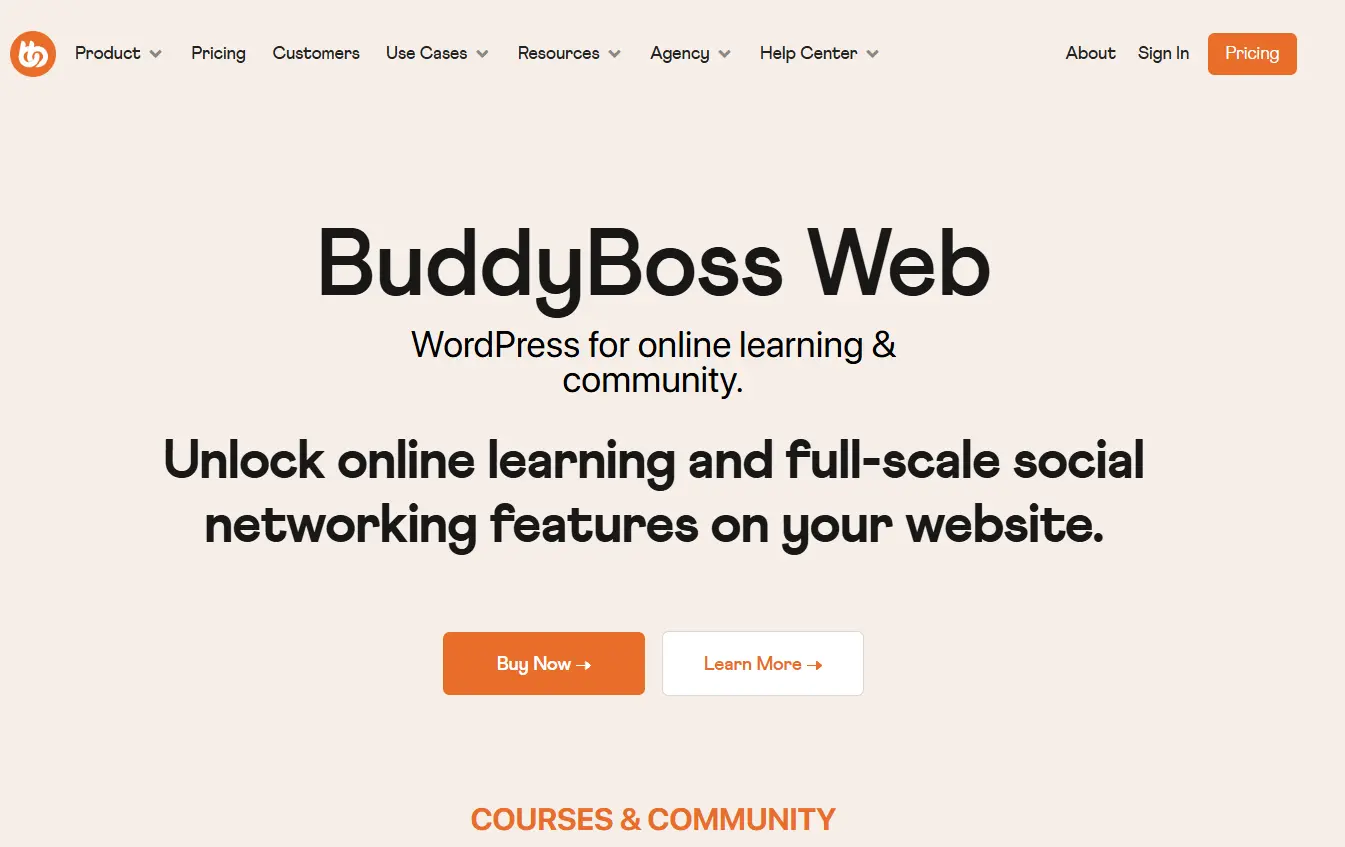
BuddyBoss Platform is a premium WordPress community solution that combines social networking with LMS and membership integrations.
It includes activity feeds, messaging, groups, member profiles, and supports popular learning plugins like LearnDash.
Key Features
- Activity feed
- Groups
- Messaging
- Member profiles
- LearnDash support
- WooCommerce compatibility
- Mobile app option
Pros
- Mature platform
- Great LMS support
- Professional interface
Cons
- Premium only
- Mobile app requires additional cost
- Many advanced features depend on extra plugins
Best For
- Course creators
- Membership businesses
- Coaching communities
3. BuddyPress
Best Free Open Source Community Plugin
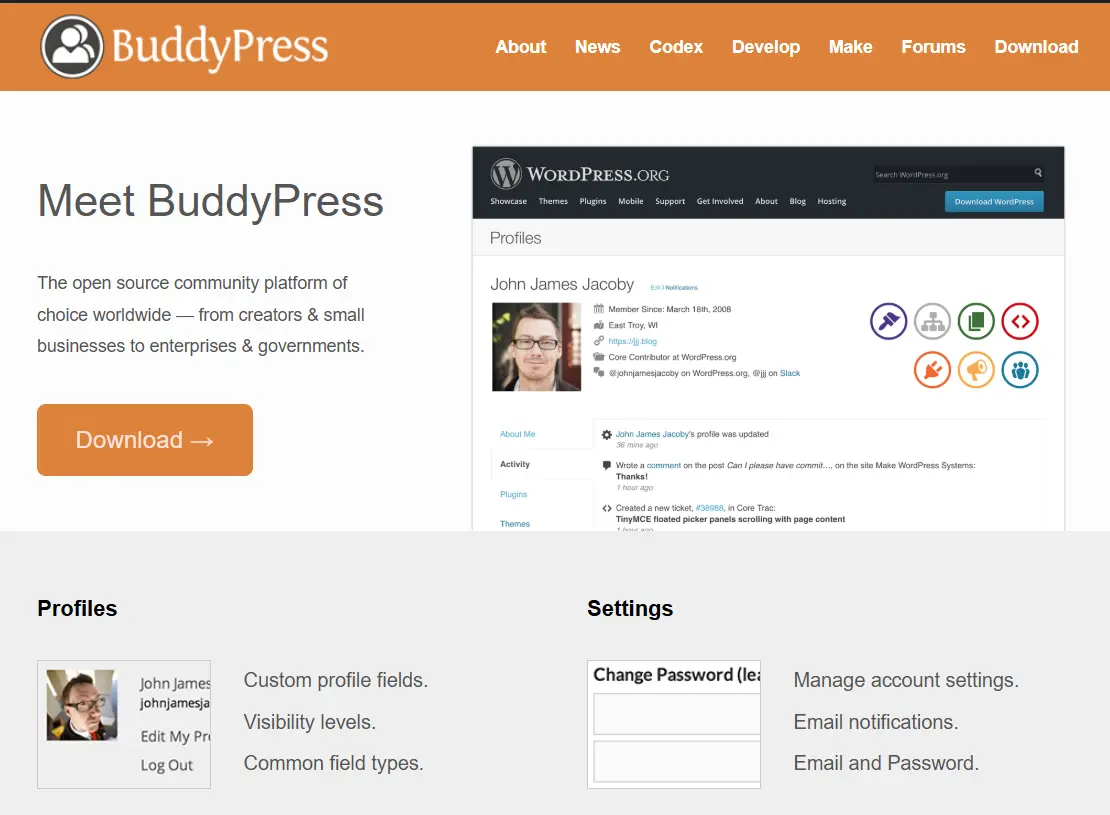
BuddyPress remains one of the most trusted community plugins for WordPress.
It gives developers and site owners a solid foundation for creating online communities with complete flexibility.
Key Features
- Member profiles
- Activity streams
- Groups
- Messaging
- Friend connections
- Notifications
Pros
- Completely free
- Large developer community
- Highly customizable
Cons
- Requires additional plugins for advanced functionality
- Interface feels less modern without customization
Best For
- Developers
- Small communities
- Custom WordPress projects
4. PeepSo
Best for Social Networking Websites
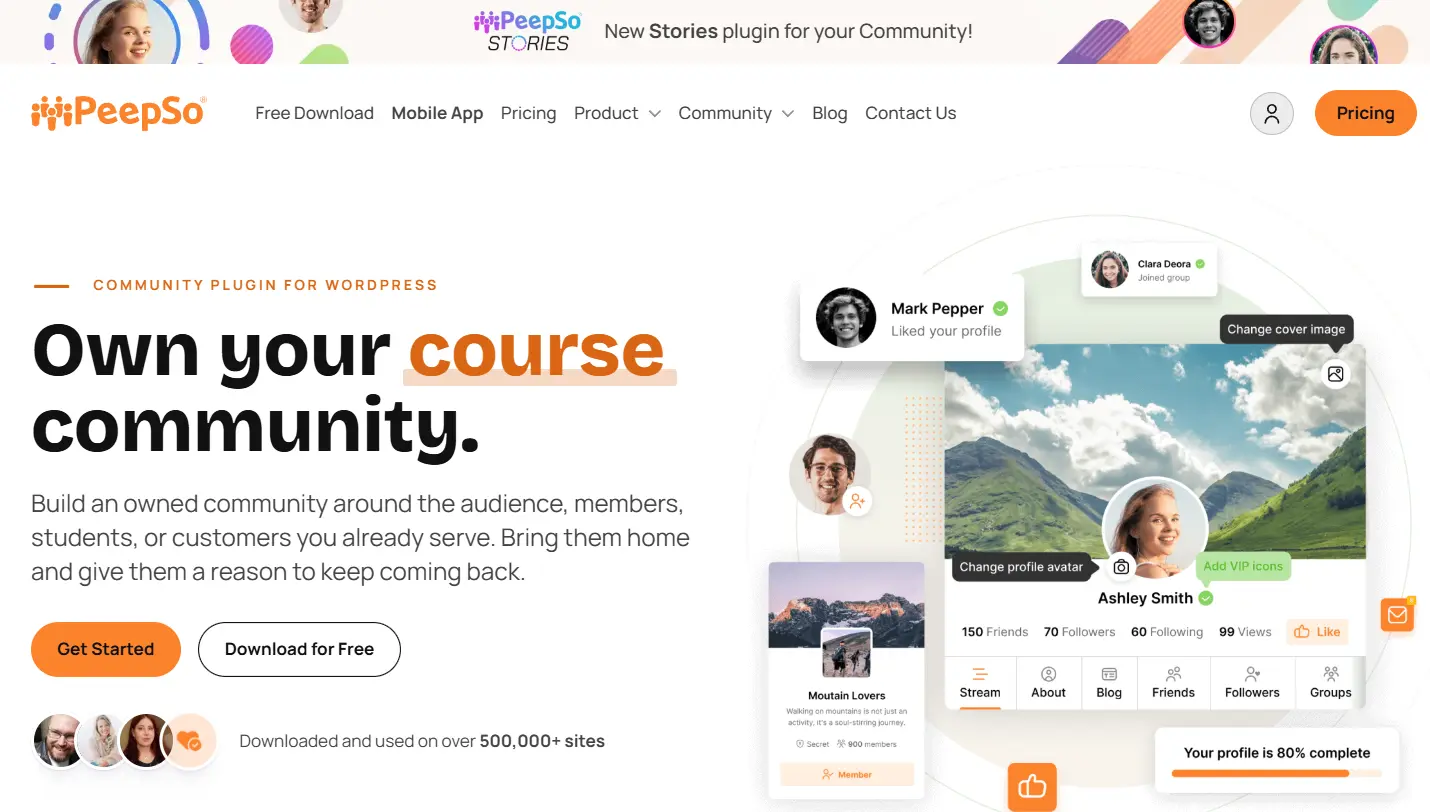
PeepSo focuses on delivering a polished social networking experience similar to Facebook.
It offers activity feeds, profiles, messaging, groups, and media sharing with a clean interface.
Key Features
- Profiles
- Activity feed
- Groups
- Messaging
- Media uploads
- Notifications
Pros
- Easy to use
- Modern interface
- Good social networking features
Cons
- Several premium features require paid add-ons
- Smaller ecosystem than BuddyPress
Best For
- Social communities
- Hobby groups
- Interest based communities
5. FluentCommunity
Best for Creator Communities
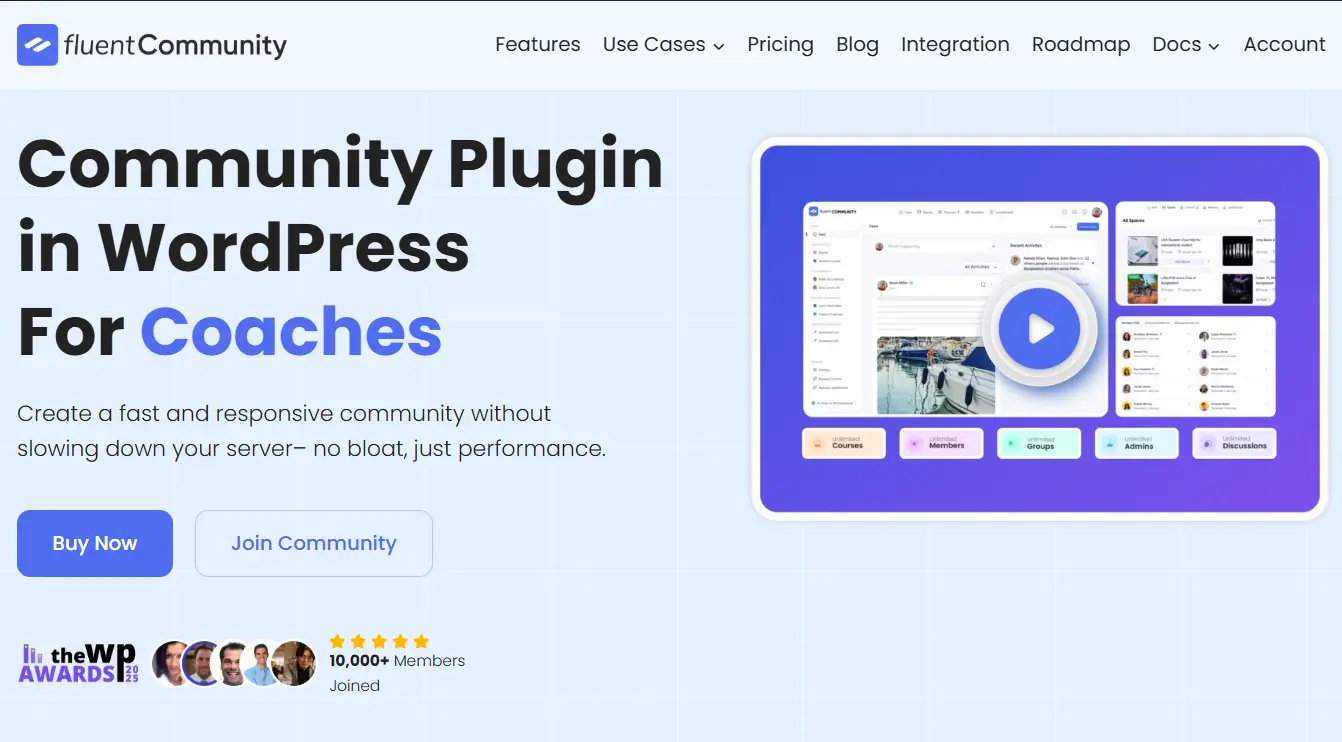
FluentCommunity is a relatively new WordPress community plugin aimed at creators, educators, and membership businesses.
Its clean interface makes it easy to launch private communities without unnecessary complexity.
Key Features
- Member profiles
- Community feeds
- Discussions
- Private spaces
- Notifications
Pros
- Simple interface
- Fast setup
- Lightweight
Cons
- Smaller feature set
- Fewer integrations compared to more established platforms
Best For
- Coaches
- Creators
- Membership businesses
- Private communities
Feature Comparison
FeaturesBuddyNextBuddyBossBuddyPressPeepSoFluentCommunityActivity FeedYesYesYesYesYesMember ProfilesYesYesYesYesYesGroups or SpacesYesYesYesYesYesPrivate MessagingYesYesYesYesLimitedNotificationsYesYesYesYesYesLMS IntegrationYesYesVia PluginsLimitedLimitedWooCommerce SupportYesYesVia PluginsYesLimitedAI FeaturesYesNoNoNoNoFree VersionYesNoYesLimitedYesSelf HostedYesYesYesYesYes
Which Facebook Group Alternative Should You Choose?
Each plugin serves a different audience.
Choose BuddyNext if you want a modern, scalable community platform with rich social features, WordPress integrations, and complete ownership of your members and data.
Choose BuddyBoss Platform if you run an online course or membership business and want a premium ecosystem.
Choose BuddyPress if you prefer an open source foundation with maximum flexibility.
Choose PeepSo if your priority is creating a Facebook style social network.
Choose FluentCommunity if you want a lightweight community plugin for creators and private groups.
Final Verdict
Facebook Groups are a great place to start, but they are rarely the best long term solution for building a thriving online community.
A WordPress community gives you complete control over your audience, branding, monetization, and future growth.
Among all the options, BuddyNext stands out as the best overall Facebook Group alternative for WordPress. Its modern interface, powerful community features, AI capabilities, and seamless integration with the broader Wbcom ecosystem make it an excellent choice for creators, businesses, educators, and membership sites looking to build a community they truly own.
Plugins we build and run
We maintain these ourselves, which is why we can support them on your site.
- BuddyNextThe self-hosted community engine for WordPress
- BuddyXFree community theme, Pro when you outgrow it
- ReignPremium community theme. Add pieces, build anything
- JetonomyCommunity forum and Q&A for WordPress
- EventonomyEvents and RSVPs for WordPress communities
- LearnomyCourses and learning communities on WordPress
- ListoraDirectories and listings your members can browse
- SnipShareCode sharing built for developer communities
- WB Ad ManagerAd placements that turn traffic into revenue
- WP Career BoardA job board your community actually uses
- WP Sell ServicesSell services with offers, orders, and payouts
- MediaVersePhotos, video, and media albums for members
- WB GamificationPoints, badges, and rewards that keep members active
- Product RoadmapPublic roadmaps with voting your users trust