15 Best AI Halloween Face Changer Tools for Spooky Photos and Videos in 2026
Discover the best AI Halloween face changer tools for spooky selfies, face swaps, AR filters, and Halloween videos. Compare 15 tools for fun and realistic effects.
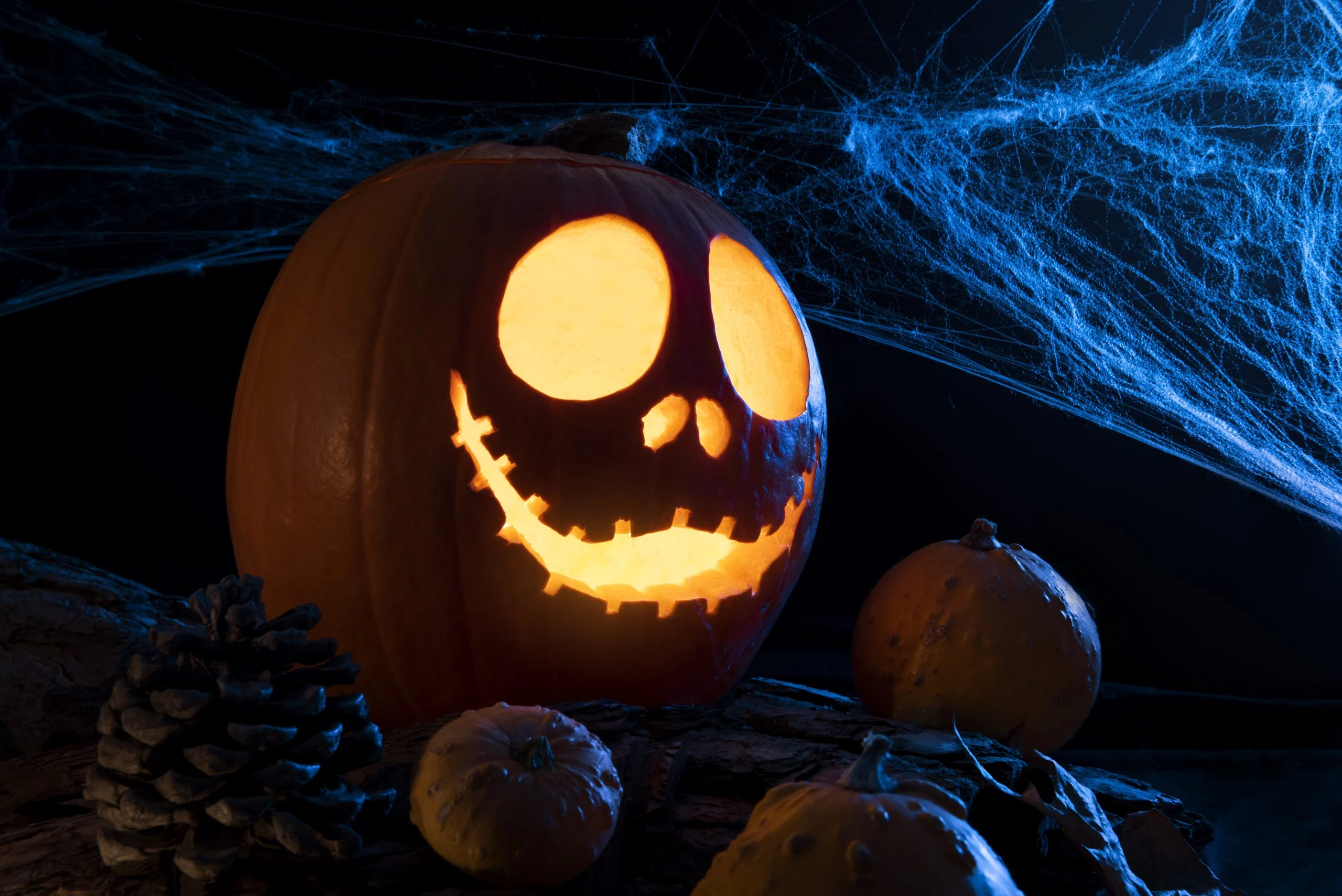
An AI Halloween face changer can help you create realistic spooky makeup, fast AI face swap effects, or fun Halloween filters for social media. The best tool depends on whether you are editing a selfie, creating a party post, or making short Halloween videos.
This updated guide covers 15 best AI Halloween face changer tools, including five new additions. I have also added a table of contents, a quick comparison table, and SEO-friendly FAQs so the post is easier to scan and more useful for readers.

Table of Contents
- Quick Comparison Table
- 1. FaceApp
- 2. Snapchat
- 3. ZombieBooth 2
- 4. YouCam Makeup
- 5. Scary Face Changer
- 6. Ghost Lens AR Fun Movie Maker
- 7. Instagram Halloween AR Filters
- 8. Face Magic
- 9. Monsterfy
- 10. Spookiz: Camera
- 11. Picsart
- 12. Fotor
- 13. LightX
- 14. Canva
- 15. PhotoDirector
- How to Choose the Right AI Halloween Face Changer
- FAQs
Quick Comparison of AI Halloween Face Changer Tools
Tool | Best For | Main Strength |
|---|---|---|
FaceApp | Realistic face edits | Natural-looking AI transformations |
Snapchat | Instant Halloween selfies | Real-time AR lenses and quick sharing |
ZombieBooth 2 | Zombie effects | Animated horror-style transformation |
YouCam Makeup | Virtual Halloween makeup | Beauty-grade makeup overlays and face editing |
Scary Face Changer | Sticker-based horror edits | Layered scars, eyes, fangs, and face effects |
Ghost Lens AR Fun Movie Maker | Spooky videos | AR ghost effects and cloning-style scenes |
Halloween stories and reels | Seasonal social-ready AR filters | |
Face Magic | Quick face swaps | Fast AI character face swap effects |
Monsterfy | Monster transformations | Simple real-time spooky monster looks |
Spookiz: Camera | Fun cartoon Halloween edits | Playful animated effects |
Picsart | Creative Halloween content | Broad AI editing, effects, and social content tools |
Fotor | Online face swap | Easy browser-based AI face swap workflow |
LightX | Prompt-based spooky portraits | Dedicated AI Halloween face changer and face swap tools |
Canva | Halloween posts and design | AI filters plus easy social media design workflow |
PhotoDirector | Advanced AI editing | Multi-face swap and stronger desktop-style editing depth |
1. FaceApp
FaceApp remains one of the easiest ways to create realistic face transformations. For Halloween, it works well when you want a polished portrait that looks more dramatic than gimmicky.
It is a good choice for users who want believable AI face edits instead of exaggerated cartoon effects.
2. Snapchat
Snapchat is still one of the best tools for instant Halloween fun because of its AR lenses and fast sharing workflow. It is ideal for party selfies, short videos, and real-time transformation effects.
If you want spooky results in seconds, Snapchat is hard to beat.
3. ZombieBooth 2
ZombieBooth 2 focuses almost entirely on turning your face into an animated zombie. That narrow focus is actually its biggest strength if your Halloween theme leans horror-heavy.
It is best for users who want a dramatic undead effect rather than a general-purpose AI editor.
4. YouCam Makeup
YouCam Makeup is a strong option for anyone who wants Halloween makeup looks without physically applying makeup. It blends beauty filters, face enhancement, and themed overlays in a way that feels cleaner than many novelty apps.
It works especially well for witches, glam vampires, skull makeup, and costume-ready selfie edits.
5. Scary Face Changer
Scary Face Changer is good for users who prefer manually layering creepy details like scars, eyes, blood, and fangs. It offers more hands-on customization than many one-tap apps.
If you like building your own horror look, this one gives you more control.
6. Ghost Lens AR Fun Movie Maker
Ghost Lens AR Fun Movie Maker is more video-oriented than most tools on this list. It is useful if you want haunted clips, ghost clones, or Halloween scenes that go beyond a static selfie.
For spooky short-form video content, it is a solid pick.
7. Instagram Halloween AR Filters
Instagram keeps seasonal AR filters in circulation, which makes it useful for quick Halloween reels, stories, and shareable social posts. It is not the deepest editing platform, but it wins on convenience.
Use it if speed and social sharing matter more than fine-grained editing.
8. Face Magic
Face Magic is centered around AI face swapping and can quickly place your face onto prebuilt Halloween-style characters. It is easy to use and generally works best for fun, dramatic transformations.
For quick AI face swap results, Face Magic is a practical choice.
9. Monsterfy
Monsterfy is designed for real-time monster transformations, including vampire and zombie-inspired looks. It is simple and accessible, making it a good choice for casual users and family-friendly Halloween fun.
If you want something light and fast, Monsterfy fits well.
10. Spookiz: Camera
Spookiz: Camera takes a more playful approach with animated spooky filters and cartoonish effects. It may not look as realistic as advanced AI editors, but it is fun for kids, themed posts, and lighter Halloween content.
That makes it a good option when you want fun more than realism.
11. Picsart
Picsart is one of the strongest all-around creative platforms on this list. It gives you access to AI effects, photo editing, and broader social content tools, which makes it useful for Halloween portraits, posters, thumbnails, and themed posts.
If you want more than just a face changer, Picsart offers a wider creative workflow.
12. Fotor
Fotor is a solid browser-based choice if you want easy AI face swap tools without relying entirely on a mobile app. It is helpful for users making Halloween edits from a laptop or desktop.
Its strength is accessibility and a straightforward online workflow.
13. LightX
LightX now offers a dedicated AI Halloween face changer, which makes it particularly relevant for this topic. It is useful for users who want prompt-based spooky portraits, scary makeup looks, and AI face replacement from the browser.
If you want a more modern AI Halloween face changer instead of a legacy novelty app, LightX is one of the most relevant additions.
14. Canva
Canva is not a Halloween-only face changer, but its AI photo filters and design workflow make it useful for transforming a selfie and then turning it into a polished post, flyer, story, or event graphic.
It is best for creators, marketers, and users who want the final Halloween design to look presentation-ready.
15. PhotoDirector
PhotoDirector is a more advanced AI photo editor with features like multi-face swap and AI art effects. It is a stronger fit for users who want deeper editing capabilities, better control, and higher-quality final output.
If you want something more powerful than a casual filter app, PhotoDirector deserves a spot on your shortlist.
How to Choose the Right AI Halloween Face Changer
The best AI Halloween face changer depends on how you plan to use it:
- Choose Snapchat or Instagram if you want instant social media filters.
- Choose FaceApp, YouCam Makeup, or PhotoDirector if you want more polished face editing.
- Choose Face Magic, Fotor, or LightX if you mainly want AI face swap effects.
- Choose Picsart or Canva if you want to turn the final result into Halloween content for posts, banners, or designs.
That simple breakdown usually gets readers to the right tool much faster. For more AI creator workflows, see AI-Assisted Content Creation for High-Volume Blogging and for seasonal promotions check Halloween WordPress Deals And Discounts.
FAQs
What is the best AI Halloween face changer for realistic results?
FaceApp, YouCam Makeup, LightX, and PhotoDirector are among the better options when you want a more realistic Halloween face transformation.
What is the best free AI Halloween face changer tool?
Snapchat, Instagram, Canva, and some browser-based tools like Fotor and LightX can be good starting points, although premium effects may still require payment.
Which AI Halloween face changer is best for social media?
Snapchat and Instagram are the fastest for social posting, while Picsart and Canva are stronger if you want to design a more polished final image.
Can I use AI Halloween face changer tools on desktop?
Yes. Fotor, LightX, Canva, Picsart, and PhotoDirector are especially relevant if you want desktop or browser-based editing options.
Wrapping Up: Get Ready to Haunt the Internet
The best AI Halloween face changer tools cover different needs. Some are perfect for quick spooky selfies, some are better for AI face swap edits, and others help you create polished Halloween graphics for social media or events.
If you want a fast social result, start with Snapchat or Instagram. If you want a cleaner AI portrait, try FaceApp, YouCam Makeup, or PhotoDirector. And if you want newer browser-based options, LightX and Fotor are strong additions to this list.

Interesting Reads:
Halloween WordPress Deals And Discounts That You Shouldn’t Miss
Plugins we build and run
We maintain these ourselves, which is why we can support them on your site.
- BuddyNextThe self-hosted community engine for WordPress
- BuddyXFree community theme, Pro when you outgrow it
- ReignPremium community theme. Add pieces, build anything
- JetonomyCommunity forum and Q&A for WordPress
- EventonomyEvents and RSVPs for WordPress communities
- LearnomyCourses and learning communities on WordPress
- ListoraDirectories and listings your members can browse
- SnipShareCode sharing built for developer communities
- WB Ad ManagerAd placements that turn traffic into revenue
- WP Career BoardA job board your community actually uses
- WP Sell ServicesSell services with offers, orders, and payouts
- MediaVersePhotos, video, and media albums for members
- WB GamificationPoints, badges, and rewards that keep members active
- Product RoadmapPublic roadmaps with voting your users trust













