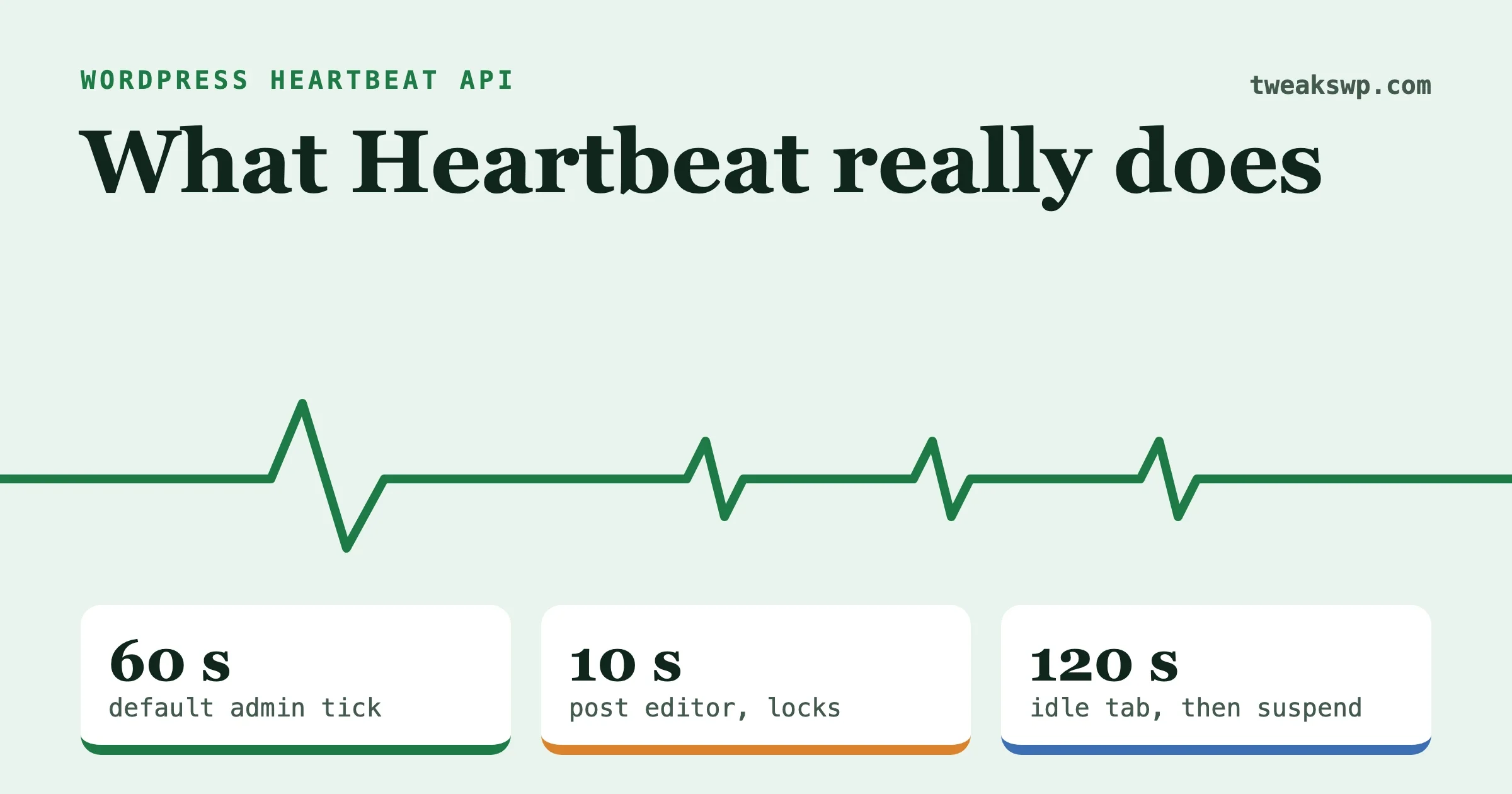
How to Control WordPress Heartbeat API and Stop Admin Slowdowns
Heartbeat runs every 60 seconds in core, not 15. How to set a floor, quiet admin screens and find what loads it on the front end. Checked 16 Nov 2026.
How To12 min read
Heartbeat runs every 60 seconds in core, not 15. How to set a floor, quiet admin screens and find what loads it on the front end. Checked 16 Nov 2026.
How To12 min read
Redis and Memcached both slash WordPress database queries by 80%. Here is how each works, real benchmarks from a WooCommerce store, and when to pick which one.
How To4 min read
Most WordPress crashes start in the database. After reviewing hundreds of sites, these are the 11 database mistakes that cause the most damage — and exactly how to fix each one.
How To5 min read
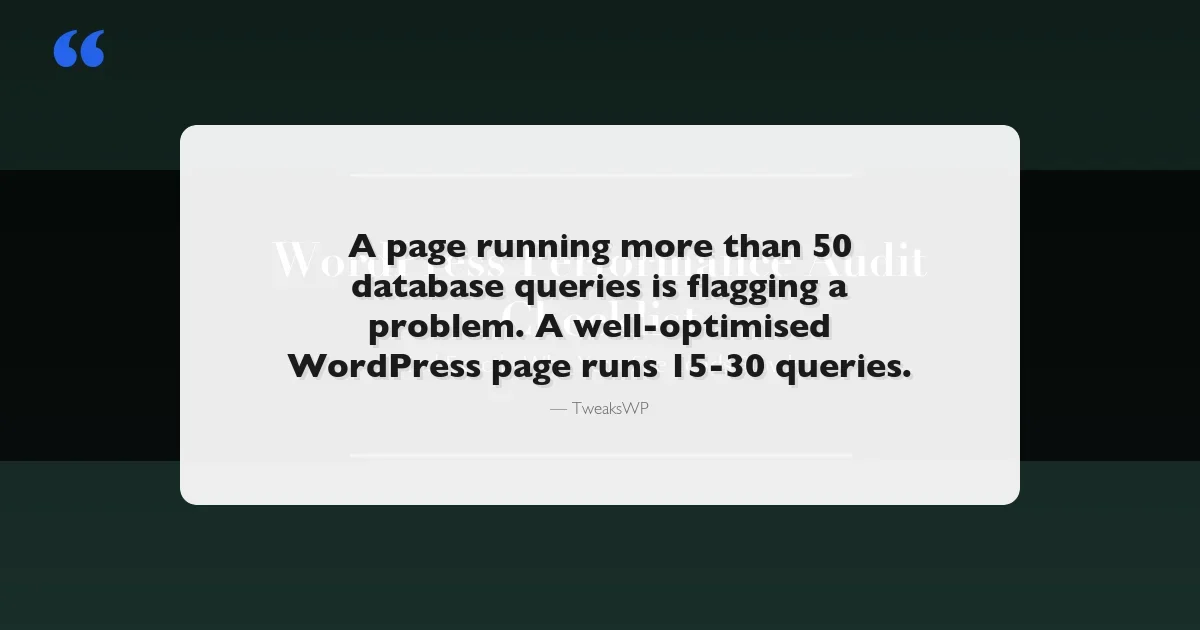
A systematic 10-step WordPress performance audit: measure baseline, diagnose TTFB, profile database queries, isolate slow plugins, audit render-blocking assets, optimize images, verify caching layers, check CDN coverage, clean the database, and evaluate hosting. Includes WP-CLI commands and SQL queries.
How To13 min read
Free image hosting can save time or quietly destroy your site reliability. Here is the practical split between casual image links and serious image infrastructure.
Blog5 min read
Optimize WordPress images without plugins using CLI tools like ImageMagick, cwebp, and avifenc. Convert to WebP and AVIF, automate conversions with WordPress hooks, configure server-side content negotiation, and batch process your entire media library with WP-CLI.
How To10 min read

Learn how to install and configure Redis object cache for WordPress. This step-by-step guide covers server setup, wp-config.php constants, the object-cache.php drop-in, benchmarking, monitoring, and security hardening for production Redis deployments.
How To7 min read

How To9 min read
Learn how to enable WP_DEBUG, configure the debug log file, read error entries, write custom log functions, manage log file size, and use Query Monitor for real-time WordPress debugging.
How To6 min read
The wp_options autoload column silently degrades WordPress performance as plugins accumulate. Learn how to audit autoloaded data with WP-CLI, identify bloat from expired transients and orphaned plugin options, and safely clean up your database to cut TTFB by 30-60%.
How To8 min read
Master wp-cli search-replace with real examples for domain migration, HTTP to HTTPS, staging to production, and fixing broken URLs. Includes a complete cheat sheet with every flag and option.
How To8 min read

WB Ad Manager was built because real WordPress sites need a centralized ad system—not scattered blocks. Here’s why it exists, how it works, and what Free vs Pro adds.
Blog3 min read
The all-in-one WordPress community stack
Also ours: wbcomdesigns.comvapvarun.combrndle.com