Fixing WordPress INP: How to Keep Your Site Under the 200ms Responsiveness Target
Learn how to fix WordPress INP and keep your site under the 200ms responsiveness target with practical front-end, plugin, script, and interaction optimizations.
Learn how to set up passkeys and session management for multi-user WordPress sites, reduce password risk, and improve account security with practical controls.
Learn how to implement Content Security Policy in WordPress step by step to reduce XSS risk, lock down script sources, and limit browser-side data exfiltration.
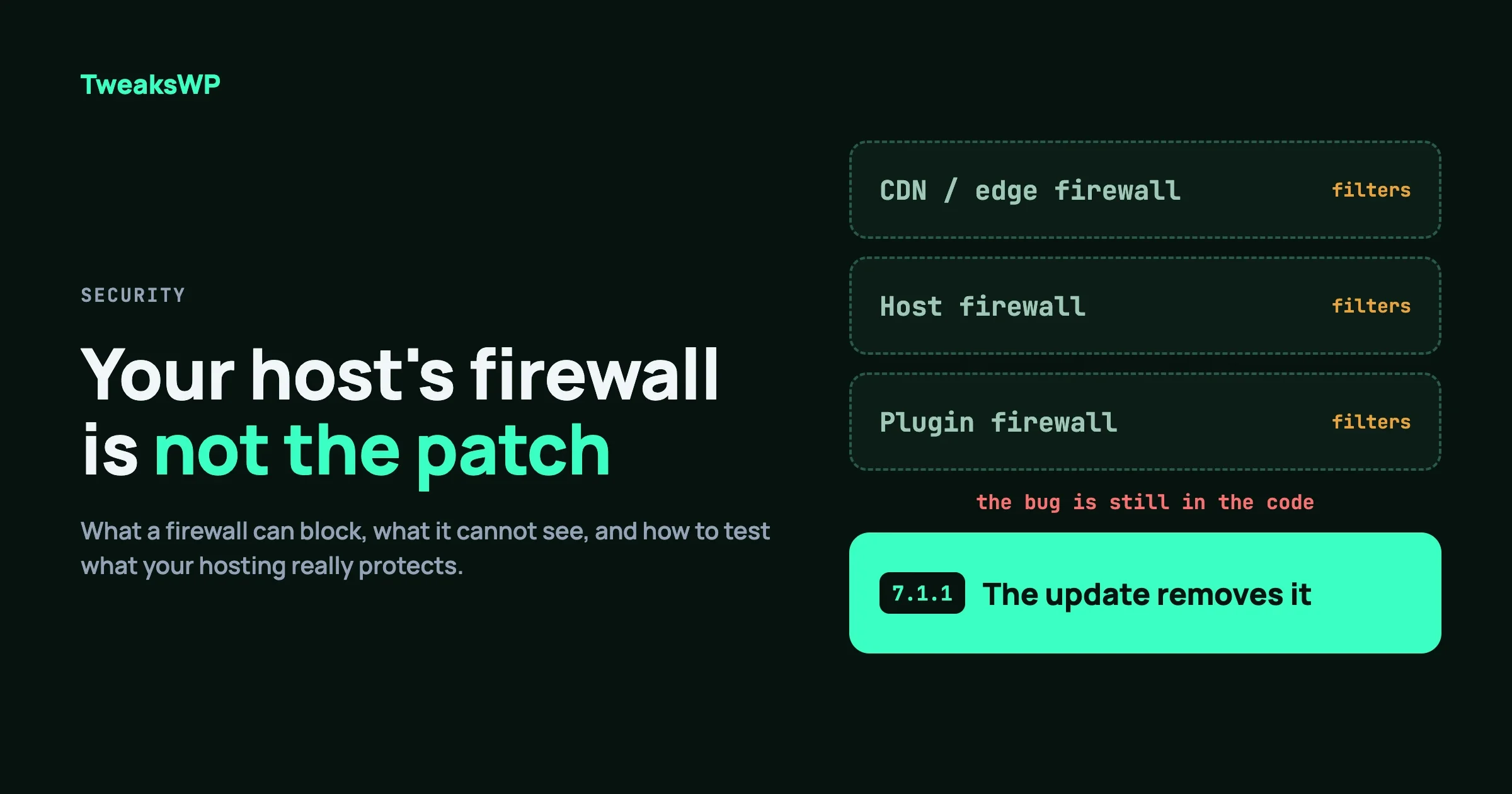
Learn how to defend WordPress against AI-driven bots with automated security responses, rate limiting, bot scoring, challenges, and layered blocking strategies.
Disable XML-RPC, block REST API user enumeration, and stop ?author= redirects with exact PHP hooks, Apache/.htaccess, and Nginx config examples.
Set correct chmod values for wp-config.php, directories, files, uploads, and .htaccess. Includes one-liner fix commands and wp-config.php constants.
Harden WordPress login with PHP rate limiting via transients, a custom login URL using rewrite rules, Application Password controls, and TOTP 2FA. No plugins required.
A practical guide to adding HTTP security headers to your WordPress site using .htaccess, nginx config, and PHP. Covers Content Security Policy (CSP) without breaking Gutenberg, HSTS with preload submission, X-Frame-Options, X-Content-Type-Options, Referrer-Policy, and Permissions-Policy — plus how to test with securityheaders.com and Mozilla Observatory.
Learn how to configure separate WordPress environments for dev, staging, and production using conditional constants, WP_ENVIRONMENT_TYPE, wp-config-local.php pattern, and .env file integration.
Master the wp-config.php database block: DB_CHARSET, DB_COLLATE, WP_ALLOW_REPAIR, MYSQL_CLIENT_FLAGS, a custom db.php drop-in for TLS pinning, and WP-CLI checks to verify encoding and SSL on every connection.
Three high-severity WordPress vulnerabilities are under active exploitation right now — Ninja Forms file upload, Kali Forms, and Perfmatters file deletion. Here is what got disclosed between April 6 and April 18, who is affected, and the exact steps to take in the next 10 minutes if you run any of them.
A complete reference to every WordPress multisite wp-config.php constant: WP_ALLOW_MULTISITE, MULTISITE, SUBDOMAIN_INSTALL, DOMAIN_CURRENT_SITE, PATH_CURRENT_SITE, SITE_ID_CURRENT_SITE, BLOG_ID_CURRENT_SITE, NOBLOGREDIRECT, SUNRISE, COOKIE_DOMAIN, SITECOOKIEPATH, COOKIEHASH, and network tweaks that separate a working network from a production-grade one.