PHP OPcache Settings for WordPress: Configuration Guide with Benchmarks
OPcache configuration guide for WordPress covering memory_consumption, max_accelerated_files, revalidate_freq, JIT settings, and how to verify hit rate on production.
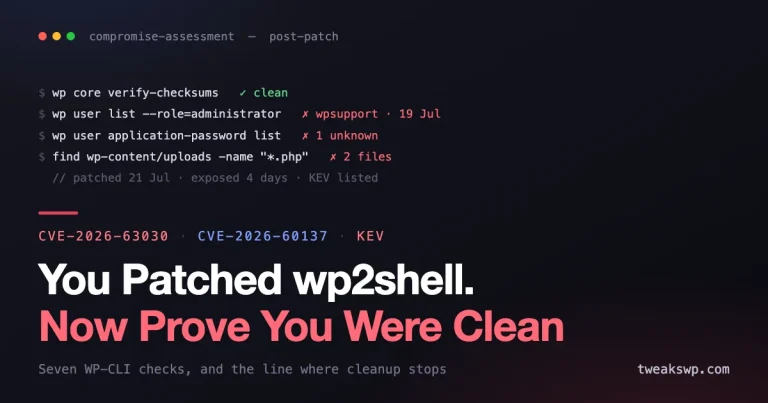
Step-by-step WordPress malware cleanup checklist covering core file verification, database injection scans, hidden admin detection, cron backdoors, and post-cleanup hardening.
Every WordPress database query that concatenates user input without $wpdb->prepare() is a ticking time bomb. This guide covers every prepare() pattern in production code.
Learn how to use GA4 behavioral data to trigger dynamic AI-driven actions in WordPress, from content recommendations and retention prompts to lead capture and support flows.
Learn how to use AI writing assistants with real-time GA4 performance data in WordPress to improve content decisions, refresh underperforming pages, and scale smarter editorial workflows.
Learn how to build a context-aware AI support agent for WooCommerce using retrieval-augmented generation (RAG), grounded store data, and practical guardrails.
Learn how to use AVIF images and server-level Redis caching in WordPress to reduce payload size, improve cache hit rates, and move closer to sub-second loads.
Compare the performance benefits of block-based WordPress themes versus heavy page builders in 2026, including Core Web Vitals, asset loading, DOM weight, and maintainability.
Learn how to fix WordPress INP and keep your site under the 200ms responsiveness target with practical front-end, plugin, script, and interaction optimizations.
Learn how to set up passkeys and session management for multi-user WordPress sites, reduce password risk, and improve account security with practical controls.
Learn how to implement Content Security Policy in WordPress step by step to reduce XSS risk, lock down script sources, and limit browser-side data exfiltration.
Learn how to defend WordPress against AI-driven bots with automated security responses, rate limiting, bot scoring, challenges, and layered blocking strategies.