Best WordPress Security Plugins of 2021

WordPress powers a huge share of the web, which also makes it a constant target. WordPress core gets patched quickly when vulnerabilities surface, but third-party plugins and themes are where most real-world break-ins actually happen, and attackers have gotten good at finding a single vulnerable plugin and using it to compromise an entire shared server, sometimes affecting tens of thousands of sites through one flaw. If you run WordPress, a security plugin isn’t optional at this point, and keeping your install updated matters just as much as having one installed.
1) Bravo, WordPress Security Plugin
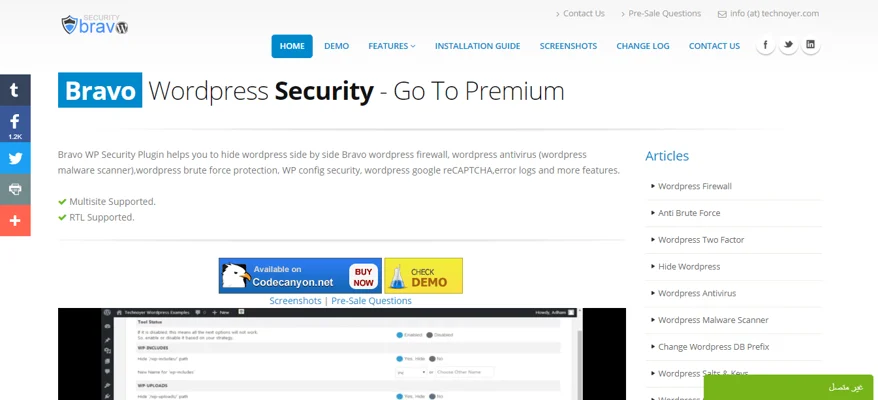
Bravo covers most of the bases: hiding WordPress’s default structure, a firewall, two-factor authentication, antivirus scanning, and reCAPTCHA. Two-factor options include custom security questions, four-digit PIN codes, and Facebook verification. The firewall pairs with six separate antivirus scanners, and the plugin hides the wp-admin path from logged-out visitors and removes theme paths from page source. reCAPTCHA can be applied to guest comments, login, registration, and password reset forms.
A live visitor tracker shows what’s happening on your site in real time, with the option to block or unblock IPs directly. Self-protection settings let you password-protect Bravo’s own management panel and assign specific roles access to it. A log viewer lets you review firewall errors once you’ve set the firewall level to ‘major’ and disabled WP troubleshooting, and a mail-watching feature flags outbound spam if someone’s using a backdoor to send mail through your site. Six antivirus scanners are bundled in: a malware scanner, PHPMussel, Google Safe Browsing, spam-listing, database, and file-change detection.
2) Wordfence Security, WordPress Security Plugin
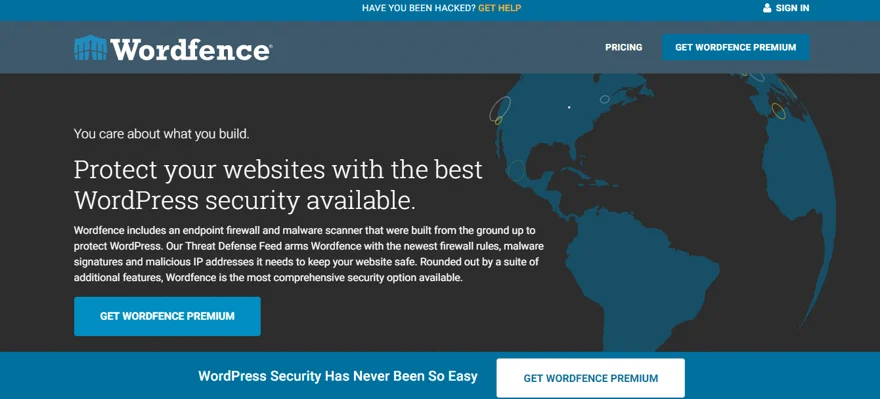
Wordfence is one of the most widely used WordPress security plugins around, pairing a malware scanner with an endpoint firewall built specifically for WordPress. Its Threat Defense Feed pushes updated malicious IP addresses and malware signatures to the firewall in real time, blocking known bad traffic before it can load the site and cause strain during an attack.
The endpoint-based firewall runs deep integration with WordPress rather than sitting in front of it as a cloud proxy, which avoids the encryption and data-visibility tradeoffs that come with cloud-based alternatives. The malware scanner checks plugins, core files, and themes against WordPress.org’s official versions, flagging changes, bad URLs, code injections, SEO spam, and malicious redirects. You can repair modified files by overwriting them with the clean original, delete anything that doesn’t belong, and get alerted if a plugin you’re running has been pulled from the repository for security reasons. Brute-force protection limits login attempts, and content scanning checks posts, files, and comments for harmful URLs.
3) iThemes Security, WordPress Security Plugin
iThemes Security offers more than 28 distinct ways to lock down a WordPress site, tens of thousands of WordPress sites get compromised daily, often through plugin vulnerabilities, weak passwords, or outdated software that admins don’t realize is exposed. This plugin closes off common holes, blocks automated attacks, and tightens up user authentication, with deeper options available for more experienced users who want to harden things further. iThemes has been building WordPress tools since 2009, including BackupBuddy, one of the more established WordPress backup plugins.
Two-factor authentication works through apps like Google Authenticator and Authy, or via an emailed code. The plugin keeps your WordPress salts and security keys rotated automatically, and scheduled malware scans run daily, emailing you details the moment something looks wrong. Password security settings let you enforce strong passwords from the profile screen, set a maximum password age, and force a password reset across all users when needed.
4) All In One WP Security & Firewall, WordPress Security Plugin

All In One WP Security & Firewall is a free, comprehensive plugin that layers extra firewall rules and security best practices on top of WordPress core. It includes a security-points grading system that scores how well-protected your site is based on which features you’ve actually turned on, and organizes firewall rules into basic, intermediate, and advanced tiers, so you can tighten security incrementally without risking site functionality along the way. It’s entirely free.

The plugin flags any user account still using the default ‘admin’ username and lets you rename it, and separately flags accounts where the display name matches the login name, a common weak point since it hands attackers half of what they need to brute-force a login. A password strength tool helps enforce stronger passwords, and username enumeration protection stops bots from pulling usernames off author permalinks. Locked-out users show up in a readable table where you can unlock individual or bulk IP addresses in a few clicks, and failed login attempts are logged with IP address, username, and timestamp.
Try All In One WP Security & Firewall Now
5) Cerber Security, Anti-Spam & Malware Scan, WordPress Security Plugin
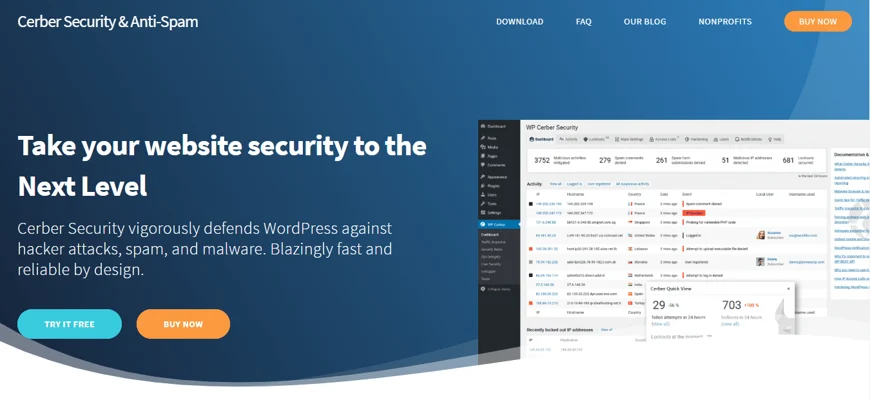
Cerber Security covers spam, malware, brute-force attacks, and general hacking attempts in one plugin. It limits login attempts across REST API, XML-RPC, and cookie-based auth, and sends desktop, email, or mobile notifications when it detects suspicious activity. An anti-spam engine plus Google reCAPTCHA cover comment forms, registration, and contact forms, backed by a file monitor, malware scanner, and integrity checker running against a set of hardened security rules.
Access can be restricted by IP allowlist or blocklist, down to a single IP, range, or subnet, and you can set a custom login URL to make automated attacks harder to aim. Spam comments get moved to trash and rejected automatically, and the plugin can manage multiple WordPress instances from a single dashboard. Two-factor authentication is included, and the integrity scanner reports file changes by email as they happen. wp-register.php, wp-login.php, and wp-signup.php get specific attack protection, and the admin dashboard can be hidden entirely from logged-out visitors, with the WordPress REST API disabled if you don’t need it. Weekly summary reports arrive by email.
Try Cerber Security, Anti Spam, and Malware Scan Now
6) Shield Security, WordPress Security Plugin

Shield Security is built around sending fewer, more useful alerts rather than flooding your inbox with notifications you don’t know what to do with. It’s straightforward to install and activate, limits login attempts (automatically blocking after a few failed tries), and blocks brute-force bots without extra configuration. Core file scanning detects unauthorized changes and reports full details by email if your site has been compromised without your knowledge.
Google authentication and email-based authentication are both supported, along with HTTP header hardening and automatic update handling. Shield’s support team prioritizes email help alongside WordPress.org forum support. The company states a broader goal of saving customers over 61 million collective hours of repetitive security work by 2024, and frames its approach around reliability, honest communication about product limitations, and taking ownership of fixing issues rather than just pointing at a workaround.
7) Anti-Malware Security and Brute-Force Firewall, WordPress Security Plugin
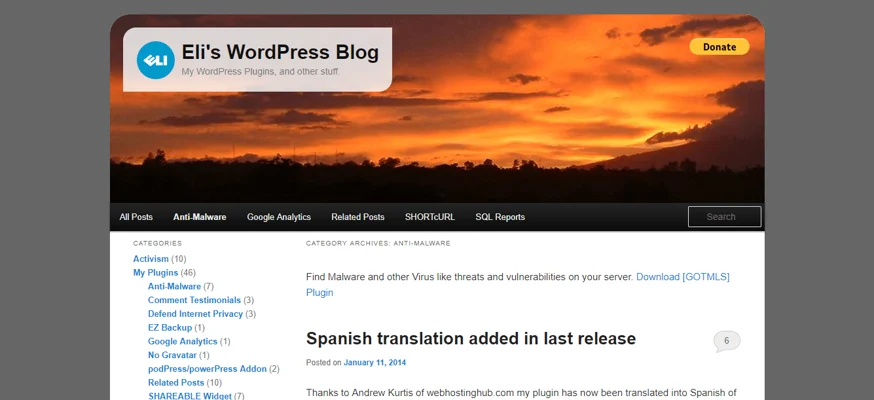
Anti-Malware Security and Brute-Force Firewall runs full scans to catch known security threats, database injections, and backdoor scripts, and its firewall blocks known-vulnerable versions of TimThumb and similar scripts from being exploited by other plugins. It patches XML-RPC and wp-login vulnerabilities directly to block brute-force attempts and closes off other common attack paths.
Scans check the integrity of core WordPress files, and registering the plugin (free) unlocks access to updated threat definitions, including automatic remediation for specific known issues like outdated TimThumb installs. Without registration, the plugin still scans for threats but leaves you to verify and resolve anything it flags manually. The support team is reachable if you need help resolving something the scanner catches, and while it’s primarily focused on malware detection and removal, that focus has made it one of the more effective options specifically for cleaning up an already-compromised site.
Try Anti-Malware Security and Brute-Force Firewall Now
Picking a Security Plugin
Every plugin here handles malware detection and removal reasonably well, and picking between them mostly comes down to how much you want to manage yourself versus how much you want handled automatically. Wordfence offers solid ongoing scanning and firewall protection even in its free tier, which makes it a reasonable default if you’re not sure where to start. Whatever you choose, keep it updated and pair it with strong passwords, since even the best security plugin can’t compensate for a weak login.
Plugins we build and run
We maintain these ourselves, which is why we can support them on your site.
- BuddyNextThe self-hosted community engine for WordPress
- BuddyXFree community theme, Pro when you outgrow it
- ReignPremium community theme. Add pieces, build anything
- JetonomyCommunity forum and Q&A for WordPress
- EventonomyEvents and RSVPs for WordPress communities
- LearnomyCourses and learning communities on WordPress
- ListoraDirectories and listings your members can browse
- SnipShareCode sharing built for developer communities
- WB Ad ManagerAd placements that turn traffic into revenue
- WP Career BoardA job board your community actually uses
- WP Sell ServicesSell services with offers, orders, and payouts
- MediaVersePhotos, video, and media albums for members
- WB GamificationPoints, badges, and rewards that keep members active
- Product RoadmapPublic roadmaps with voting your users trust