Best URL Shortener Websites Of 2019

A URL shortener takes a long, unwieldy link and turns it into something short enough to paste into a tweet, a text message, or a business card without breaking the layout. Under the hood it’s just a redirect: the short domain points to the long original. Most shortener services are free with some limits, so here’s a rundown of the tools worth knowing, along with what makes each one different.
1) Bitly.com-URL Shortener Websites
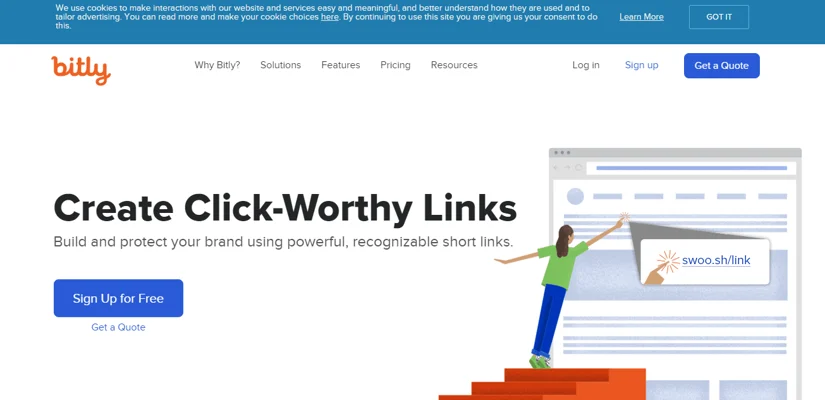
Bitly is the best-known shortener on the internet, and for good reason: it does more than shrink links. It helps reinforce your brand and gives you link analytics on top, whether you’re shortening links for social media or a mobile app. Companies like GE, McDonald’s, and Dunkin’ Donuts trust it. You can create a free account by logging in with Google, Twitter, Facebook, or Gmail, and Bitly’s support team is available if you want more detail on their plans.
2) TINYURL.COM-URL Shortener Websites
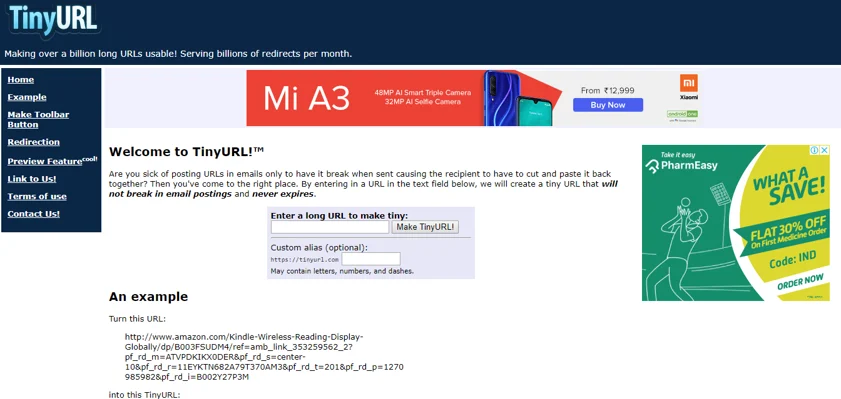
TinyURL lets you customize the last few characters of your shortened link, useful if you want some brand consistency. If you shorten links often, adding it to your browser toolbar means you’re never searching for the tool again. Using it is simple: click the button on the page you want to shorten, then paste the result wherever you need it. Links made through TinyURL never expire, so there’s no risk of a shortened link quietly breaking down the road.
3) BIT.DO-URL Shortener Websites
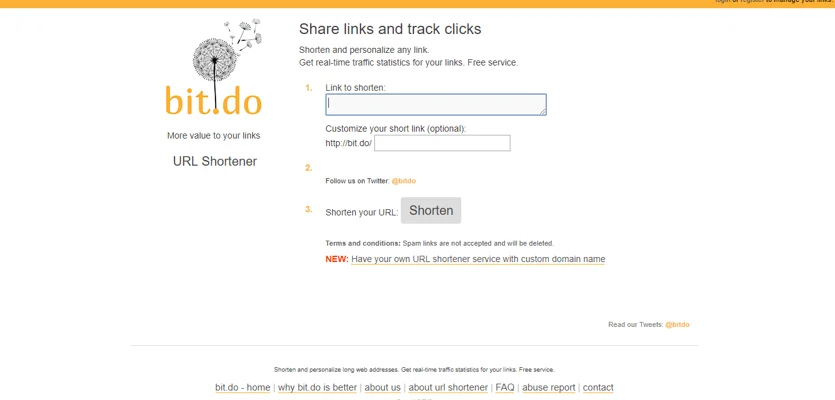
Bit.do is about as simple as URL shortening gets: sign up, paste your long link, and go. Registered users get access to click data, showing who’s using your links and where from, plus a personal domain tied to your brand rather than the shortener’s own name, something most competing tools don’t offer. Every click generates a full report covering when it happened and where it came from, and links made here never expire either.
4) REBRANDLY-URL Shortener Websites
Rebrandly is worth a look if you’re posting links across social media and apps regularly. It lets you customize short links to match your brand, and, unlike most competitors, edit a link’s destination after it’s already been shared. Share those links on Instagram, LinkedIn, Twitter, or Pinterest, and Rebrandly claims click-through rates can rise by over 35% as a result. The free plan allows more than 800 links; premium plans run from $18 to $400 a month depending on volume. It’s a solid pick if rebranding your links as your own is the priority.
5) BUDURL-URL Shortener Websites
BudURL shortens links for emails, social posts, or anywhere else you need one, and what sets it apart is the depth of its management and tracking features.

You can change a link’s destination or scheduled publish date after the fact, and adjust which content shows on which device or location. Tracking clicks is a single button away. Pricing runs high, starting at $98 a month, but the flexibility and the company’s data-protection guarantees make the case for it if budget allows.
6) Tiny.cc-URL Shortener Websites
Tiny.cc works by pasting a long link into a text box and clicking shorten, with the option to customize the result. Paid, registered users get single-session link tracking and can edit a URL after creation; free users lose that flexibility once a link expires and can’t edit it further. With this many free, capable shortening tools around (including tools and websites covered elsewhere), the real question is which one fits your workflow. Two things to weigh:
1) If you’re not already using analytics software like Google Analytics, look for a shortener with built-in stats such as page views.
2) If customizing your link matters to you, make sure the shortener you pick actually supports that.
7) LiveChat-URL Shortener Websites
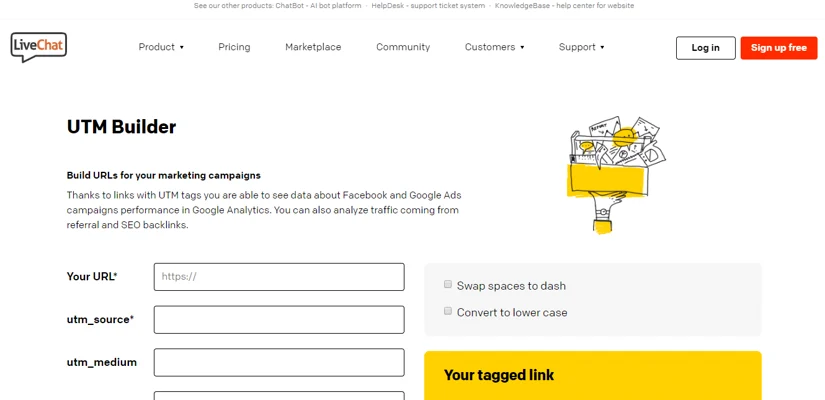
LiveChat’s URL shortener is free and built around a UTM parameter builder, letting you tag links for tracking directly through Google Analytics. You can customize the short URL’s appearance, save shortened links, and track click counts, and it works alongside Facebook campaigns too. A handy extra: it can toggle a link between uppercase and lowercase on the fly, or swap spaces for dashes.
8) Clicky.me-URL Shortener Websites
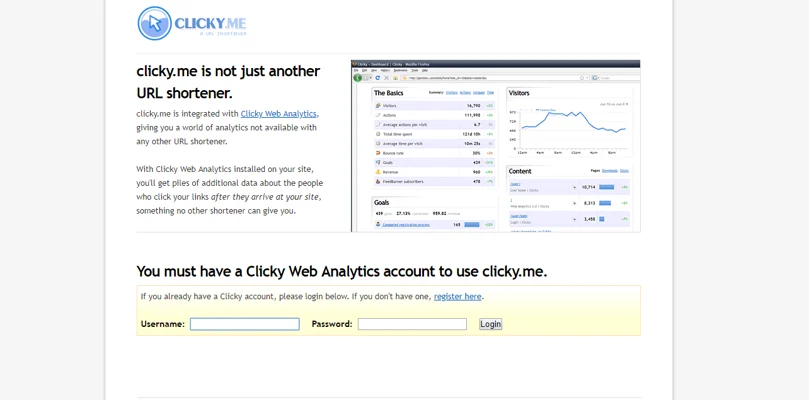
Clicky.me ties into Clicky web analytics, giving you a level of detail most shorteners don’t offer, but only if Clicky analytics is already installed on your site. Without that, the extra data this tool is built around simply isn’t available to you, so it’s worth signing up for Clicky analytics first if you want the full benefit. Shortening a link is the usual process: paste the long URL, click the button, done. You can also generate a short link directly from the “Link Short URLs” section by pasting a URL or picking one from recent content automatically.
9) Ow.ly-URL Shortener Websites
Ow.ly is best known for its tight integration with Hootsuite, running right inside the Hootsuite dashboard so your link data sits alongside everything else you’re managing. It’s free with a Hootsuite account, which also means it’s a bit more protected than an open-access tool since a Hootsuite login is required to use it. Paid Hootsuite plans start at $18/month for 10 profiles and scale up to $499/month for 50 profiles and 6-10 users, and those tiers unlock real-time analytics, a custom branded URL, and more.
10) Small SEO Tools-URL Shortener Websites
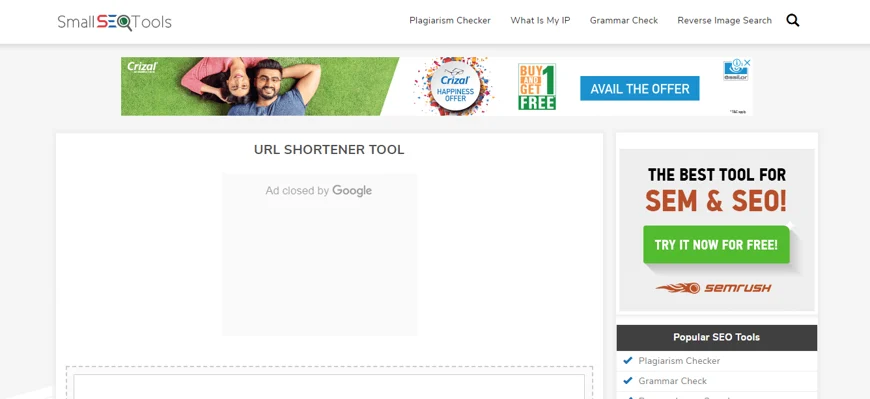
Small SEO Tools is a broader resource site for content marketers, and its URL shortener is quick and simple alongside their SEO checker and URL encoder/rewriting tools. It’s free and gives you some basic insight, though it lacks the dashboard and click-tracking depth of dedicated tools, so it suits marketers who just need a quick professional-looking URL and want to move on. One quirk worth knowing: social platforms typically apply a “nofollow” tag that passes no SEO value through a shortened link, but Google’s own short links skip that rule and do pass at least some value through.
11) ADF.LY-URL Shortener Websites
Adf.ly stands out because it does more than shorten links, it lets you earn money whenever someone clicks your shortened link on social media or a blog post. Sign up, start shortening, and the service is entirely free to use, with secure ads and no popups. You’ll also get performance data on your links, useful for figuring out what your audience responds to when you’re sharing on Facebook or Twitter.
12) MCAF.EE-URL Shortener Websites
Yes, that McAfee, the security company, also runs a URL shortener. Beyond shrinking a link for a blog or social post, it shows where the shortened link actually leads, useful if someone’s hesitant to click something unfamiliar. Knowing the real destination before clicking removes a lot of that uncertainty. Browser extensions for Chrome, Firefox, and others make shortening a one-click affair straight from the page you’re on, skipping the copy-paste step entirely.
13) IS.GD-URL Shortener Websites
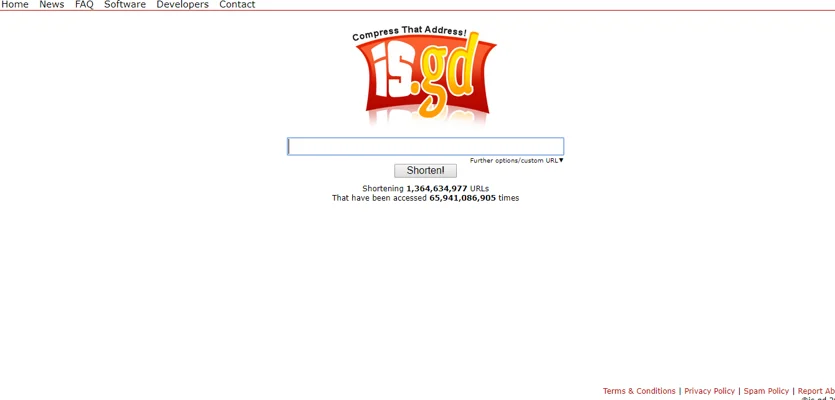
Is.gd is fast, bookmark it and you can shorten a link in seconds. It can also generate a QR code for the shortened link, handy for print ads or business cards where a smartphone camera does the work of typing out a URL. A preview feature lets you check link stats from the homepage, and shortened links never expire or change once created. Custom endings are supported too, if branding matters to you.
14) T2M-URL Shortener Websites
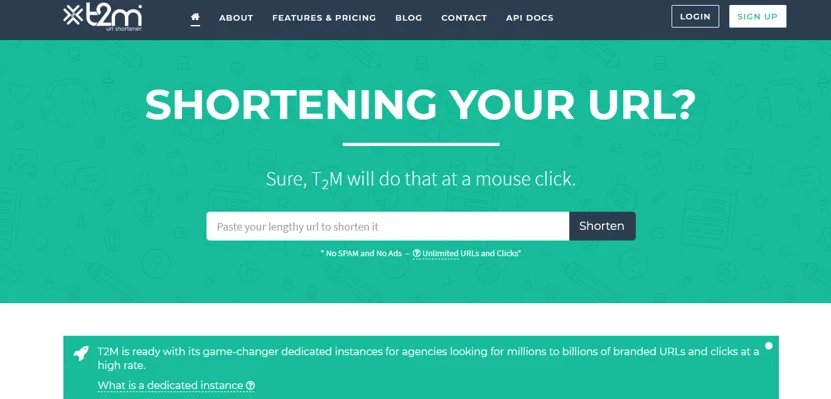
T2M, also known as T2Mio, is a fully featured shortening service with QR codes and a dashboard that surfaces every bit of activity on your link: traffic, devices, and geographic data on who’s clicking. Geo-targeting is another differentiator here. The free tier limits how many links you can create and what metrics you can see; paid plans start at $6/month and add vanity/branded URLs, bulk shortening, and password protection. A custom domain is available with the business website plan, useful if you need professional-looking reports for internal meetings.
15) MOOURL.COM-URL Shortener Websites
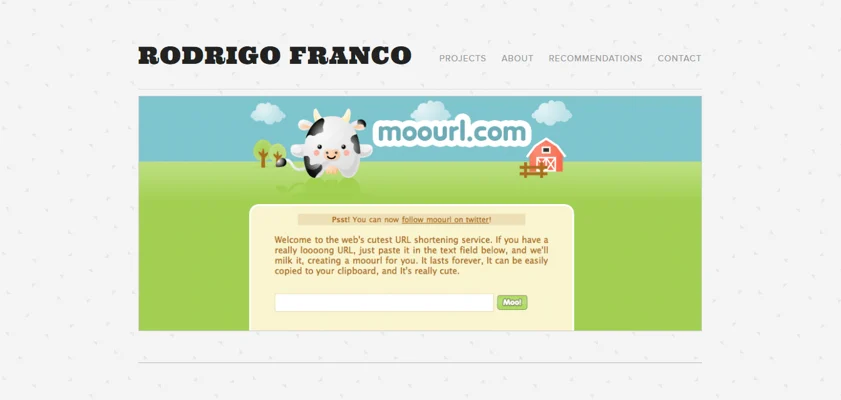
MooURL greets you with a cow mascot and not much else, which is sort of the point. Paste your long link, click the button, get a short one. It was built by software engineer Rodrigo Franco as a side project, with the simple goal of making a no-frills shortener anyone could use immediately. There’s no analytics dashboard and no user data collected, but if you just need a link shortened once and want to try the simplest option first, it does exactly that.
Picking the Right Shortener
Fifteen tools is a lot, but the choice usually comes down to two questions: do you need click analytics, and do you need to customize or edit the link after it’s shared? Answer those first and the list narrows fast. Free tools like Is.gd or TinyURL cover the basics well if you just need something quick; Bitly, Rebrandly, or T2M make more sense once branding and tracking matter. Whichever you pick, check the list once and you’ll likely find the right fit for what you’re trying to do.
Plugins we build and run
We maintain these ourselves, which is why we can support them on your site.
- BuddyNextThe self-hosted community engine for WordPress
- BuddyXFree community theme, Pro when you outgrow it
- ReignPremium community theme. Add pieces, build anything
- JetonomyCommunity forum and Q&A for WordPress
- EventonomyEvents and RSVPs for WordPress communities
- LearnomyCourses and learning communities on WordPress
- ListoraDirectories and listings your members can browse
- SnipShareCode sharing built for developer communities
- WB Ad ManagerAd placements that turn traffic into revenue
- WP Career BoardA job board your community actually uses
- WP Sell ServicesSell services with offers, orders, and payouts
- MediaVersePhotos, video, and media albums for members
- WB GamificationPoints, badges, and rewards that keep members active
- Product RoadmapPublic roadmaps with voting your users trust