10 Best WordPress Translation Plugins For Multilingual Websites

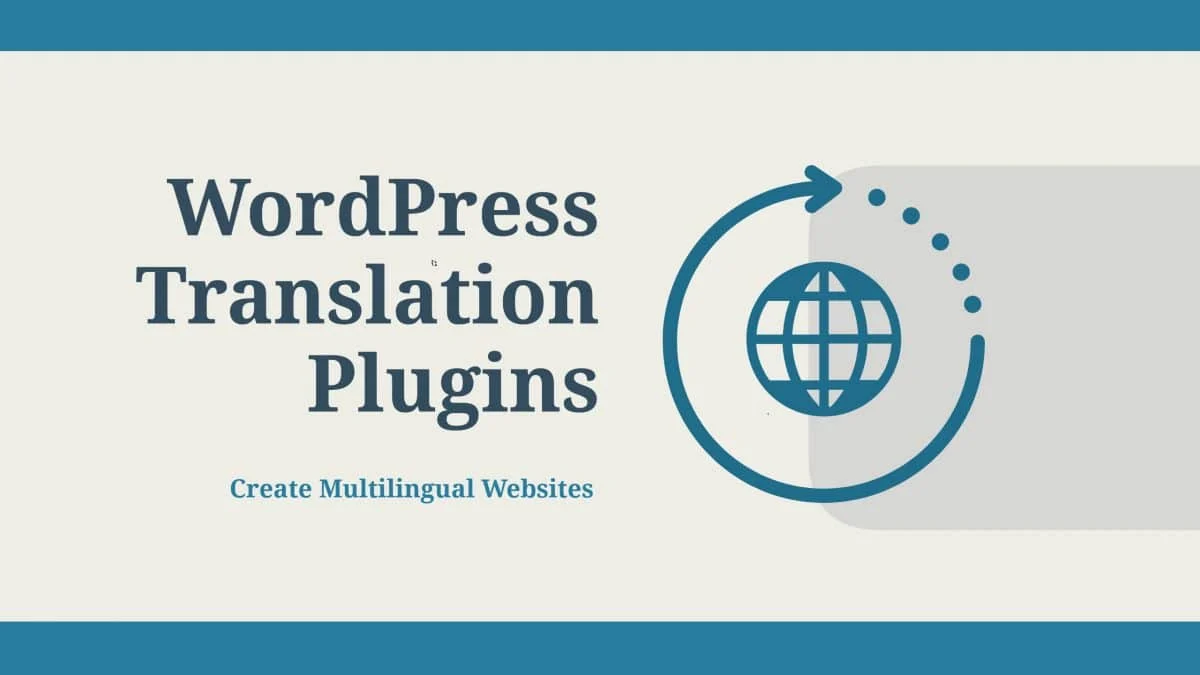
Manual or automated, the right translation plugin depends on how much control you need over the final wording
If you want your content to reach a global audience, you need it available in more than one language. WordPress translation plugins generally fall into two camps: manual plugins, where you (or a translator) write and approve every string yourself, and automated plugins, which pull translations from a service like Google Translate on the fly.
Automated plugins are fast to set up but the output can read awkwardly, since machine translation still misses nuance and idiom. Manual plugins take more time up front but give you full control over what actually gets published. Which one you pick should come down to how much quality control your content needs, not which option is easier to install.
Here are 10 of the best WordPress translation plugins for building a multilingual site:
1. TranslatePress
A manual, full-fledged multilingual plugin that lets you translate both content and theme strings directly from a live preview, so you can see exactly how each translation looks before it goes live.
Key features:
- Full translation control across multiple websites
- Translate content without needing access to the WordPress admin area
- Optional Google Translate integration for a first-pass automated translation
Price: $87
2. WPML
One of the most established WordPress translation plugins, WPML handles content, plugin strings, and theme strings all from the same interface.
Key features:
- Supports nearly every post type, custom field, and taxonomy
- Connects to third-party translation services, including Google Translate
- Straightforward content selection that submits directly for translation
Price: $29
3. Polylang
Works for both bilingual and fully multilingual sites, with a simple interface for adding translations to posts, pages, and widgets.
Key features:
- SEO-friendly URLs for every language
- Compatible with nearly every major WordPress SEO plugin
- Language switcher available as a sidebar widget
Price: free
4. Weglot
A cloud-based translation plugin that also works with BigCommerce and Shopify, not just WordPress.
Key features:
- SEO-friendly URL support
- WooCommerce compatibility
- Built-in language switcher button
- Option to use third-party translation services
Price: $9 per month
5. MultilingualPress
Takes a different approach than most translation plugins by running a separate WordPress multisite install for each language.
Key features:
- Clean content management per language, since each site loads independently
- Supports posts, custom post types, and taxonomies
- Choice of subdomain, subdirectory, or custom domain per language
Price: starts from $199 per year
6. Translate WordPress with GTranslate
Connects directly to the Google Translate API and handles translation into any supported language automatically.
Key features:
- Language switcher for translating pages on the fly
- Automatic translation based on each visitor’s browser language
- Paid tier adds SEO-friendly URL support
7. Transposh WordPress Translation
Combines automatic machine translation with manual edits, so your visitors or team members can refine translations through a context-aware interface.
Key features:
- Lets you assign translation work out to your team
- Supports Bing, Google, and Yandex translation services
8. Google Website Translator
A straightforward plugin built on the Google Translate API.
Key features:
- Google Translate API under the hood
- Translate button placeable anywhere on the site
- Shortcode support for translating individual pages on demand
- Auto-detects a visitor’s language from their browser settings, or lets them choose manually
9. Loco Translate
Different from the rest of this list in that it is built specifically for translating WordPress themes and plugins, not post content.
Key features:
- Translate themes or plugins directly from the WordPress dashboard
- Simple, uncluttered interface
- Side-by-side columns for the original string and its translation
10. Lingotek Translation
A free, cloud-based translation management system that offers three ways to translate your content:
Machine translation: powered by Microsoft Translator, free for up to 100,000 characters.
Community translation: translations submitted by you or your users through Lingotek’s built-in editor.
Professional translation: hire a vetted Lingotek translator directly if budget is not the deciding factor, each has a public profile you can review before choosing.
Also Read: 15 Best Community and WordPress Dating Themes
Picking the Right Plugin for Your Site
Any of the ten plugins above will get multilingual content live on your site, the real decision is how much editorial control you want to keep. If quality matters more than speed, a manual plugin like TranslatePress or WPML is worth the extra setup time. If you just need a fast, functional translation and can live with occasional rough phrasing, an automated option like GTranslate or Google Website Translator gets you there with far less work.
Plugins we build and run
We maintain these ourselves, which is why we can support them on your site.
- BuddyNextThe self-hosted community engine for WordPress
- BuddyXFree community theme, Pro when you outgrow it
- ReignPremium community theme. Add pieces, build anything
- JetonomyCommunity forum and Q&A for WordPress
- EventonomyEvents and RSVPs for WordPress communities
- LearnomyCourses and learning communities on WordPress
- ListoraDirectories and listings your members can browse
- SnipShareCode sharing built for developer communities
- WB Ad ManagerAd placements that turn traffic into revenue
- WP Career BoardA job board your community actually uses
- WP Sell ServicesSell services with offers, orders, and payouts
- MediaVersePhotos, video, and media albums for members
- WB GamificationPoints, badges, and rewards that keep members active
- Product RoadmapPublic roadmaps with voting your users trust