Trending WordPress Social Login Plugins of 2019

WordPress plugins cover an enormous range of functionality, pagination, live chat, image galleries, ad management, and one feature that’s become genuinely popular is social login: letting visitors register and sign in using an existing social media account instead of creating yet another password. A good social login plugin does more than just that, it can noticeably improve a site’s overall registration experience. Here’s a rundown of the WordPress social login plugins worth knowing.

1) AccessPress-WordPress Social Login Plugins
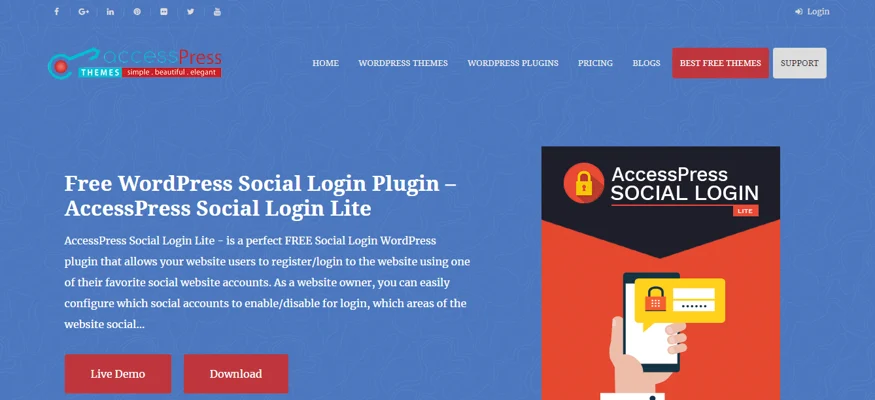
AccessPress Social Login is a free plugin that lets visitors log in or register using their preferred social account. As the site owner, you control which networks are enabled and exactly where login options appear, comments, login page, or registration, and choose from four ready-made icon templates that match your site’s design. Visitors get to skip filling out a long registration form or remembering another password entirely. A few essential features:
1) Four icon and button design options to choose from.
2) Shortcodes let you place login options anywhere on a page or post.
3) Each social network is configured through its own authorization details.
4) Enable or disable specific networks in the login area independently.
5) A clean, easy admin interface for configuration.
6) Sends login details to users by email, with one-click registration and login.
Try AccessPress Social Login Now
2) Nextend-WordPress Social Login Plugins
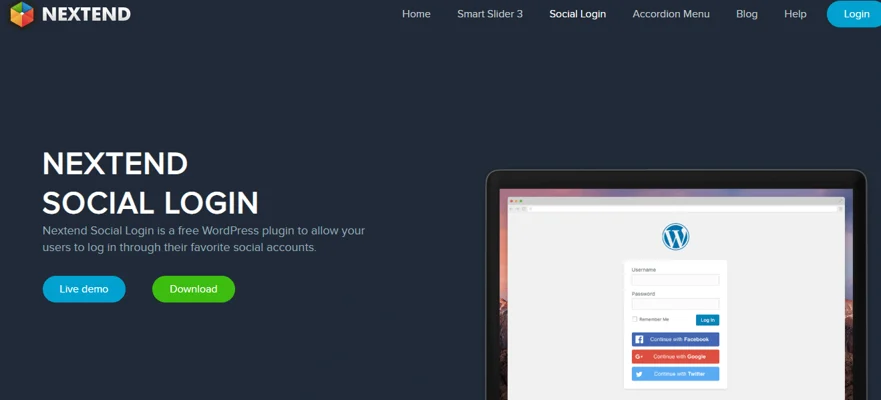
Nextend Social Login is a free plugin letting visitors register with Twitter, LinkedIn, Facebook, or Google+ in a single click, integrating cleanly with your existing WordPress login and registration forms. Once connected, users can keep logging in through that social network going forward, and you control which networks are enabled and where the buttons show up. Features:
1) Displays social login buttons directly on your WordPress login form.
2) Users don’t need to set a username manually, though you can require one at registration if you prefer.
3) When a social provider doesn’t share an email address, you can prompt the visitor to provide one.
4) Works with WooCommerce, letting customers register and log in the same way.
5) Restrict social login for specific roles, for example, forcing admins to log in with a password only.
6) Fully translation-ready, so it can be adapted to your preferred language.
Try Nextend Social Login Now
3) User Signup for Arforms-WordPress Social Login Plugins
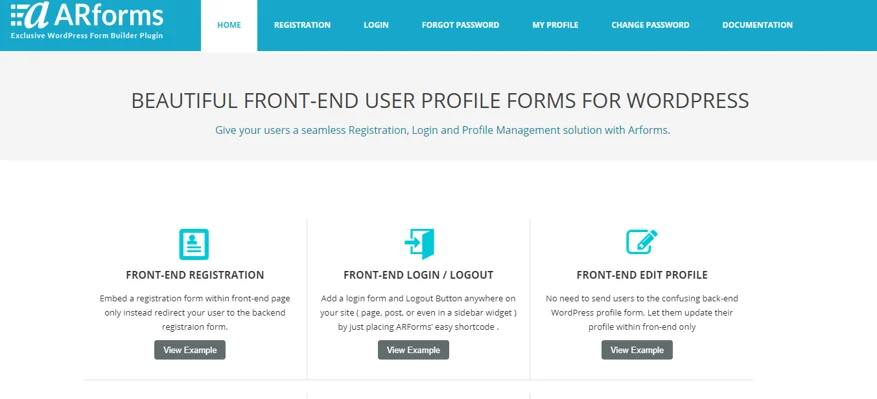
User Signup for Arforms is an addon that adds full user profile and signup functionality: edit profile, registration, login/logout, forgot/change/reset password, all buildable as front-end forms in a few clicks. It also adds social login and signup through Twitter, Google, Facebook, and LinkedIn. Features:
1) Insert a registration form directly on the front end, instead of redirecting to the backend form.
2) Add login and logout buttons anywhere on the site (sidebar widgets, pages, posts) with simple shortcodes.
3) Lets users update their account password from the front end.
4) Users can recover or change a forgotten password entirely through the front end.
5) No need to send users to the confusing back-end WordPress profile screen, everything updates from the front end instead.
Try User Signup for Arforms Now
4) WooCommerce Custom Registration-WordPress Social Login Plugins
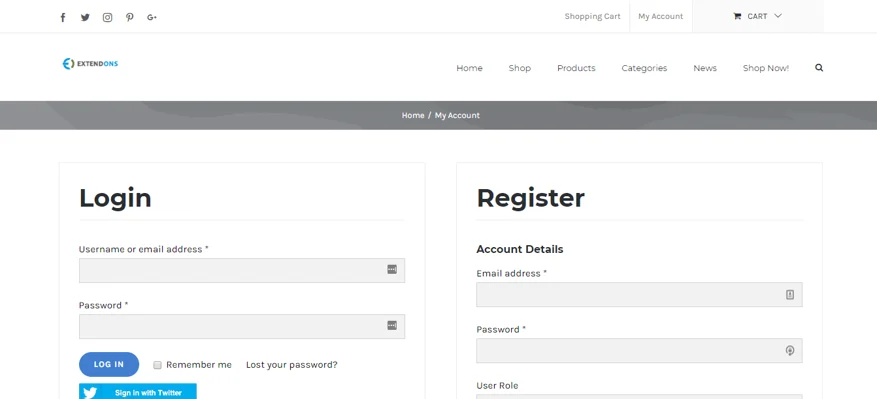
WooCommerce Custom Registration Fields Plugin lets you add custom fields, color picker, text area, file upload, password, select box, date picker, checkbox, time picker, multi-select, radio buttons, and more, to a customer’s registration form, and toggle WooCommerce’s default fields on or off. Twitter and Facebook login are supported too. Features:
1) Edit, enable, or disable default WooCommerce registration fields.
2) Automatically limits access based on requested user role.
3) Users can view and edit extra information from their account page.
4) Custom messages for blocked users at registration and for users pending account approval.
5) Manage user IDs, change roles, block, restrict, or delete accounts.
6) Custom email notifications tied to each user role status.
7) Assigns capabilities and builds custom user roles.
8) A drag-and-drop builder lets you add new fields easily.
Try WooCommerce Custom Registration Now
5) WordPress Simple Login Registration-WordPress Social Login Plugins
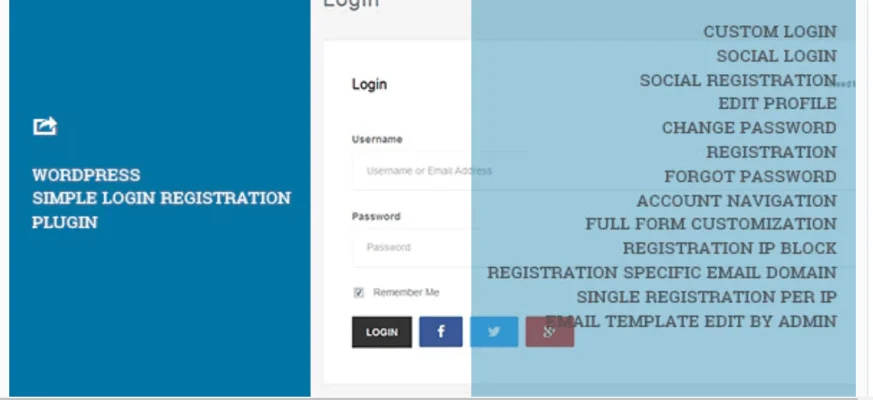
WordPress Simple Login Registration turns a regular site into a membership site, generating every page a membership site needs, with a drag-and-drop field editor for building the signup page quickly and letting members manage their own profile on the front end. Features:
1) Group-wise navigation for users, with built-in support for posts, pages, and external links.
2) Three registration theme styles and a polished front-end login, all via simple shortcodes.
3) Fully translation-ready with .mo/.po and PHP file support.
4) Admin-configurable form fields (registration, login, password change/reset, profile editing) with labels, placeholders, and validation.
5) Uses WordPress user meta for compatibility with other plugins.
6) Password reset works via username or email.
7) Redirects users away from the admin panel to the homepage if they try to access it.
8) Fully responsive, customizable, and configurable to allow just one registration per IP if needed.
Try WordPress Simple Login Registration Now
6) UserPro-WordPress Social Login Plugins
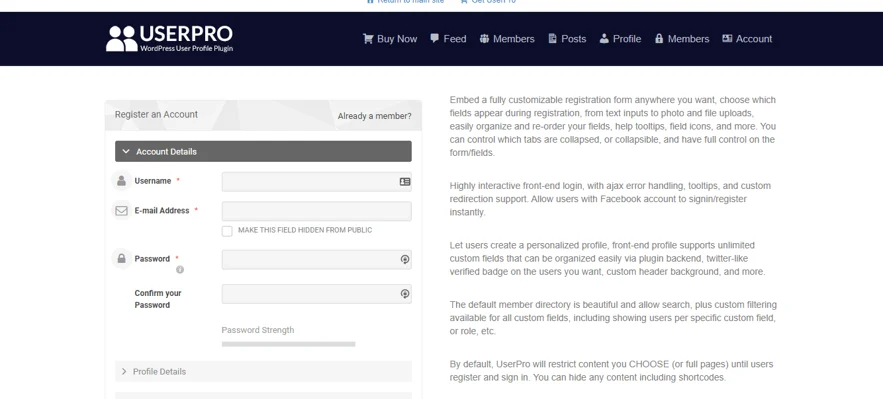
UserPro builds an entire front-end community site with user profiles, registration, login, and social login all in one plugin, plus private and public activity feeds, social integrations, content restriction, verified accounts, and user badges. A few highlights:
1) Follow/unfollow: lets users follow other community members, with shortcodes to display followers and following.
2) Social activity stream: shows recent activity, new posts, followers, registrations, comments, available as either a private or public stream.
3) Display members in a standard grid or table format, or build a customized member list.
4) A member directory with filters and standard search, plus custom filters for browsing a growing directory.
5) Display posts by a specific author in the sidebar or main content area, dynamically and responsively, including on user profiles.
7) BS Input-WordPress Social Login Plugins
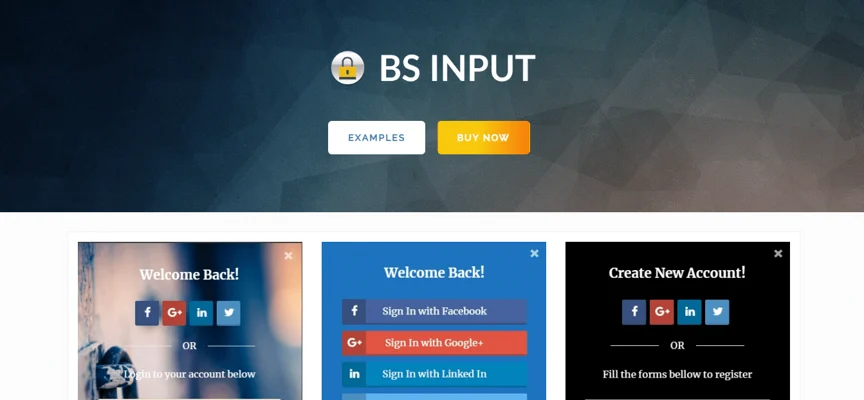
BS Input combines a registration popup, social login, and a site locker with shortcode support, all with no coding required, it works out of the box with any theme, and shortcodes let you place the form on any page or widget area. Its lock feature can hide all content, strip the header and footer, and restyle the site body for logged-out visitors, giving you full control over the login experience. Features:
1) Social login buttons can be added directly to the WooCommerce checkout form.
2) The site-lock mode supports custom colors and backgrounds.
3) Custom links for logged-in users, customizable email templates, and font/color options for those templates.
4) Compatible with BuddyPress and WooCommerce, including BuddyPress’s extended profile fields.
5) Individual posts or the entire site can be locked behind a login requirement.
8) WooCommerce-WordPress Social Login Plugins
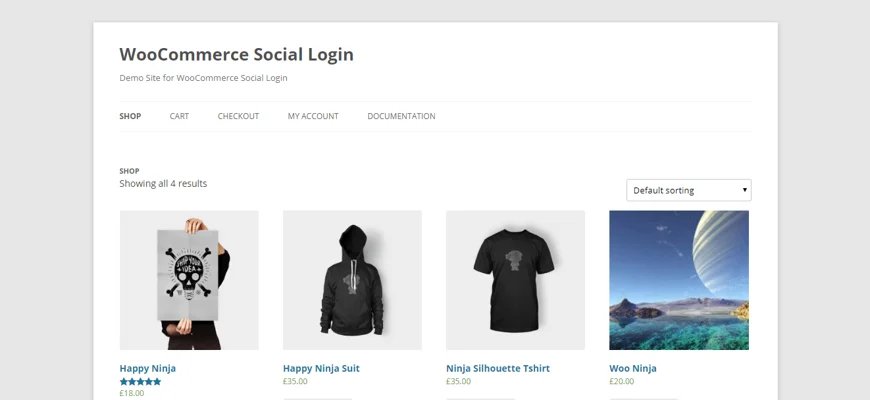
This WooCommerce-focused social login plugin is fully responsive and works standalone, though it also integrates specifically with BuddyPress, PeepSo, WooCommerce, and bbPress. It supports Instagram, LinkedIn, Facebook, Twitter, Google+, Yahoo, VK, PayPal, Amazon, and Windows login. Features:
1) Registration statistics give a visual breakdown of signups by network.
2) Also pairs with WPML for multilingual stores, bbPress for forums, BuddyPress for social sharing, W3 Total Cache for performance, and Yoast for SEO.
3) Updates directly through WordPress rather than requiring manual downloads and reinstalls.
4) Comes with detailed documentation walking through each feature step by step.
9) WordPress Social Login by miniOrange-WordPress Social Login Plugins
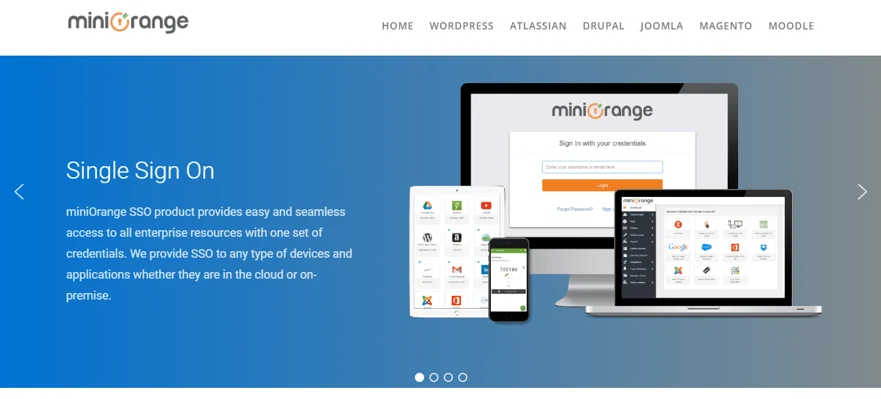
miniOrange’s plugin brings full single sign-on support, tackling the real problem of people juggling too many passwords that are supposed to be complex, unique, and frequently changed but usually end up written down or forgotten instead. Features:
1) Login with Twitter, Facebook, Instagram, Tumblr, LinkedIn, Google, Amazon, or Windows Live.
2) Set up your own app credentials (App ID and secret) for Facebook and Twitter integrations.
3) Customize icon theme, size, shape, and spacing.
4) Manage the role assigned to users who log in via social accounts.
5) Place social login icons on comments, the login page, or the registration page, anywhere on the site, via shortcodes or widgets.
Try WordPress Social Login by miniOrange Now
10) SocialAll-WordPress Social Login Plugins

SocialAll routes authentication through a central service, keeping setup simple and updates automatic as social providers change their APIs. Setup takes a few minutes with a clear user guide, and you can choose exactly where the login form appears: register page, login page, comment box, or via shortcode. Features:
1) Covers 15+ social networks through a unified API, with more in development.
2) Built on basic HTTP requests, so it integrates with virtually any platform or language.
3) Response time is treated as a priority, keeping the experience smooth for users.
4) The unified API saves development time, since every network’s backend integration is handled on their end, not yours.
Worth Knowing If You’re Building a Community
Most of the plugins above are meant to bolt social login onto an existing WordPress site. If you’re instead building a full community platform from scratch, it’s worth knowing that BuddyNext, Wbcom’s free community engine, ships with social login for Google, Facebook, GitHub, and Discord built directly into its free tier, alongside two-factor authentication and invite-only or approval-based registration. That doesn’t replace a dedicated login plugin for an existing WooCommerce store or blog, but it does mean a new community site may not need a separate social login plugin at all.
Picking the Right Plugin
A social login plugin makes a site feel more modern and cuts real friction out of signing up, most people would rather click “continue with Google” than fill out another form. Every plugin here is actively maintained and works across major browsers, so the right pick mostly comes down to which social networks your specific audience actually uses and whether you need extra features like a full membership system layered on top.
Plugins we build and run
We maintain these ourselves, which is why we can support them on your site.
- BuddyNextThe self-hosted community engine for WordPress
- BuddyXFree community theme, Pro when you outgrow it
- ReignPremium community theme. Add pieces, build anything
- JetonomyCommunity forum and Q&A for WordPress
- EventonomyEvents and RSVPs for WordPress communities
- LearnomyCourses and learning communities on WordPress
- ListoraDirectories and listings your members can browse
- SnipShareCode sharing built for developer communities
- WB Ad ManagerAd placements that turn traffic into revenue
- WP Career BoardA job board your community actually uses
- WP Sell ServicesSell services with offers, orders, and payouts
- MediaVersePhotos, video, and media albums for members
- WB GamificationPoints, badges, and rewards that keep members active
- Product RoadmapPublic roadmaps with voting your users trust