Nginx FastCGI Cache for WordPress: Complete Setup and Purge Guide
Complete Nginx FastCGI cache setup for WordPress: cache zone config, logged-in user bypass, WooCommerce exclusions, purge on publish, and HIT/MISS header debugging.

Nginx’s FastCGI cache stores PHP-generated responses as static files. For WordPress, this means anonymous user requests serve cached HTML without touching PHP or MySQL at all. The challenge is cache invalidation - you need to purge cached pages when content changes, skip the cache for logged-in users, and handle WooCommerce’s cart and checkout pages correctly. This guide covers the complete setup from zone definition to WordPress-side purge triggers.
The Cache Zone: Memory and Disk Configuration
FastCGI cache requires two components: a shared memory zone for the cache key directory, and a disk path for the cached files. Configure both in the http block of your Nginx configuration:
The fastcgi_cache_path directive defines where cached files are stored (/var/cache/nginx), the cache key zone name and memory size (keys_zone=WORDPRESS:100m), how many levels of subdirectories to create (levels=1:2), the maximum disk space to use (max_size=1g), and how long inactive items persist before automatic eviction (inactive=60m). The 100m in the keys_zone is memory for the key directory, not the cached content itself - 1MB holds approximately 8,000 keys.
Server Block Configuration: fastcgi_cache_bypass and skip Rules
The server block needs the cache zone reference and the bypass conditions. The bypass logic determines which requests skip the cache and go through to PHP-FPM:
The key variables: $skip_cache and $no_cache are set to 1 for POST requests, query strings (which may be search results or paginated content), and logged-in users detected via their session cookies. fastcgi_cache_bypass tells Nginx to not serve a cached response when the variable is truthy. fastcgi_no_cache tells Nginx not to store the response in the cache.
WooCommerce Cart and Checkout Exclusions
WooCommerce cart and checkout pages must never be cached - they contain session-specific content that changes per user. Add cookie-based bypass rules for WooCommerce:
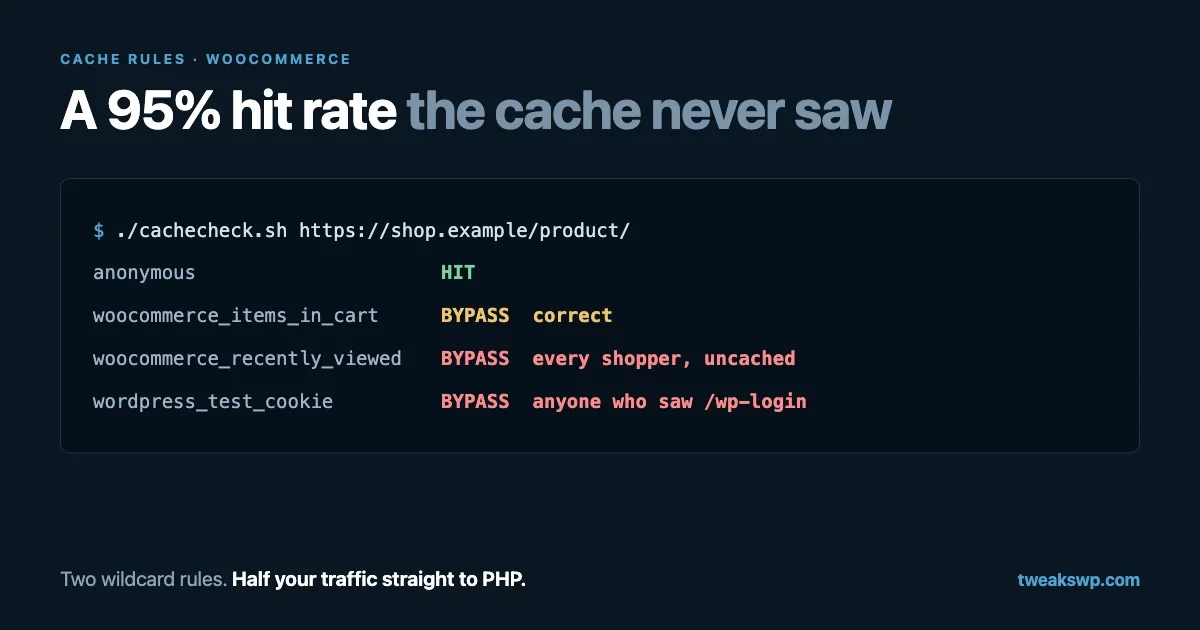
The woocommerce_items_in_cart cookie is set when a user adds an item to the cart. Checking for both the WooCommerce session cookie and the cart cookie ensures users with active carts always get fresh PHP-generated responses. The woocommerce_cart_hash cookie specifically indicates cart content - if you only check session cookies, empty-cart users who previously shopped may receive cached pages instead of their updated cart state.
Cache Purging on Publish
When a WordPress post is published or updated, the cached versions of that post and its archive pages become stale. Purging can happen at two levels: the file system (delete cached files directly) or via Nginx’s cache purge module:
This WordPress hook runs when a post transitions to published status. It constructs the cache key for the post’s URL using the same hashing logic Nginx uses, then deletes the matching cached file. The glob() call handles the two-level directory structure that FastCGI cache creates from the MD5 hash of the cache key.
For sites using the ngx_cache_purge Nginx module (available on OpenResty and some distributions), you can purge via HTTP request instead of filesystem deletion. This is cleaner but requires the module to be compiled in - check with nginx -V 2>&1 | grep -o 'ngx_cache_purge'.
Adding the HIT/MISS/BYPASS Header for Debugging
Add a response header that shows whether each request was served from cache. This is essential for verifying your bypass rules are working correctly:
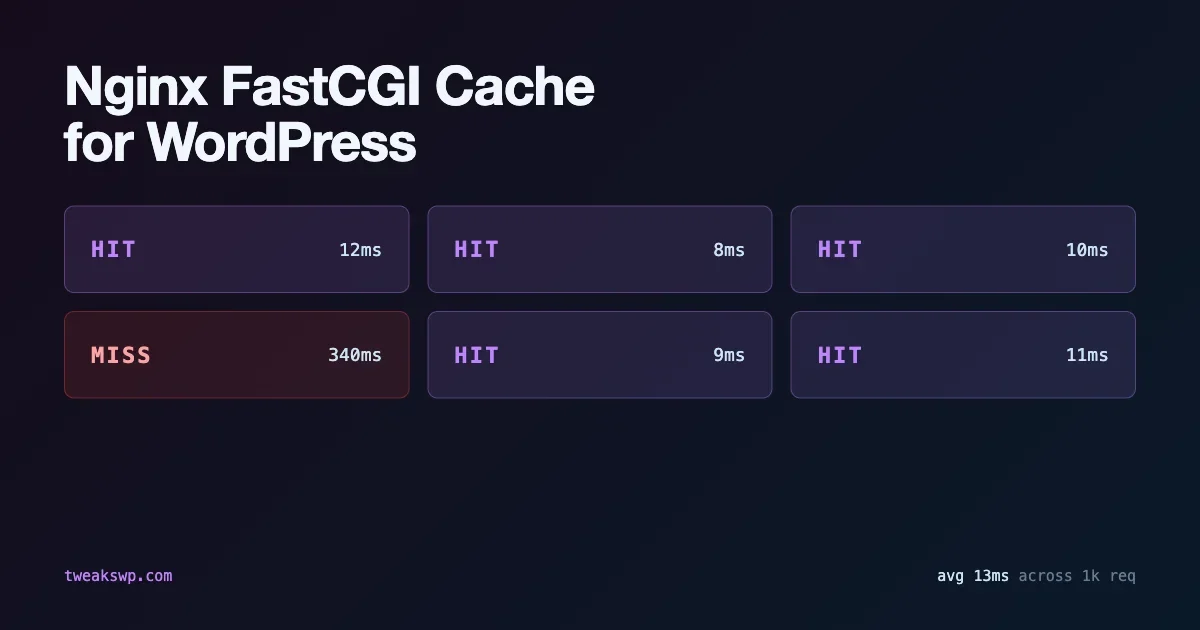
With this header, inspect any response in your browser’s network panel. X-FastCGI-Cache: HIT means the response was served from cache without touching PHP. MISS means the cache was empty and PHP generated the response (which was then stored). BYPASS means the bypass conditions fired and PHP generated the response without caching it.
fastcgi_cache_valid and TTL Strategy
The TTL (time-to-live) for cached responses determines how long content stays cached before expiring. Balance between serving stale content and hitting PHP for every request:
A 1-hour TTL for 200 responses is a reasonable starting point for content-heavy WordPress sites. For sites where content changes frequently, use a shorter TTL (5-15 minutes) and rely on active purge hooks for immediate invalidation when content is published. The combination of a short TTL and active purge ensures stale content never persists longer than the TTL even if the purge hook misses an edge case.
Microcaching: 30-Second TTL for High-Traffic Posts
For news sites or high-traffic WordPress blogs where posts update frequently, microcaching with a very short TTL (10-60 seconds) absorbs traffic spikes without significant staleness risk. A post that gets 1,000 concurrent visitors during the first minute after publishing will hit PHP once (the cache miss) and serve 999 requests from cache even with a 10-second TTL:
Microcaching is incompatible with pages that must show real-time data (user-specific content, live inventory). Keep the logged-in user bypass rules in place regardless of TTL settings.
Stale-While-Revalidate: Serving Cache During Revalidation
The fastcgi_cache_use_stale directive tells Nginx to serve a stale cached response while fetching a fresh one in the background. This prevents a thundering herd problem where a cache expiry causes many simultaneous requests to hit PHP at once:
The combination of updating (serve stale while a new response is being fetched) and error (serve stale if the upstream PHP-FPM returns an error) keeps the site responsive even during PHP-FPM restarts or brief upstream issues. This is particularly valuable during WordPress updates when PHP-FPM restarts and temporary 502 errors would otherwise surface to users.
The WordPress memory limit guide covers how to size PHP-FPM pools to complement the FastCGI cache layer - correct worker sizing reduces the number of simultaneous PHP requests that bypass the cache, making the cache more effective overall.
Conditional Caching: Vary by Device or Locale
If your WordPress theme serves different HTML for mobile versus desktop (not responsive CSS, but actually different content), you need separate cache keys for each. Similarly, multisite setups with locale-based content need cache separation by locale:
The fastcgi_cache_key directive includes any variable you want to differentiate on. Adding $is_mobile (a custom variable mapping User-Agent to mobile/desktop) creates separate cache entries for each. The tradeoff: more cache variants reduce the hit rate per variant, requiring more disk space and memory for the same traffic volume.
For most WordPress sites with responsive themes, do not vary by device type. A single responsive HTML response served from cache at 100% hit rate is better than two device-specific responses at 50% hit rate each.
Monitoring Cache Efficiency with Nginx Access Logs
Log the cache status in your access log to track hit rates over time:
With the cache status in your access log, you can calculate the hit rate from the last hour of logs to verify the cache is performing as expected. A healthy FastCGI cache for a public WordPress blog should show 80-95% HIT rate on page requests, with BYPASS occurring on authenticated users and POST requests. If you see a low hit rate, enable the debug header temporarily and inspect the bypass reasons by request URL.
Cache Lock: Preventing Thundering Herd on Cache Miss
When a cached entry expires, multiple simultaneous requests may all miss the cache and hit PHP at once. fastcgi_cache_lock serializes cache misses for the same URL - one request fetches from PHP while others wait for the result to be cached:
Set fastcgi_cache_lock_timeout to your PHP execution time limit minus a buffer. If PHP typically responds in under 2 seconds, a 5-second lock timeout ensures waiting requests get the cached response rather than timing out. The stale-while-revalidate pattern described earlier is usually preferable to cache locking - it serves stale content immediately rather than making users wait for a lock. Use cache locking when you cannot tolerate any stale content even briefly.
Integration with the .htaccess Optimization Layer
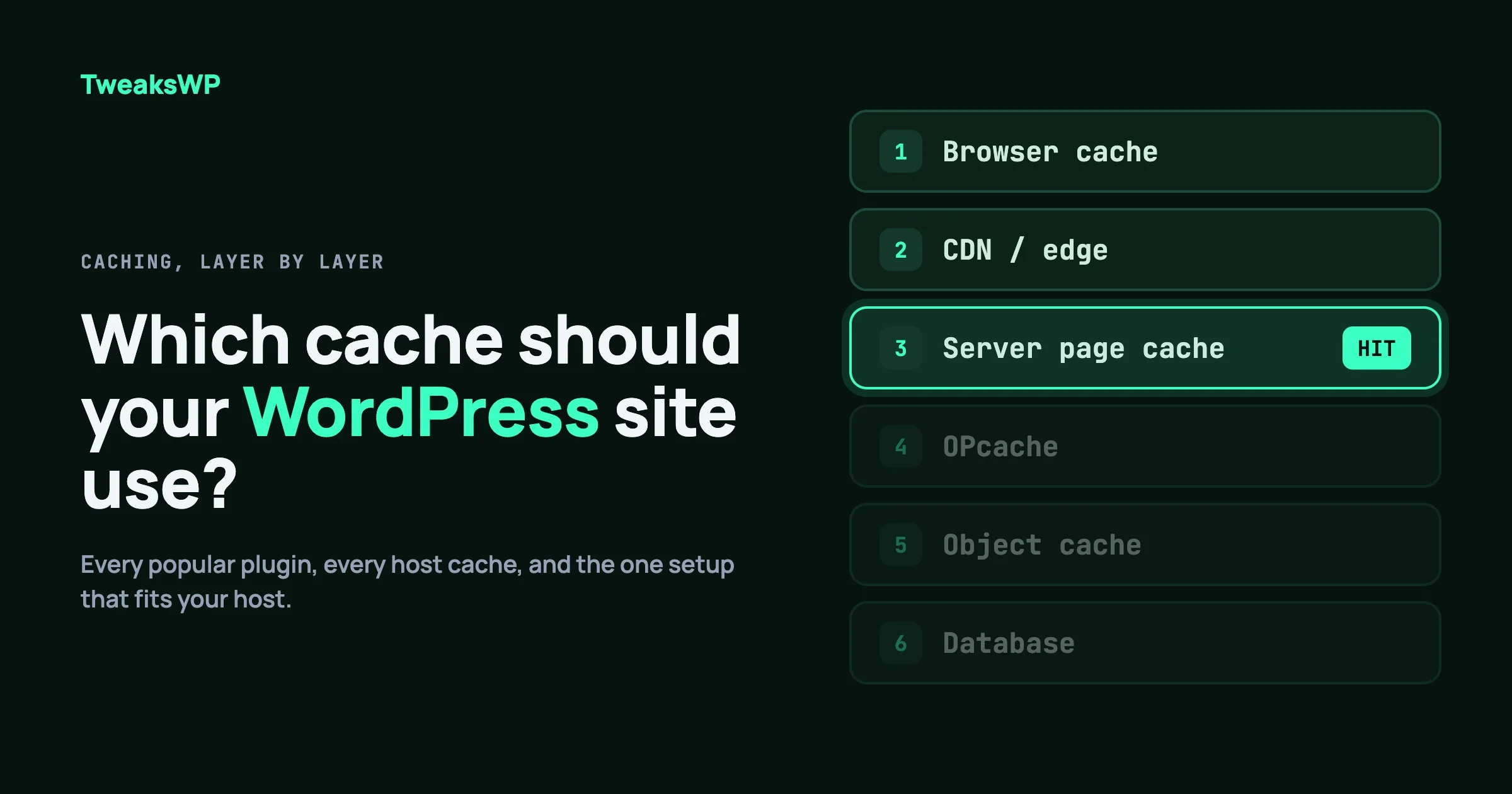
FastCGI cache handles full-page caching at the Nginx layer. It works alongside static asset caching at the browser layer. These are complementary, not competing:
- FastCGI cache serves cached HTML pages to anonymous users without hitting PHP
- Browser cache (via Cache-Control headers on static assets) reduces repeat requests for CSS, JS, and images
- OPcache reduces PHP compilation overhead for the requests that do reach PHP-FPM
All three layers operate independently. A user visiting a cached page gets HTML from FastCGI cache without PHP executing. Their browser then fetches CSS and JS from their local cache without hitting the server at all. The server handles only the first visit and authenticated user sessions.
Testing the Cache with curl
After configuring the cache, verify its behavior with curl before opening the site to traffic:
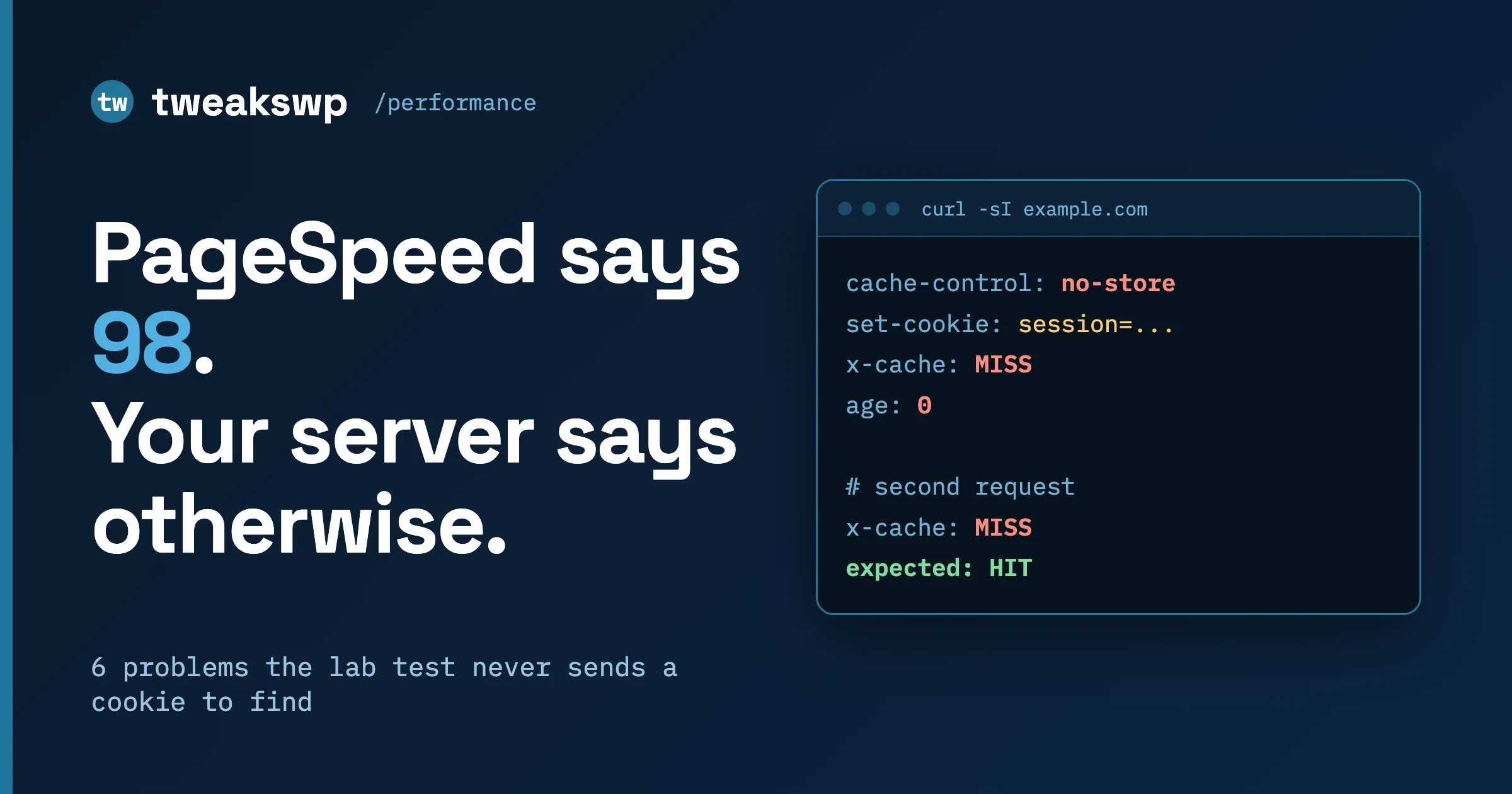
Run the first request, then run the same URL again immediately. The first request should return X-FastCGI-Cache: MISS (or no header if your response header add is not yet active), and the second should return HIT. Then test with a WordPress session cookie to verify the bypass rule works. If an authenticated request returns HIT, your cookie bypass pattern is incorrect.
For the browser cache headers that complement the FastCGI cache, the WordPress .htaccess optimization guide covers mod_deflate, mod_expires, and browser caching headers that reduce repeat asset requests. Together with FastCGI cache at the page level and OPcache at the PHP level, these three layers cover the full caching stack for a self-hosted WordPress server.
Handling REST API Requests and AJAX
The WordPress REST API (/wp-json/) and admin-ajax.php must not be cached. REST API responses are frequently user-specific or dynamic, and caching them would serve the wrong user’s data or stale plugin state. The default bypass rules in this guide skip POST requests, but GET REST API calls need explicit exclusion:
This sets $skip_cache to 1 for any request to /wp-json/, /wp-admin/, or admin-ajax.php. The REST API endpoint match uses $request_uri ~* "^/wp-json" rather than a static location block to keep the bypass logic centralized with your other cache control variables.
Verify with Real Traffic, Not Synthetic Tests
After enabling FastCGI cache, monitor your server’s PHP-FPM request count under real traffic. A properly configured cache should reduce PHP-FPM requests by 80-95% on content-heavy pages. If you are not seeing that reduction, the bypass rules are triggering more than expected - check for cookies that match your skip patterns being sent on anonymous requests.
Plugins we build and run
We maintain these ourselves, which is why we can support them on your site.
- BuddyNextThe self-hosted community engine for WordPress
- BuddyXFree community theme, Pro when you outgrow it
- ReignPremium community theme. Add pieces, build anything
- JetonomyCommunity forum and Q&A for WordPress
- EventonomyEvents and RSVPs for WordPress communities
- LearnomyCourses and learning communities on WordPress
- ListoraDirectories and listings your members can browse
- SnipShareCode sharing built for developer communities
- WB Ad ManagerAd placements that turn traffic into revenue
- WP Career BoardA job board your community actually uses
- WP Sell ServicesSell services with offers, orders, and payouts
- MediaVersePhotos, video, and media albums for members
- WB GamificationPoints, badges, and rewards that keep members active
- Product RoadmapPublic roadmaps with voting your users trust