

Most WordPress sites don’t start out as “ad businesses.” You add a banner for a partner, drop a sponsor block into a page builder, hard‑code a sidebar widget, and move on. Months later, ads live everywhere, no one remembers where they are, and every sponsor change becomes a mini‑project. That’s exactly the problem WB Ad Manager was built to solve.
Why WB Ad Manager exists
Once a site has real traffic, ads are no longer a side task—they’re revenue. But the typical WordPress setup makes ad management messy:
- Ads get scattered across theme files, page builders, and custom blocks
- Updates are slow because someone has to hunt down each placement
- Placements become inconsistent across pages
- Reporting for sponsors is weak or manual
That creates three business problems:
- Slow updates – sponsor changes take days instead of minutes
- Inconsistent placements – ads appear in random spots across the site
- Weak reporting – sponsors don’t get clear performance proof
WB Ad Manager centralizes ad placement, targeting, scheduling, and reporting so ads become a managed system instead of random content blocks. The goal is simple: predictable revenue without hurting user experience.
What the plugin does (simple summary)
- Define placements once and reuse them anywhere on the site
- Manage all ads from one dashboard instead of editing pages/templates
- Schedule, rotate, and target ads to keep campaigns clean and relevant
- Upgrade to Pro for analytics, advertiser dashboards, packages, and classifieds
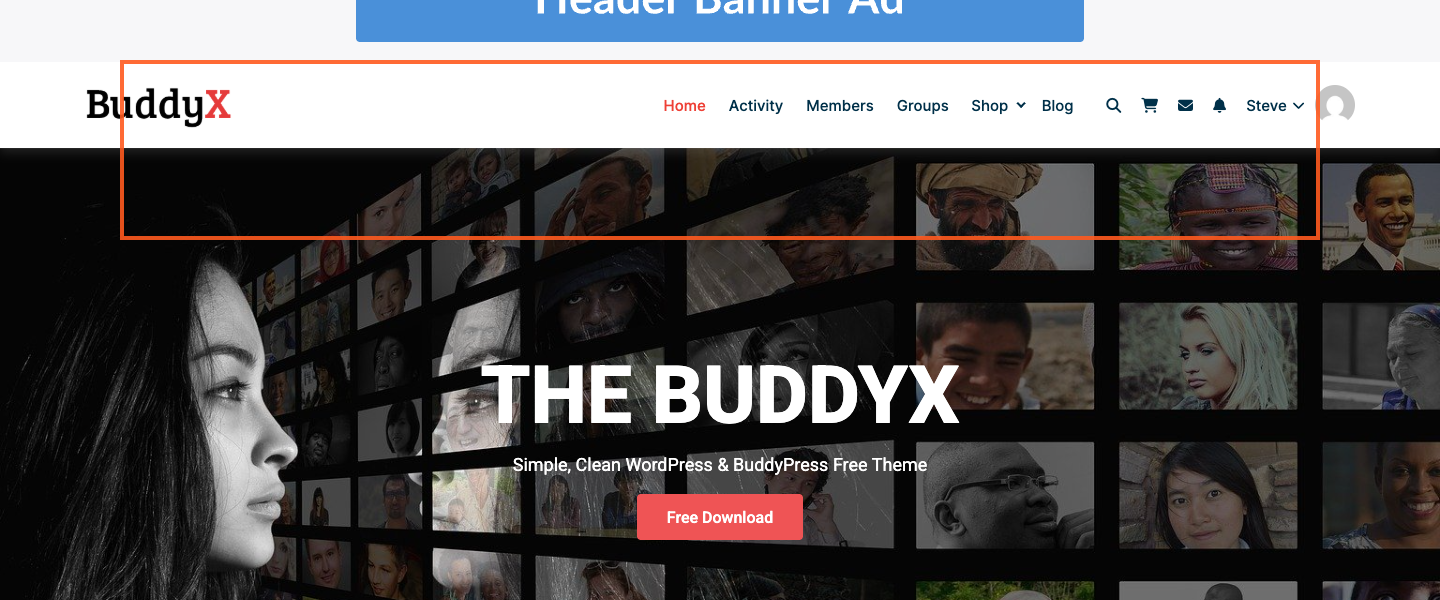
In other words, it turns WordPress ads into a system you can run like a real business.
Core features (Free)
1) Placement control (20+ positions)
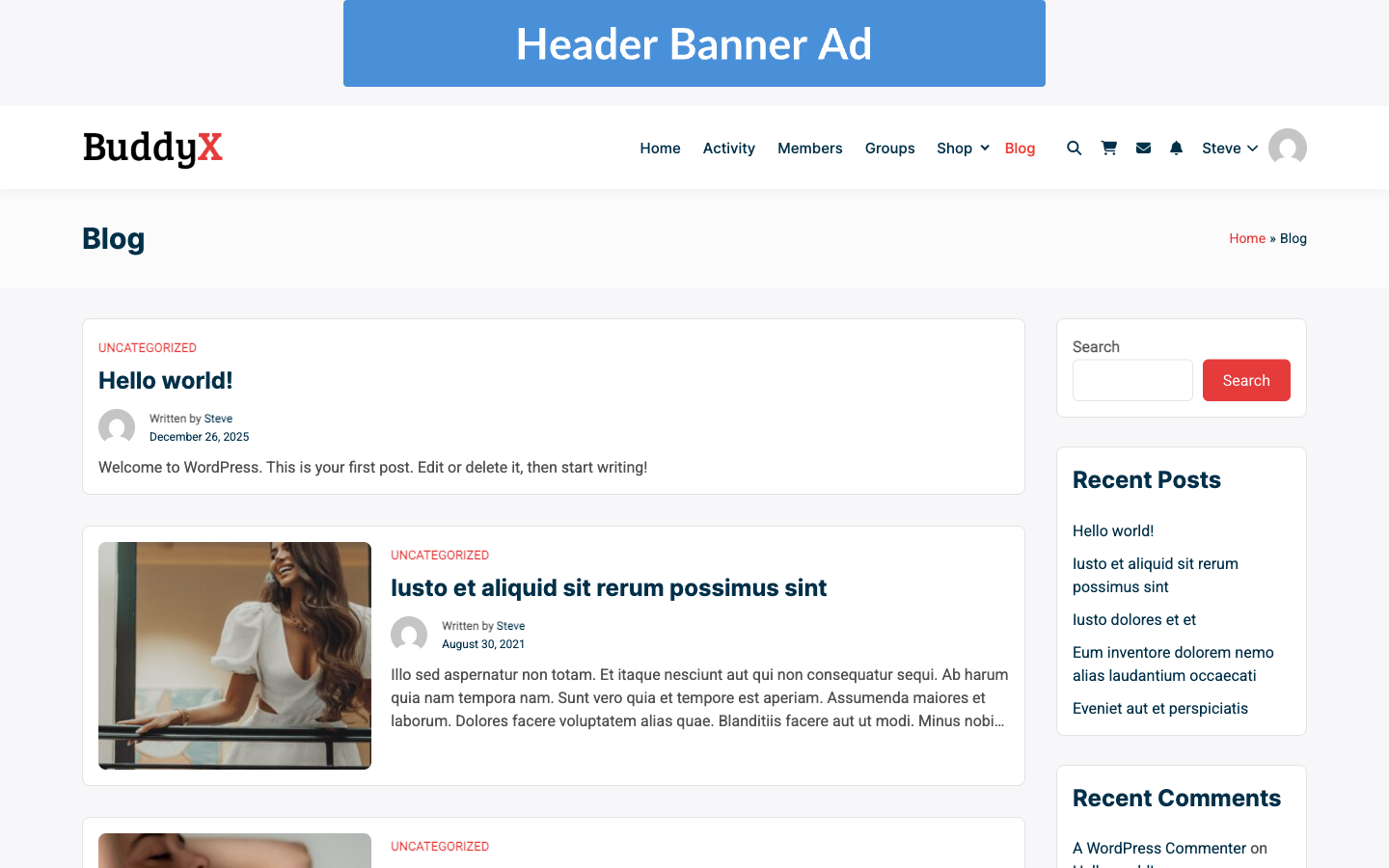
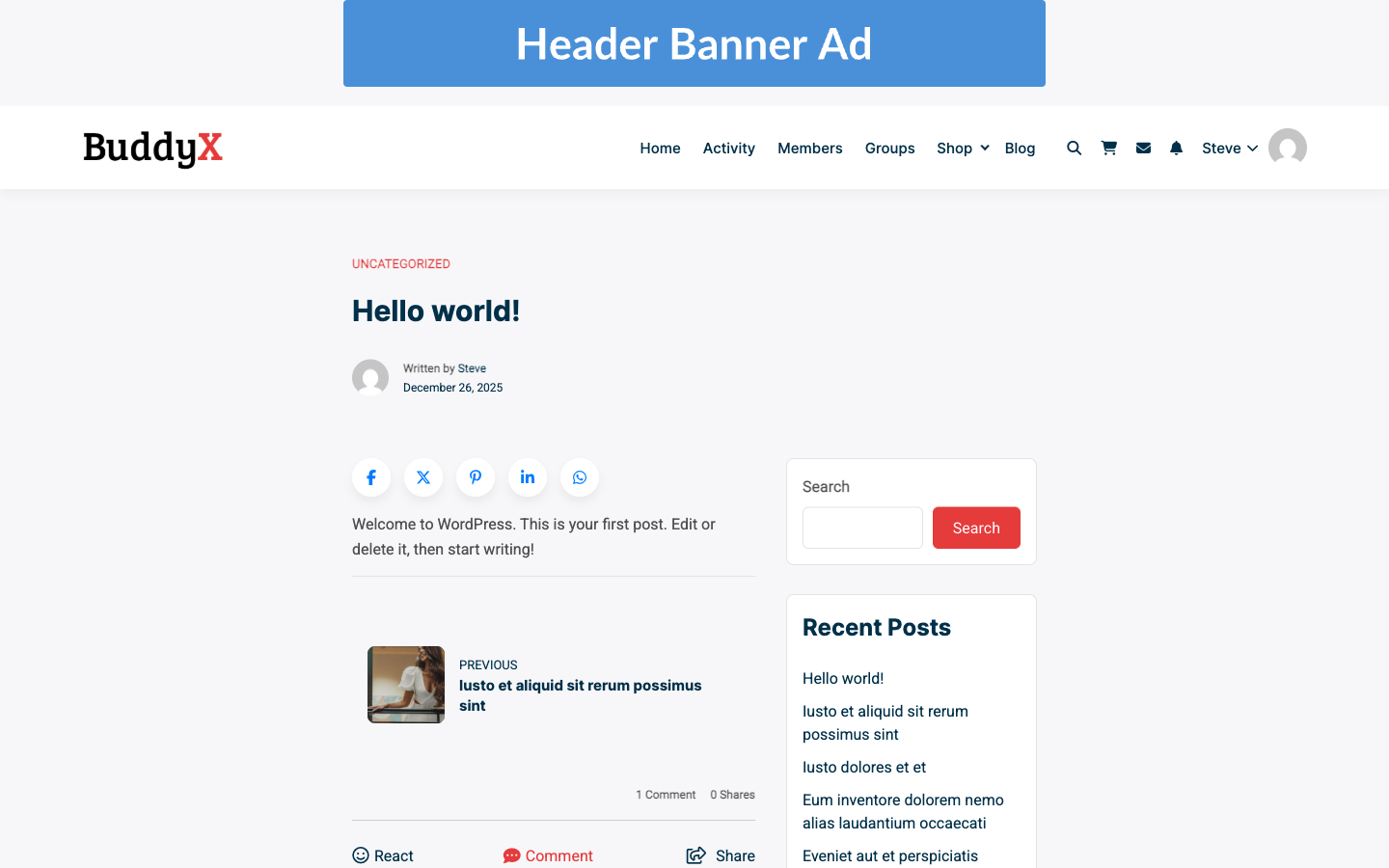
Choose where ads appear—header, footer, sidebar, in‑content, after a paragraph, inside archives, and more. This makes ad placements consistent and easy to manage without touching code.
2) Multiple ad types
- Image banners
- HTML/JS ads
- Video ads
- Google AdSense
- Affiliate links
- Sticky ads
- Background ads
- Responsive ads
You can mix these in a single placement and rotate them automatically.
3) Scheduling and rotation
Set start/end dates, rotate multiple ads in one placement, and keep campaigns on schedule without manual swaps.
4) Targeting
- Device targeting (desktop, tablet, mobile)
- Location targeting (country, region, city)
- Content targeting (posts, pages, categories, tags)
This keeps ads relevant and reduces wasted impressions.
5) Clean ad experience
Because placements are controlled and consistent, ads feel intentional—not intrusive. That protects your brand while still monetizing traffic.

Pro features (adds to Free)
Pro is for sites that sell ads directly to sponsors or want a repeatable ad revenue workflow.
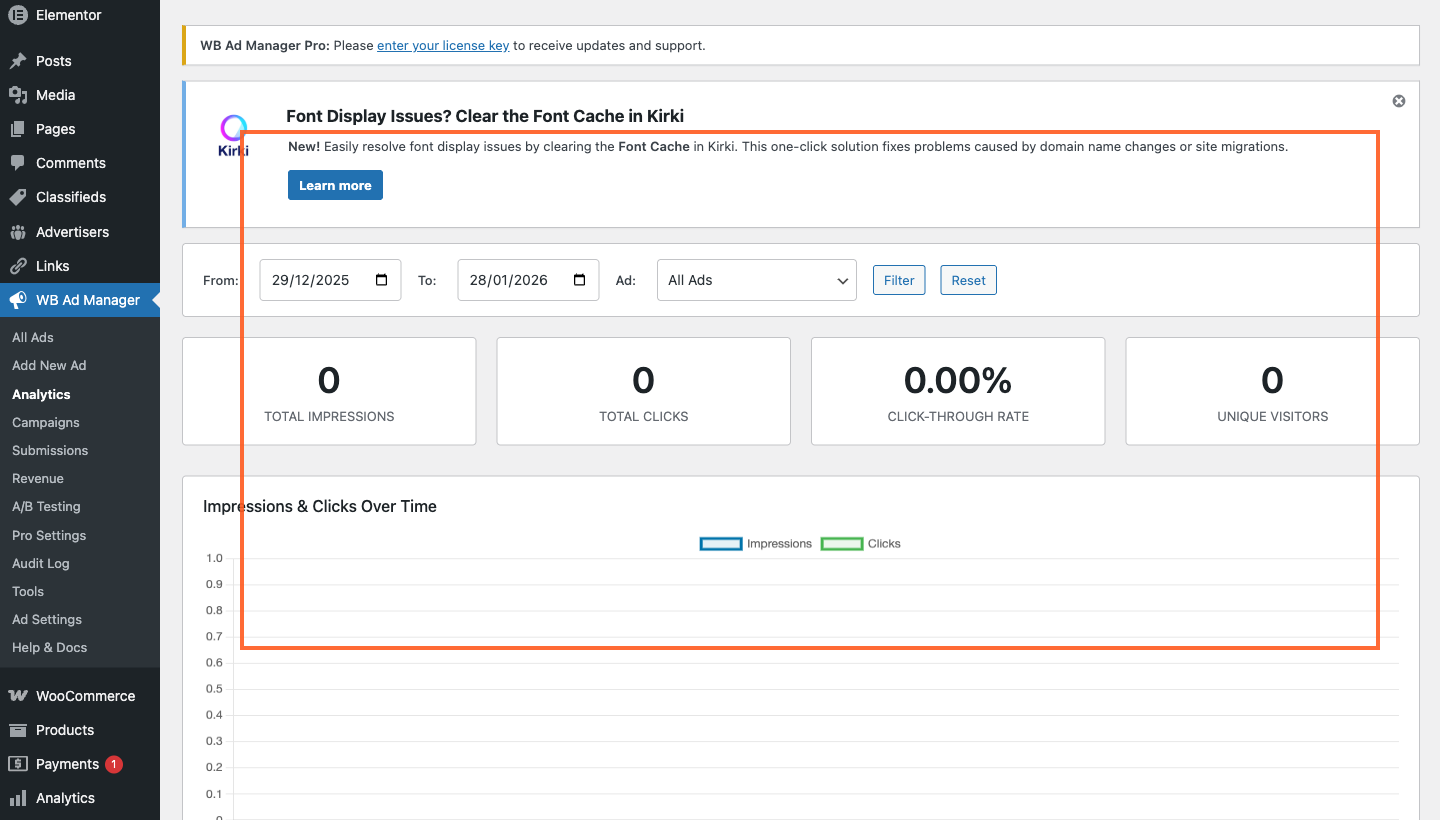
1) Analytics dashboard
Track impressions, clicks, and CTR by ad and placement. Sponsors get real proof of performance.
2) Advertiser dashboards
Give advertisers a dedicated portal to manage campaigns without you acting as the middleman.
3) Ad packages and billing workflows
Sell ad packages by time or impressions and track delivery automatically.
4) Classified listings
Enable paid listings and approval workflows for marketplace‑style revenue (great for directories and community sites).
5) Advanced sponsor workflows
Pro turns ad sales into a real workflow—better for agencies, publishers, and multi‑site networks.
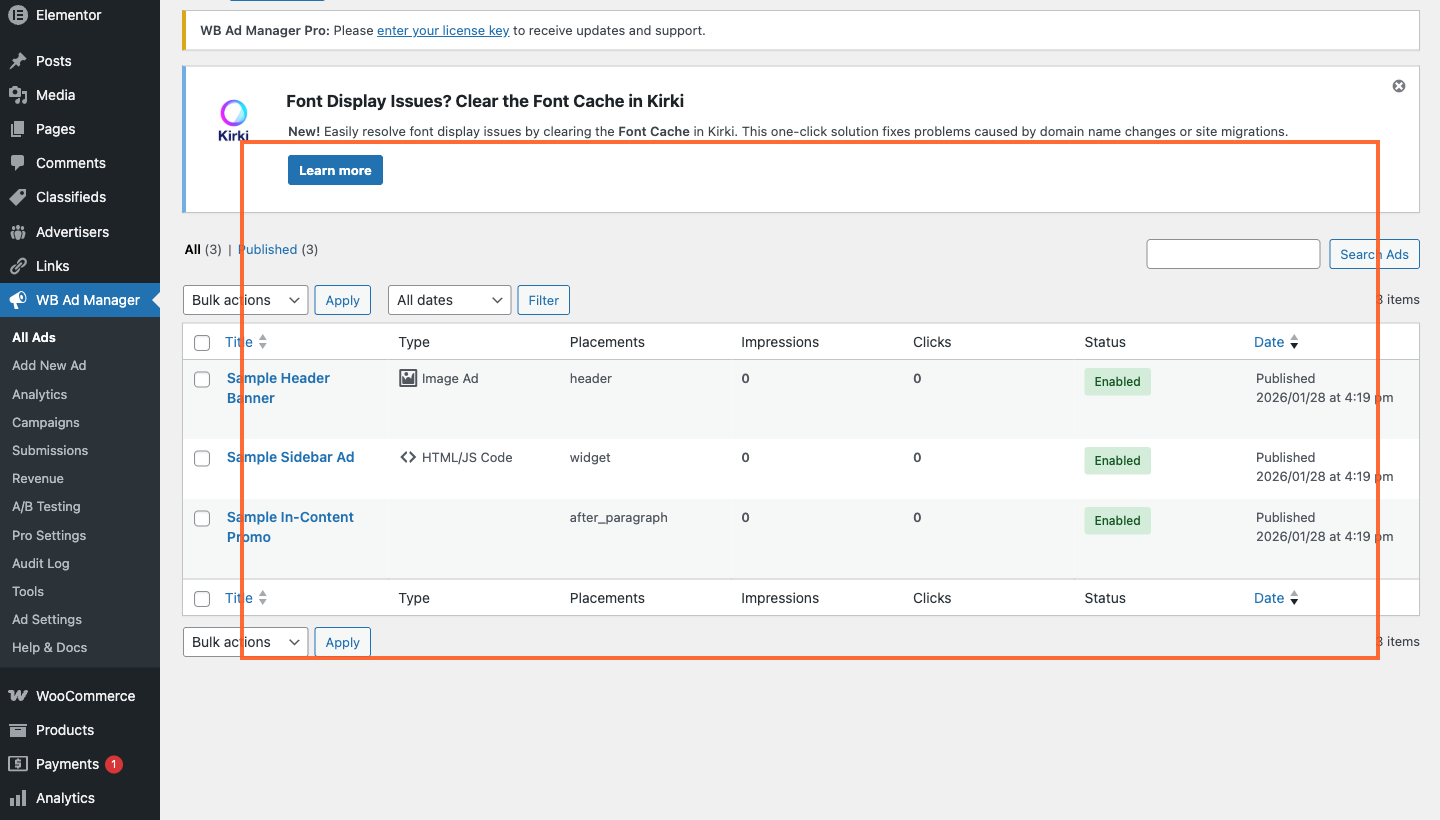
Quick overview of ads and statuses
Who this is ideal for
- Publishers with traffic who want consistent, sponsor‑friendly placements
- Membership/community sites that need ads without harming UX
- Agencies managing ads across multiple client sites
- Niche directories that want both ads and classifieds
Final thought
If your WordPress site already has traffic, you already have a monetization asset. WB Ad Manager gives you the system to manage it professionally: define placements once, keep ads relevant, prove performance, and scale into sponsor‑ready campaigns when you’re ready.
Free version is perfect for clean ad placements and rotation. Pro is where you build a true ad business with reporting, dashboards, and packages.
Get the plugin
- WB Ad Manager (Free) – https://wbcomdesigns.com/downloads/wb-ad-manager/
- WB Ad Manager Pro – https://wbcomdesigns.com/downloads/wb-ad-manager-pro/
That’s why WB Ad Manager was built.
Last modified: February 11, 2026

