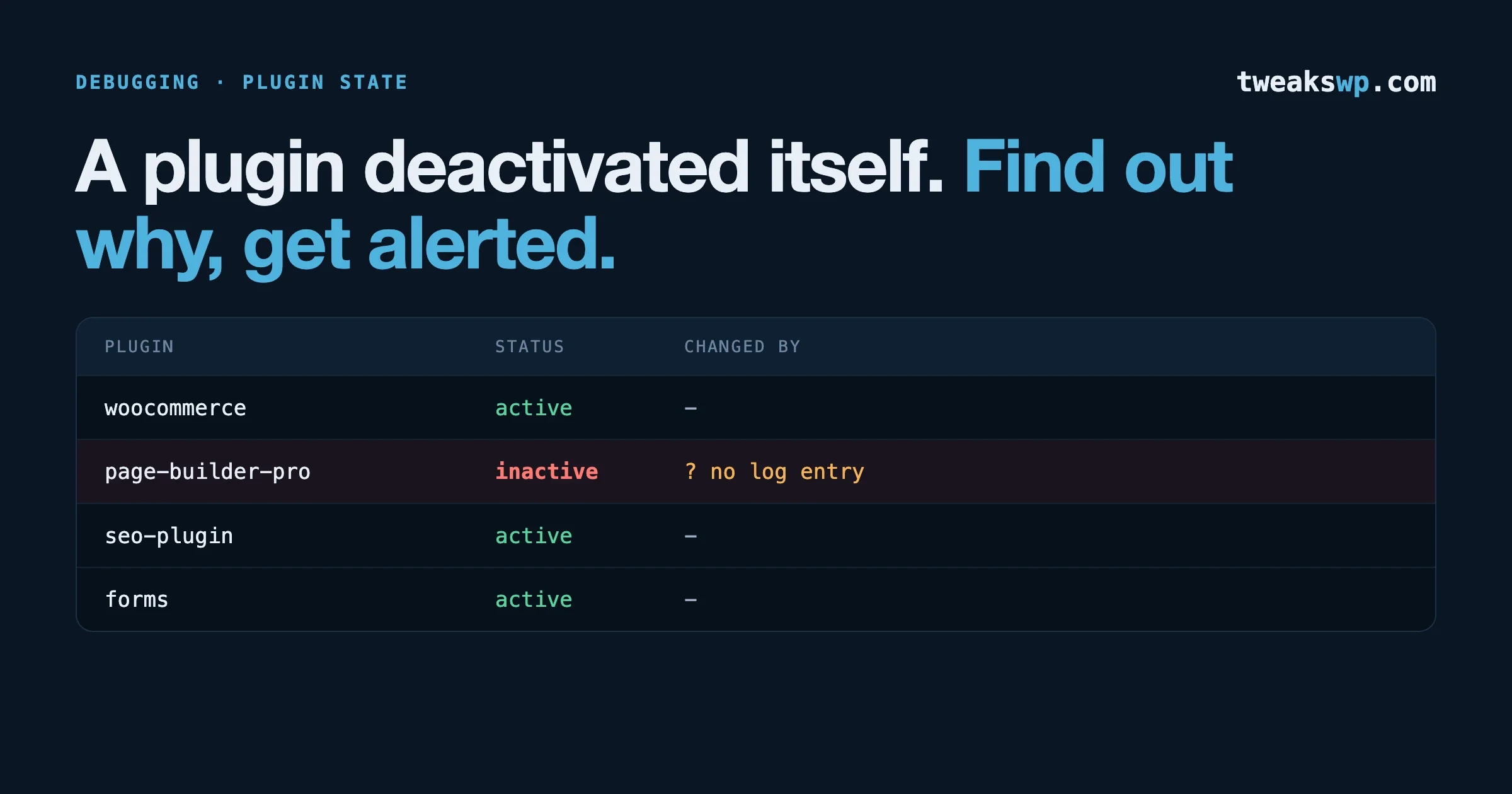
A Plugin Deactivated Itself: Find Out Why, Get Alerted
A plugin deactivated itself and nothing is in the logs? Five causes, the check for each, and two small scripts that alert you the next time it happens.
Debugging & Profiling11 min read
A plugin deactivated itself and nothing is in the logs? Five causes, the check for each, and two small scripts that alert you the next time it happens.
Debugging & Profiling11 min read
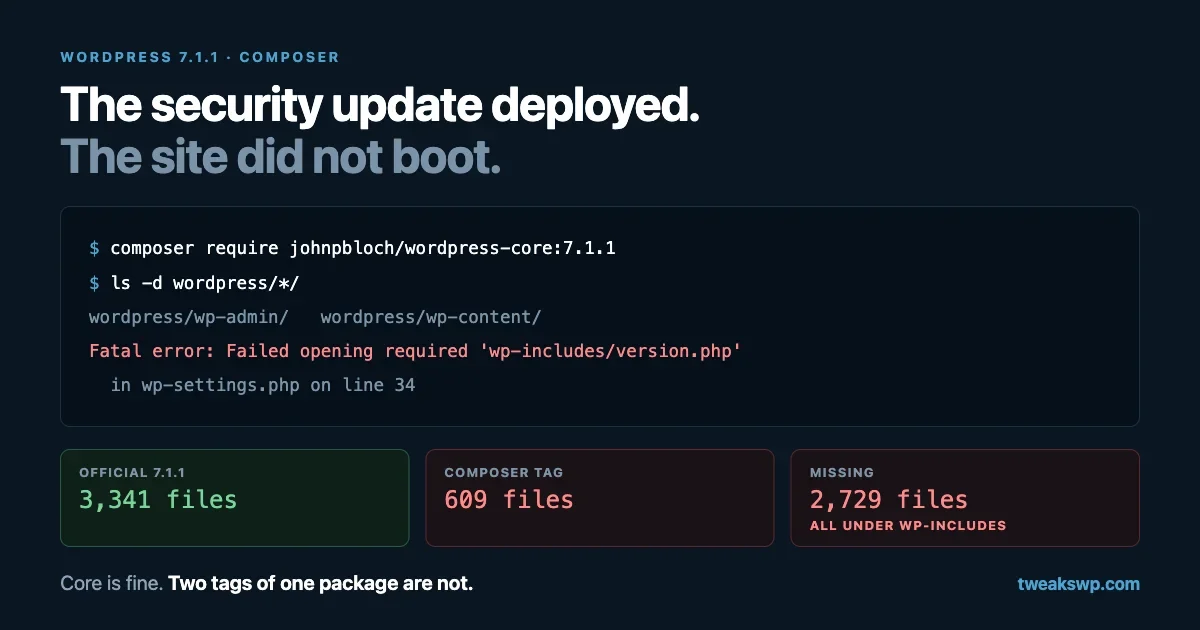
The Composer package for WordPress 7.1.1 and 7.0.5 was published without wp-includes, so a deploy of the security release leaves every request fatal on wp-settings.php line 34. How to confirm it, three ways back online, and the build-time guard that stops the next one.
Debugging & Profiling11 min read
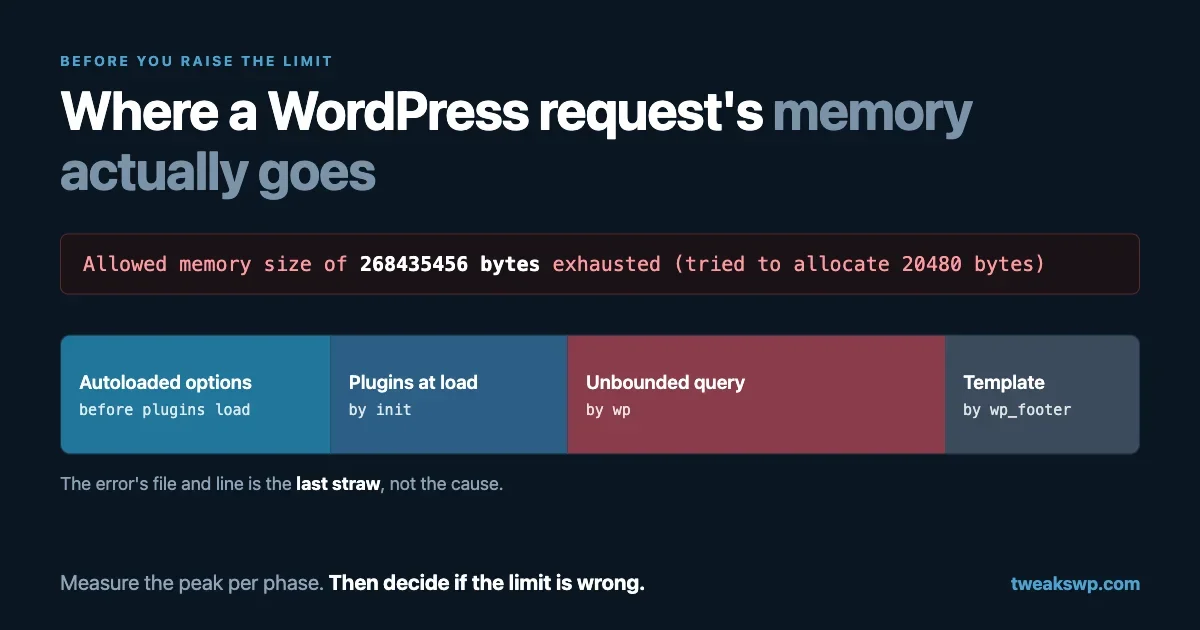
Raising the memory limit hides the real question: what in this request needed that much? How to measure peak memory per request and per plugin, the autoload and transient costs every page pays, the PHP array shape that multiplies memory, and the unbounded queries behind most fatals.
Performance11 min read
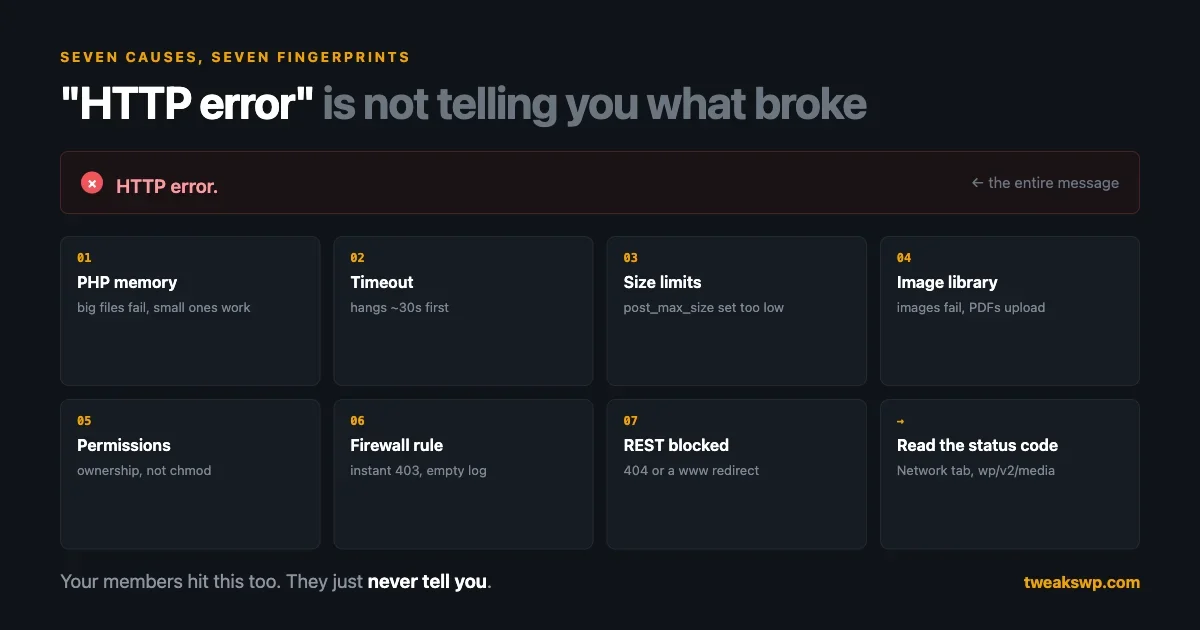
WordPress answers a failed upload with two words and no detail. Here are the seven causes that account for almost every case, the fingerprint each one leaves, and the three logs that hold the real error.
Debugging & Profiling12 min read
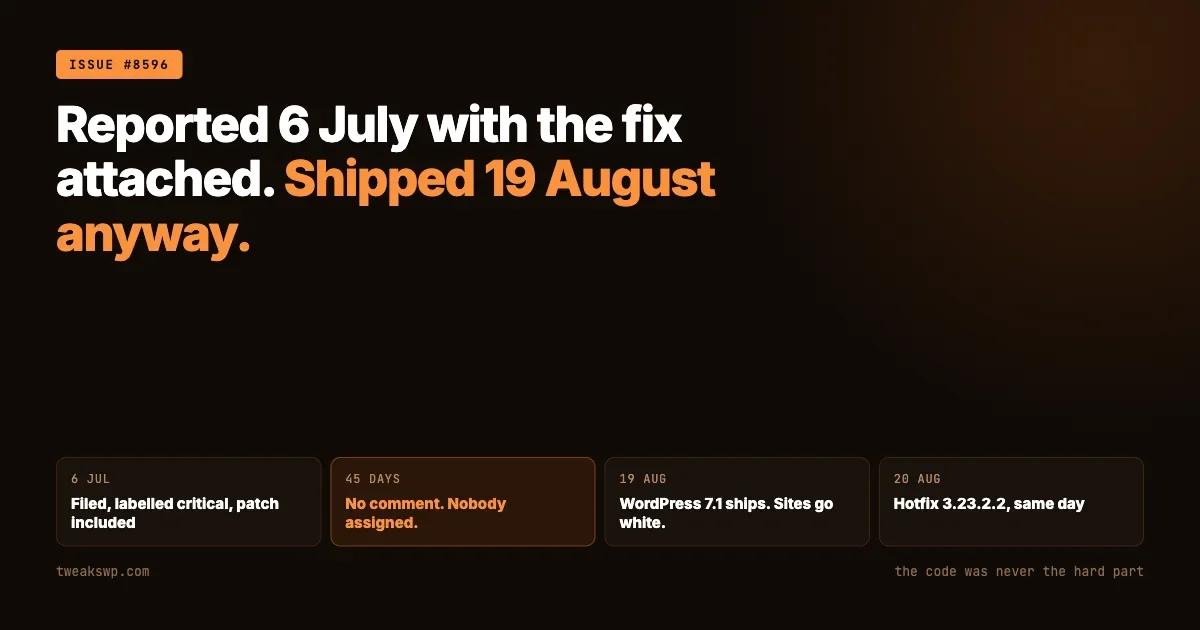
Recovery steps first, then what actually broke, three corrections to the coverage, and a timeline showing the fault was reported with its own fix six weeks before the release that made it universal.
Performance12 min read

The WordPress White Screen of Death (WSOD) shows a blank page with no error message. This step-by-step guide covers enabling WP_DEBUG, fixing memory limits, isolating plugin and theme conflicts, using WordPress Recovery Mode, and preventing WSOD from happening again.
Debugging & Profiling14 min read
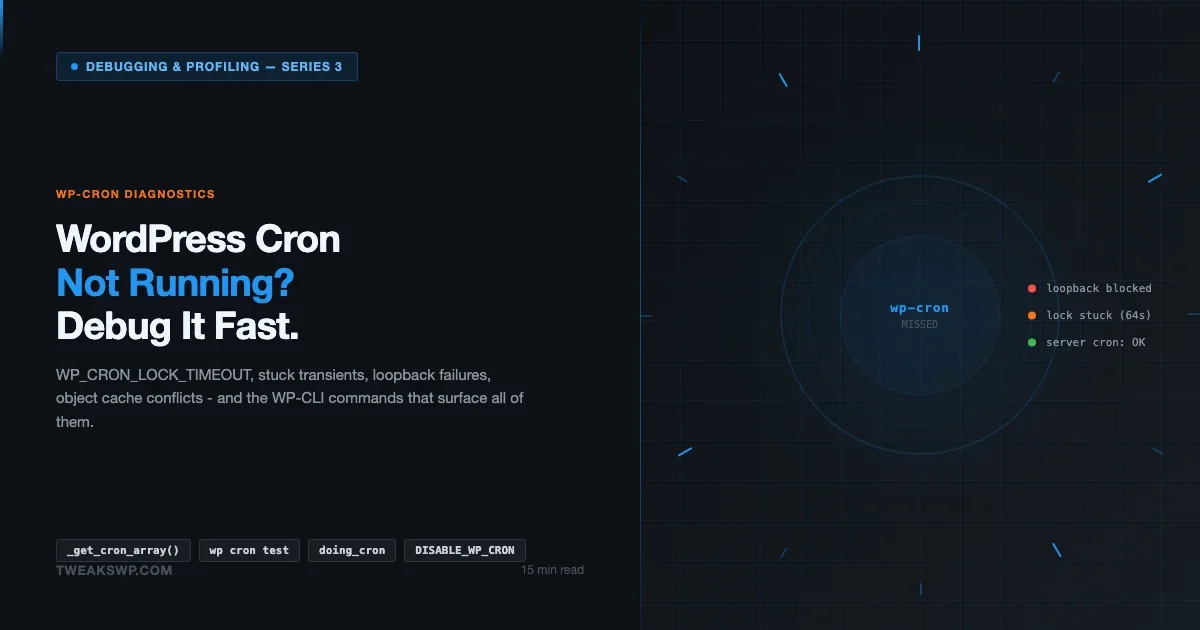
WP-Cron stops running silently and the cause is almost always a stuck lock, a blocked loopback request, or DISABLE_WP_CRON set without a server cron replacement. This guide covers the full diagnostic flow with WP-CLI, _get_cron_array(), WP_CRON_LOCK_TIMEOUT, object cache conflicts, and real cron setup.
Debugging & Profiling13 min read

WordPress error logs stop being intimidating once you understand their structure. This guide decodes every PHP error severity level (Fatal, Warning, Notice, Deprecated, Parse), shows how to read stack traces, documents the most common WordPress-specific errors with root causes and fixes, explains error_reporting levels, and covers log security and rotation.
Debugging & Profiling13 min read
Query Monitor is not just a queries plugin - it is a complete execution inspector for every WordPress request. This tutorial explains every panel: Queries (duplicates, slow queries, component filter), Hooks, HTTP API, PHP Errors, Scripts and Styles, Languages, Conditionals, Environment, Capabilities, Blocks, Caches, and REST API. Real debugging workflows with each panel.
Debugging & Profiling14 min read
Most developers set WP_DEBUG and stop there. This guide documents every WordPress debug constant in wp-config.php: WP_DEBUG, WP_DEBUG_LOG, WP_DEBUG_DISPLAY, SCRIPT_DEBUG, SAVEQUERIES, WP_CACHE, CONCATENATE_SCRIPTS, and more. Includes correct configurations for local development, staging, and production, plus how to use ini_set for custom error log paths.
Debugging & Profiling11 min read
Learn how to enable WP_DEBUG, configure the debug log file, read error entries, write custom log functions, manage log file size, and use Query Monitor for real-time WordPress debugging.
How To6 min read
The all-in-one WordPress community stack
Also ours: wbcomdesigns.comvapvarun.combrndle.com













